-
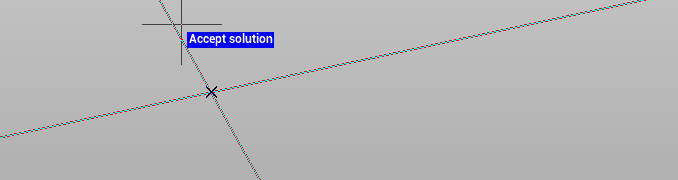
Use the command Intersection to create a point in the intersection of 4 topographic points or drawing objects. It is also possible to define an offset.
-
Click Draw.
-
Click click below Point to open drop down menu.
-
Click Intersection.

-
Select the first couple of topographic points or the first drawing object.
-
Enter an offset (optional).
-
Select the second couple of topographic points or the second drawing object.
-
Confirm the proposed solution to save the new topographic point.