

-
Using the right target is critical to get the correct result when measuring with a total station
-
While in survey or stakeout applications, click on the prism icon to open the Select target page.
-
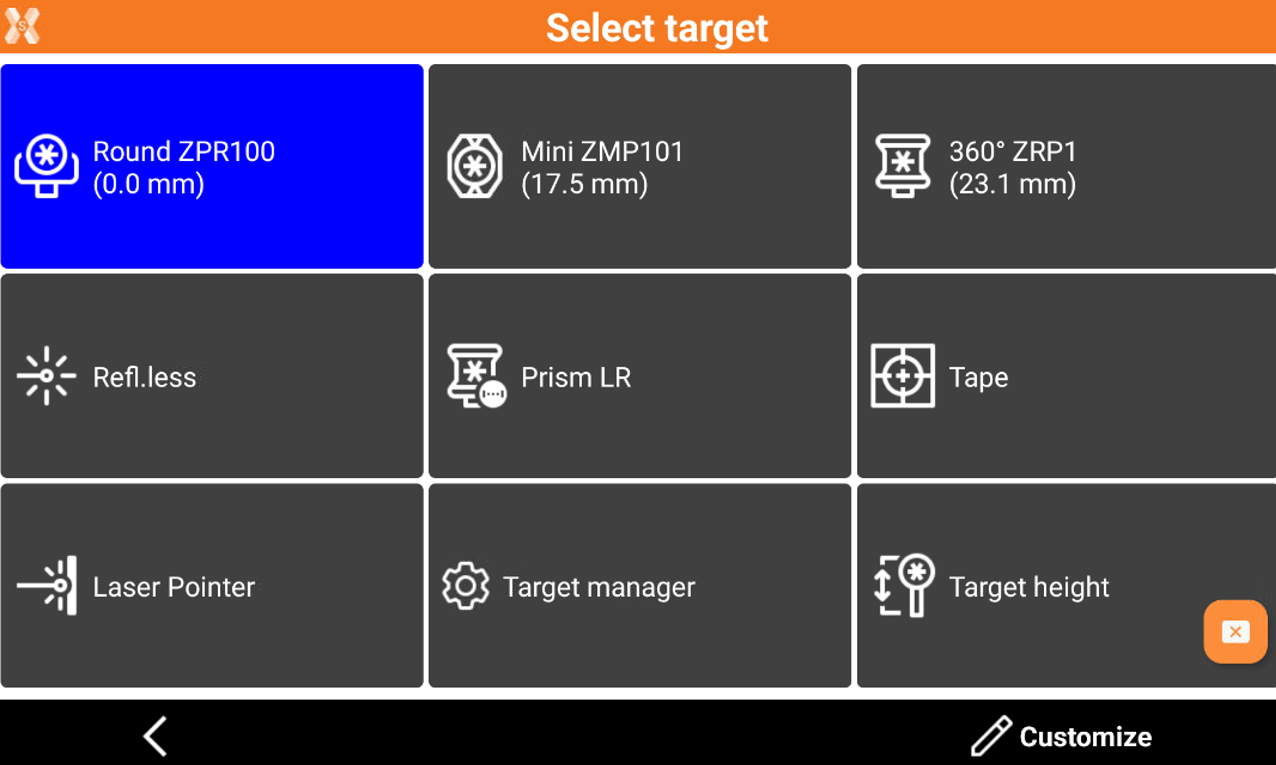
This page allows to change the target and change the EDM settings.
-
The six fields in the upper part contain six prism types. Click on a target to change the current target type.
-
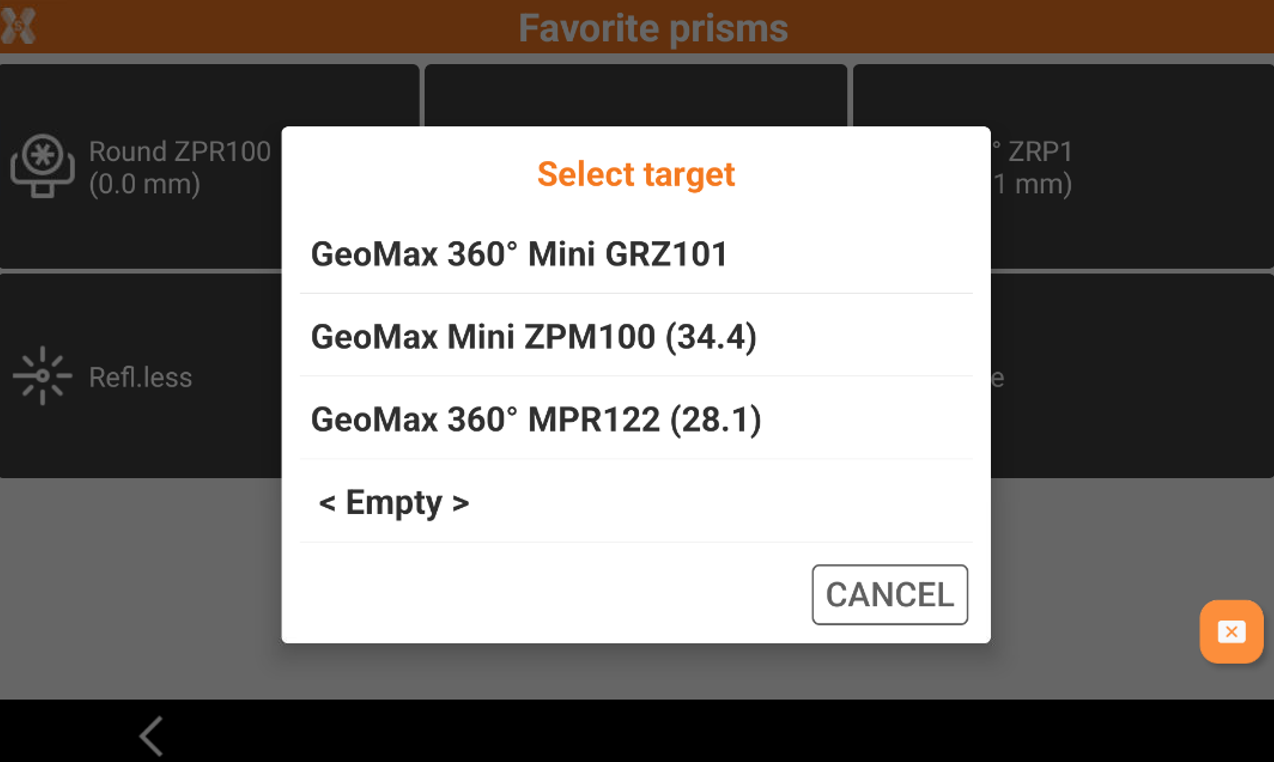
It is possible to customize the buttons with the favorite targets available in the target manager.
-
To customize the fields click Customize, then click on one of the available buttons to select the target.