



-
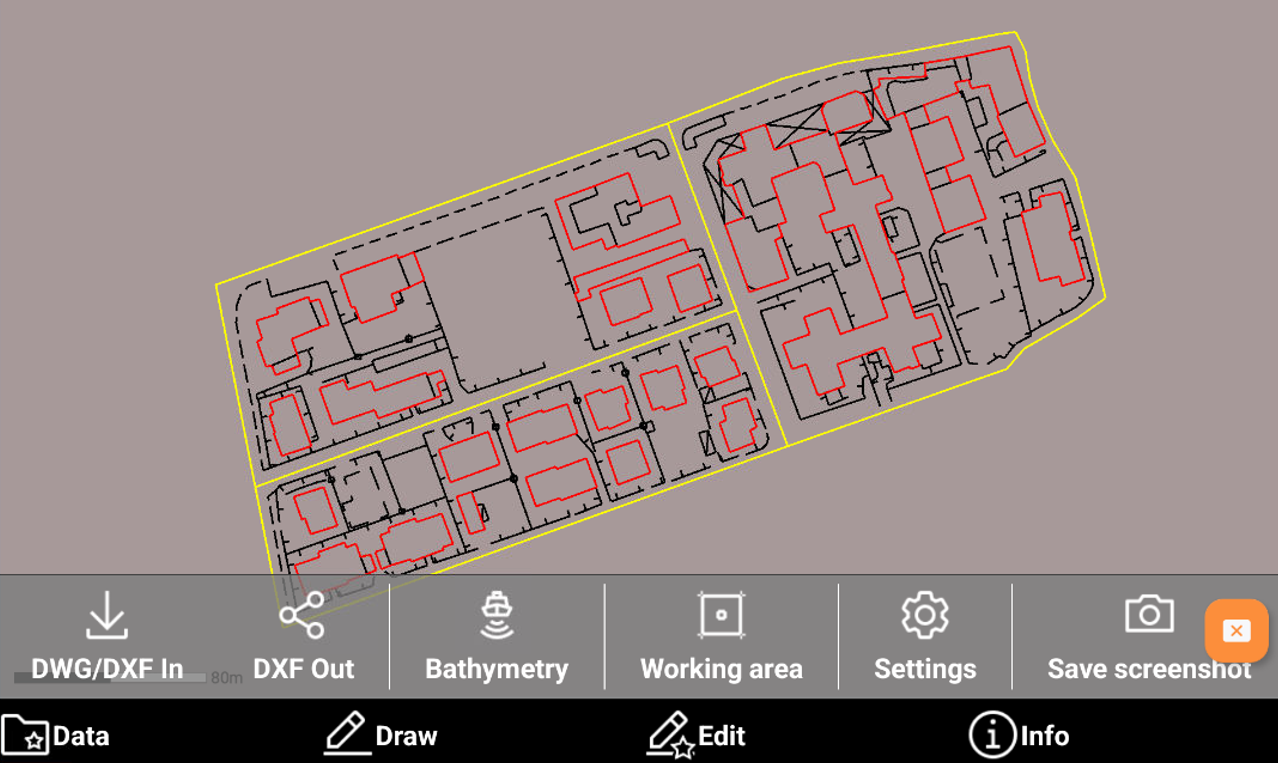
The CAD Data toolbar allows to access different CAD functions and settings.
-
Open the CAD.
-
Click Data

-
DWG/DXF In: quick link to import a DWG/DXF file.
-
DXF Out: quick link to export the data in a DXF file.
-
Bathymetry: opens the list of bathymetric sessions to be visualized in CAD.
-
Working area: allows to define the working area.
-
Settings: opens the CAD settings.
-
Save screenshot: allows to save a screenshot of the current CAD screen as jpg image.
-