



-
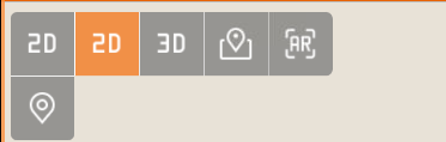
Set the display mode of the CAD by clicking one of the active view mode buttons in the CAD window.
-
Press on screen to open the toolbar and change the display mode.
-
2D

-
3D

-
Maps

-
Augmented reality

-
2D view: how to enable the CAD 2D view.
-
3D view: how to enable the CAD 3D view.
-
CAD online maps view: how to use online maps in background.
-
Web Map Server maps (WMS): how to use WMS in background.
-
Web Feature Service (WFS): how to access and download features from a WFS.
-
CAD Augmented reality: how to enable the AR view.
-
Creating maps to use in off-line mode: how to download and create online maps to be used offline.