



-
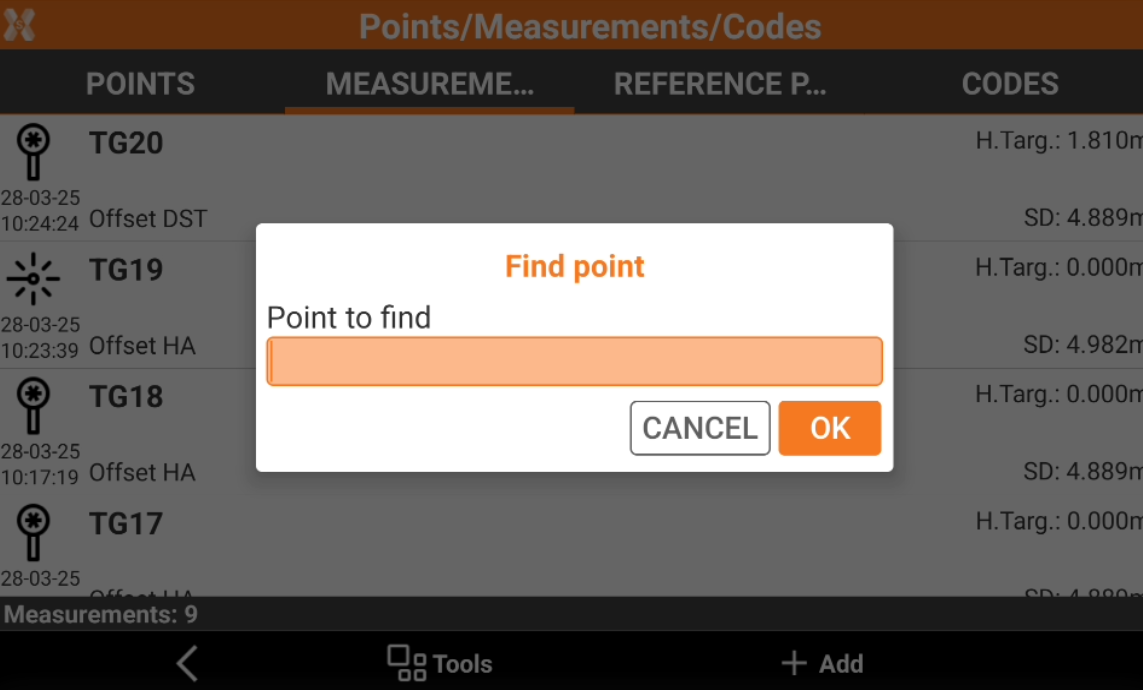
It is possible to find a specific measurement indicating the corresponding topographic point measured.
-
Open the Job tab.
-
Select Points/Measurements/Codes.
-
Open the Measurements tab.
-
Select Tools to open the list of available tools and select Find point.
-
Enter the name of the point to search.
-
If a point with a corresponding name is found, it is placed first in the list.