


-
Calculates the position of one point applying a vertical offset to the measured elevation.
-
Open the GPS Measure mode page.
-
Select Vertical offset.

-
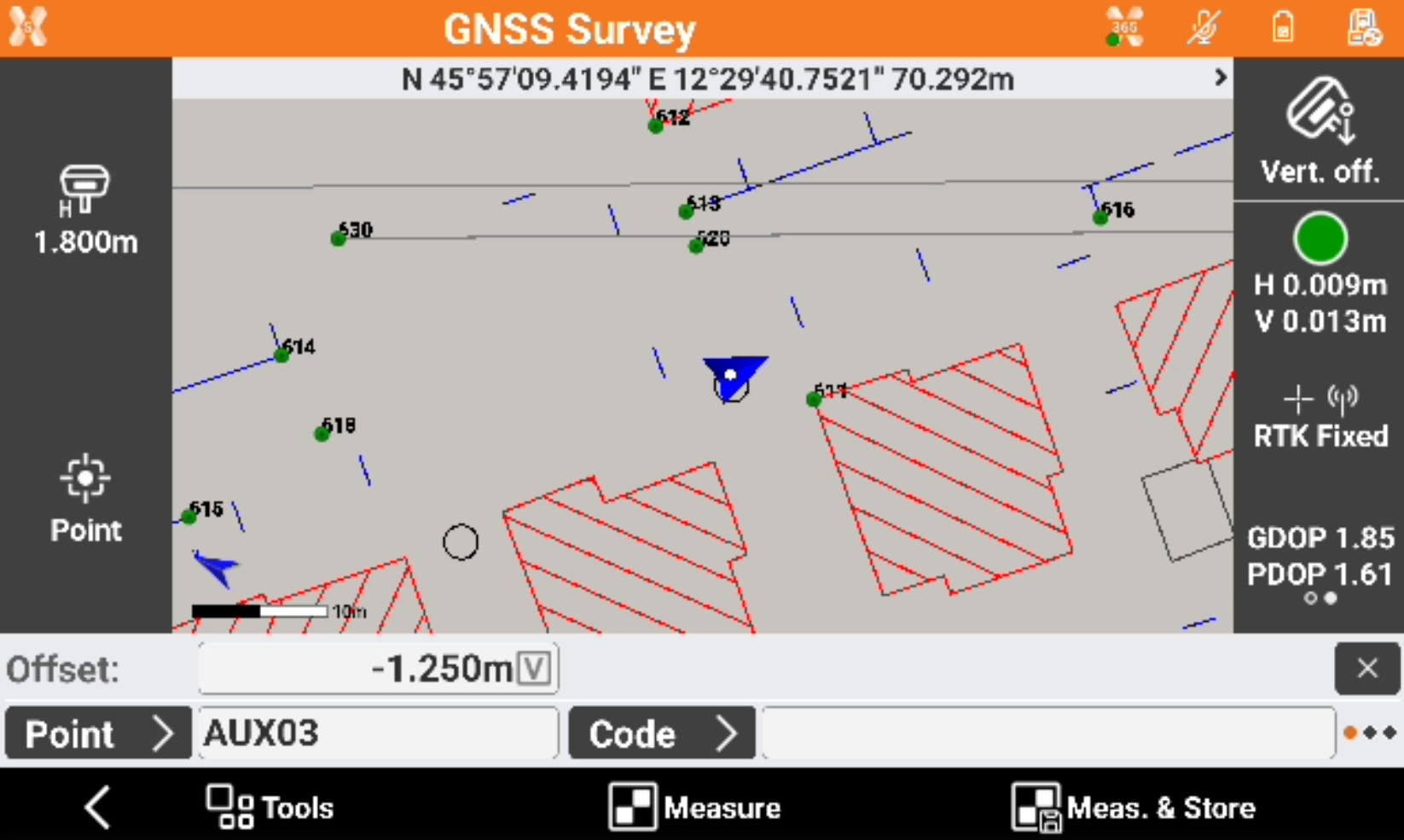
A new bar is visible with the possibility to enter the vertical offset in the field Offset.
-
Enter the vertical offset and proceed to measure the point.
If the point to measure is below the tip of the pole, enter a negative offset
-
The point is recorded with a depth value corresponding to the entered offset as description.
