
-
Performs an accurate measurement of the center of a cylindric object such as columns, trees or pipes using a TPS.
-
Open the Measure mode page.
-
Select Column.

-
Press Measure and aim to the left side of the cylindric object. Press OK to record the angle only.
-
Aim to the right side of the cylindric object. Press OK to record the angle only.
-
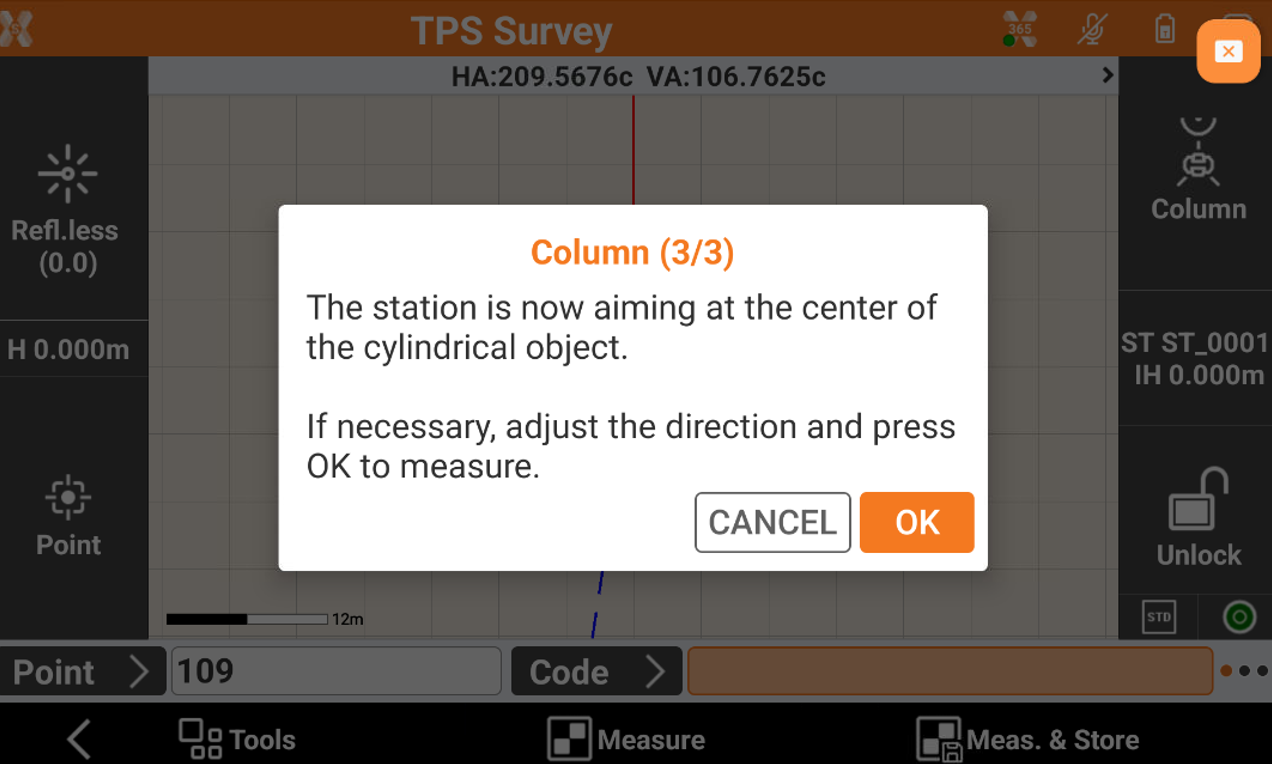
Aim to the center of the object. If the instrument is robotic it automatically rotates. Click OK to measure the distance.