
-
Performs a measurement to a point in both faces and calculates the average.
-
Open the Measure mode page.
-
Select F1/F2.

-
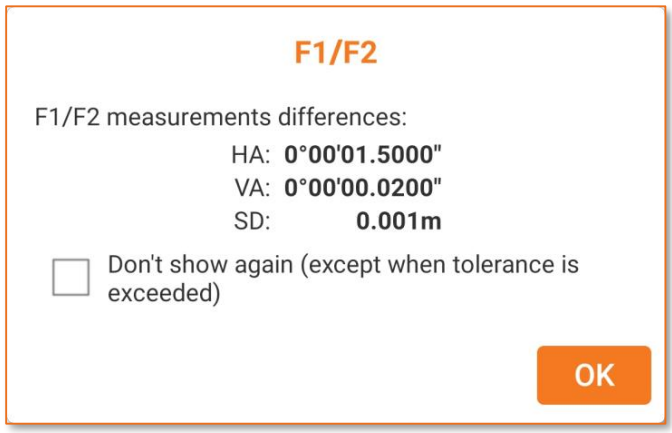
Measure the target. The total station if is robotic automatically rotates to face 2.
-
Press OK to measure the same target with face 2.
-
The software shows the result.