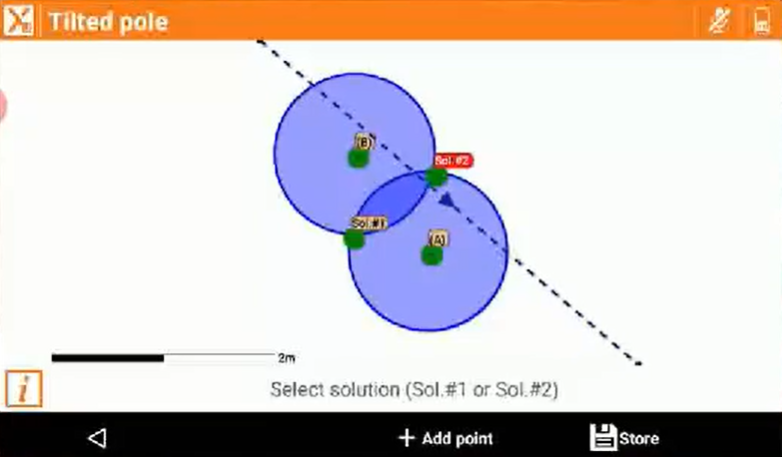

-
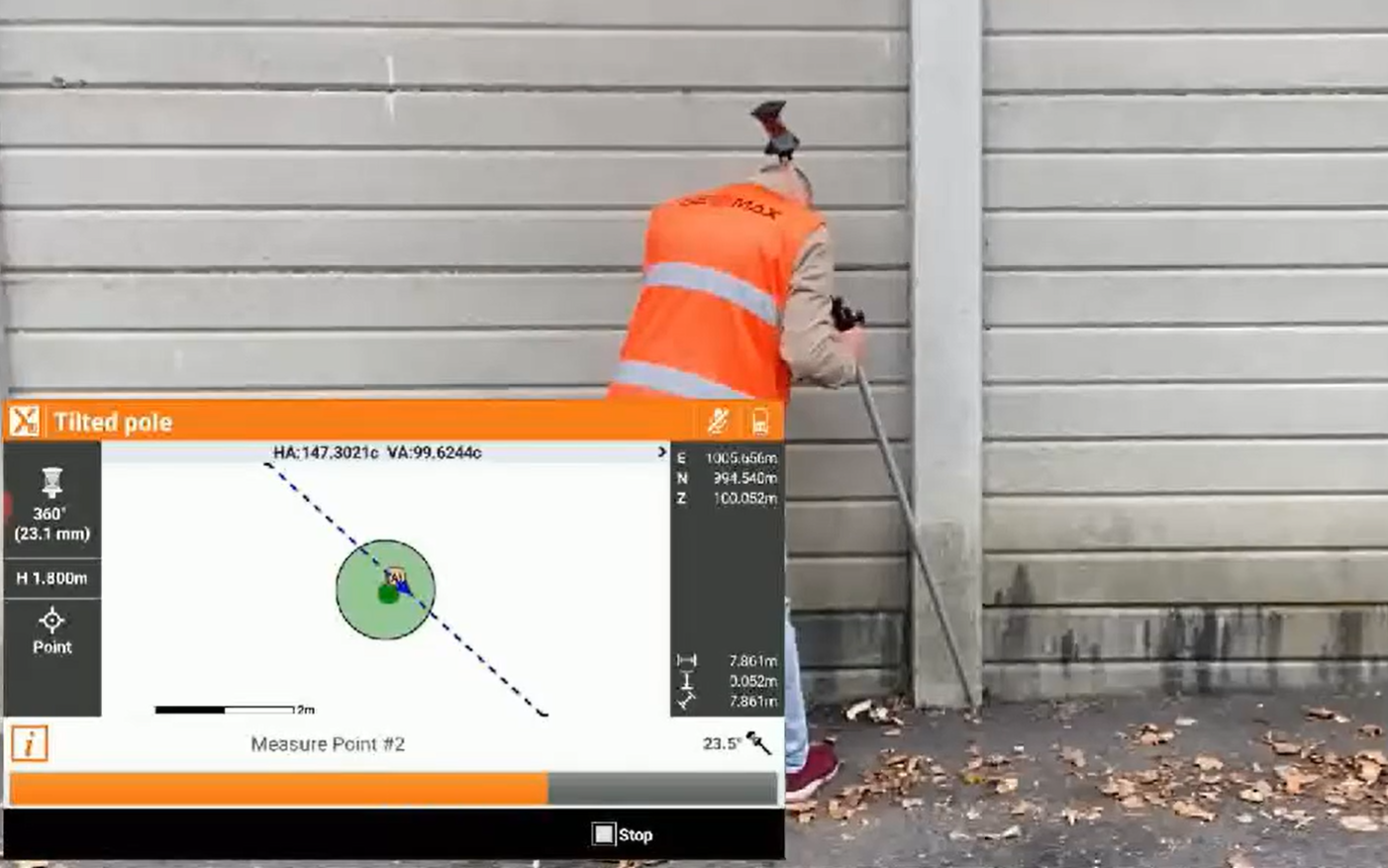
Performs a measurement to a point with two tilted pole measurements, using controller sensors.
To obtain accurate results, the controller must be firmly attached to the pole.
-
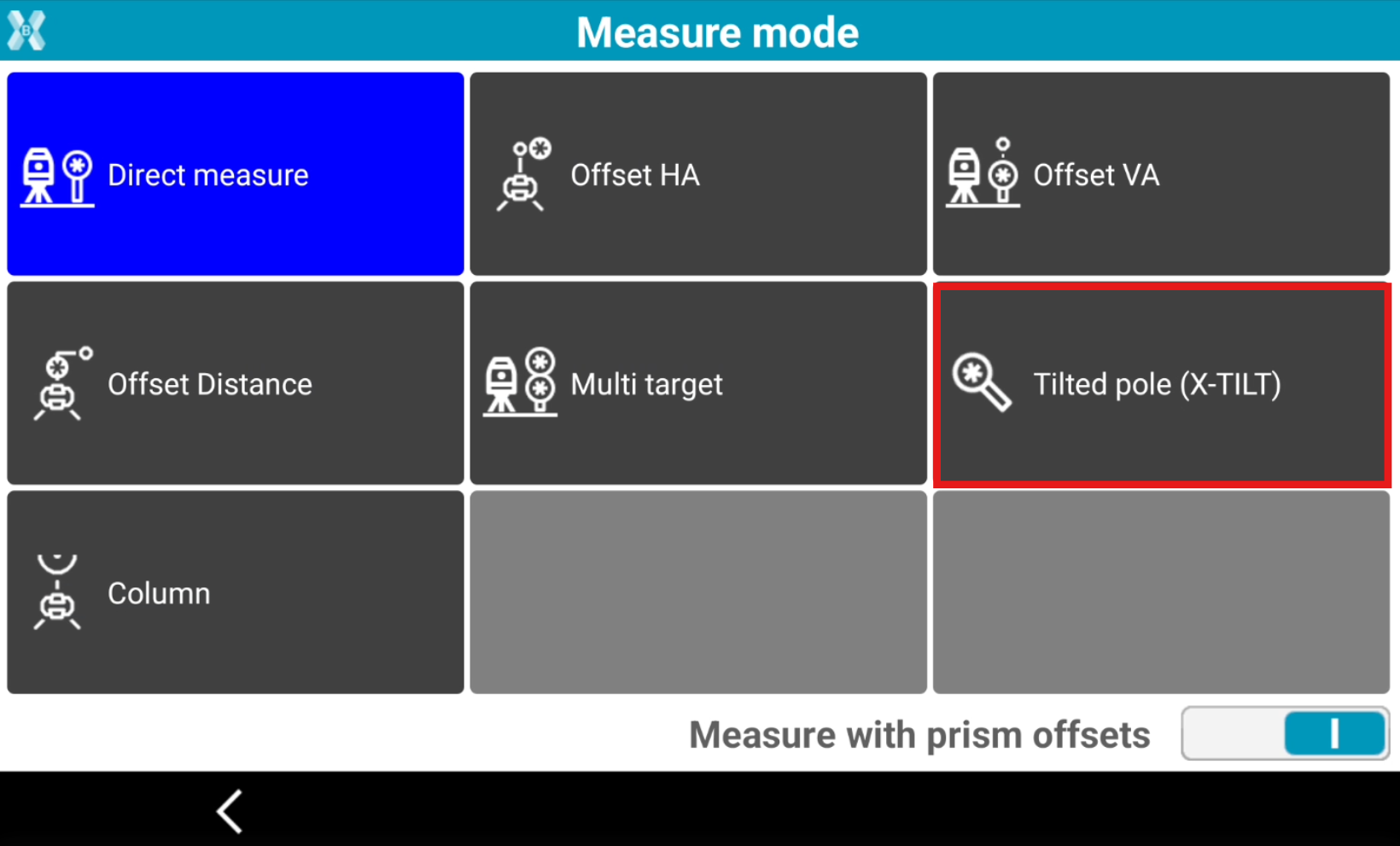
Open the Measure mode page.
-
Select Tilted pole X-TILT.
-
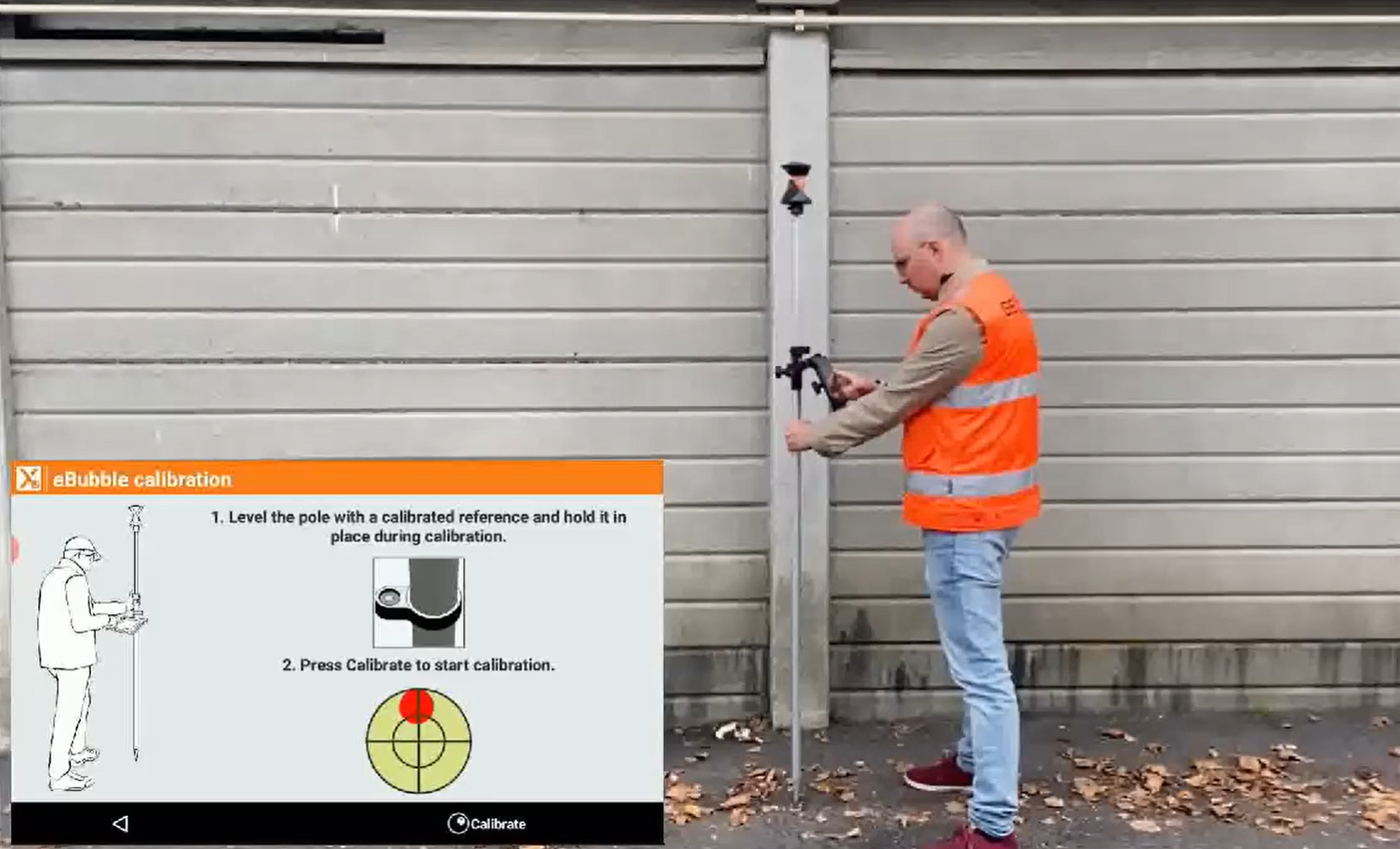
Keep the pole vertical and press Calibrate to start the sensor calibration.
-
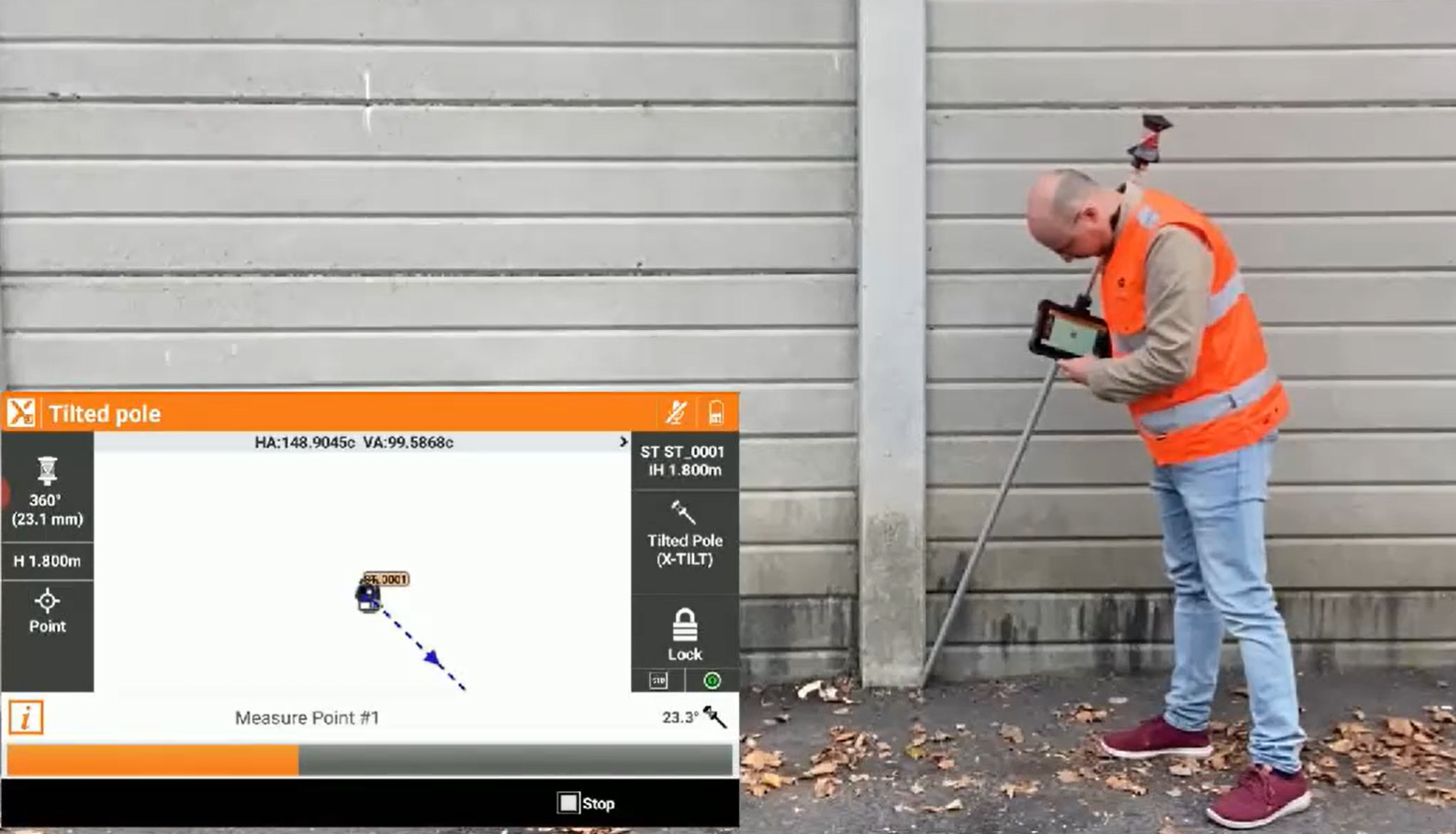
Perform the first measurement with the pole tilted.
-
Perform the second measurement with the pole tilted in another direction.
-
Select the correct solution (you can be helped raising the pole) and click Store to save the result.
-
Or click Add point to add a third measurement.