



-
A robotic total station allows to work with one single operator with a total station, thanks to prism searching and tracking.
-
The software has dedicated commands to search the prism.
-
When working in a software application with a robotic total station, the software shows the Robotic control panel.
-
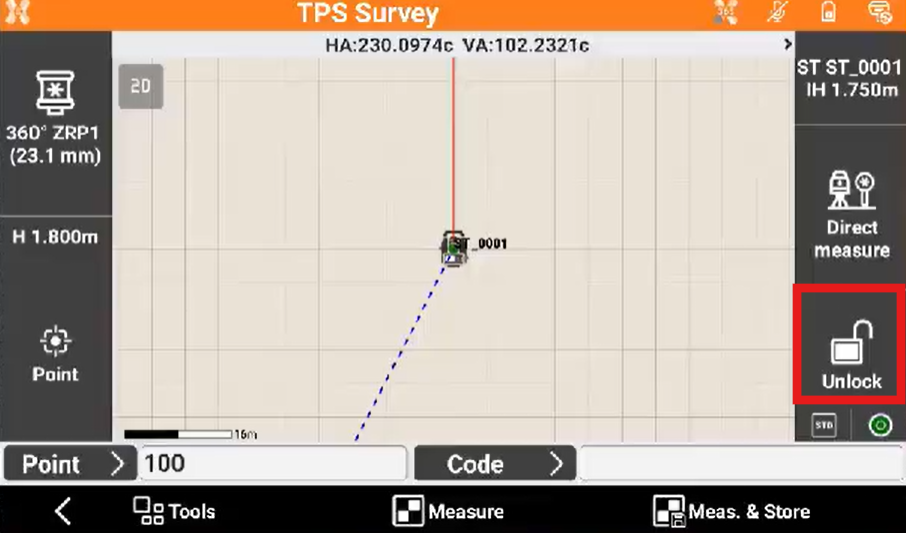
If the prism is not locked, the software shows the status Unlock.
-
Click the icon to open the Robotic control panel.
-
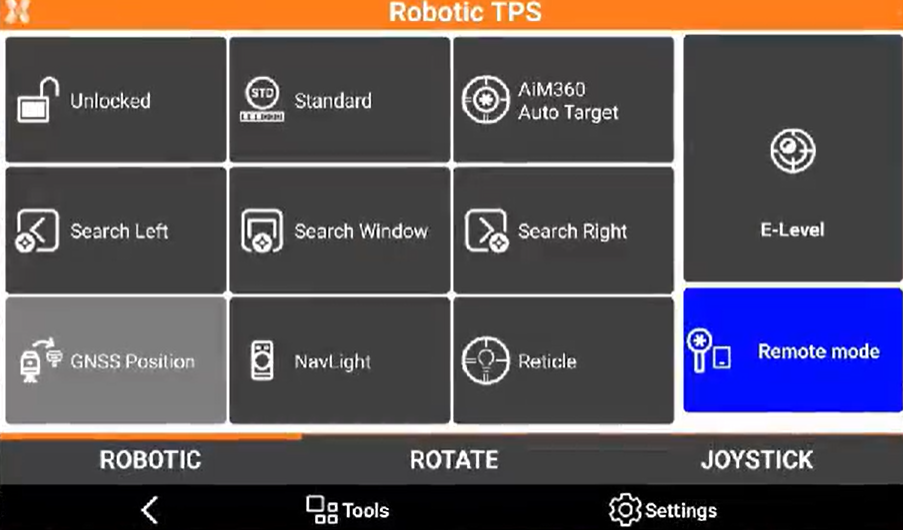
Click Unlock to perform a prism search, or select one of the other search function:
-
Search Left: to search a prism on the left.
-
Search Right: to search a prism on the right.
-
Search Window: to search a prism within the search window. Requires to define a search window.
-
GNSS Position: to search a prism using the GNSS position, for example in an X-POLE configuration.
-
-
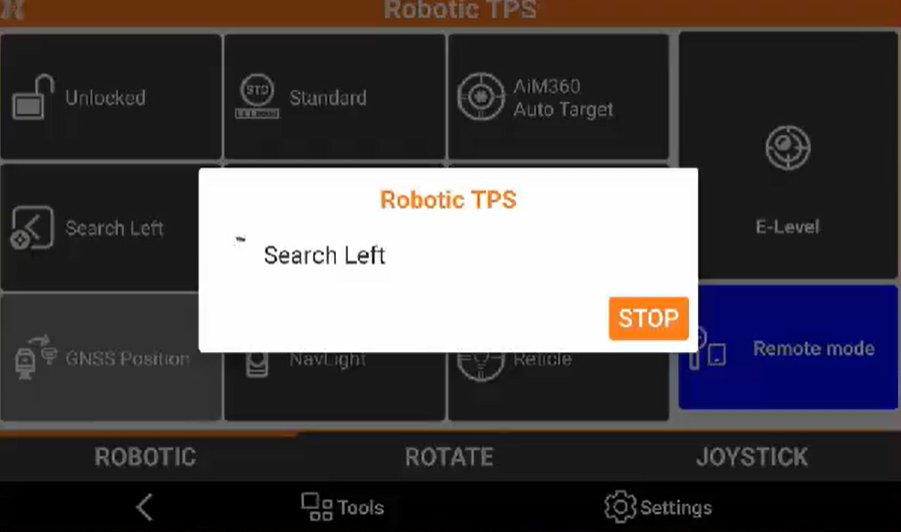
The instrument rotates and lock the prism.
-
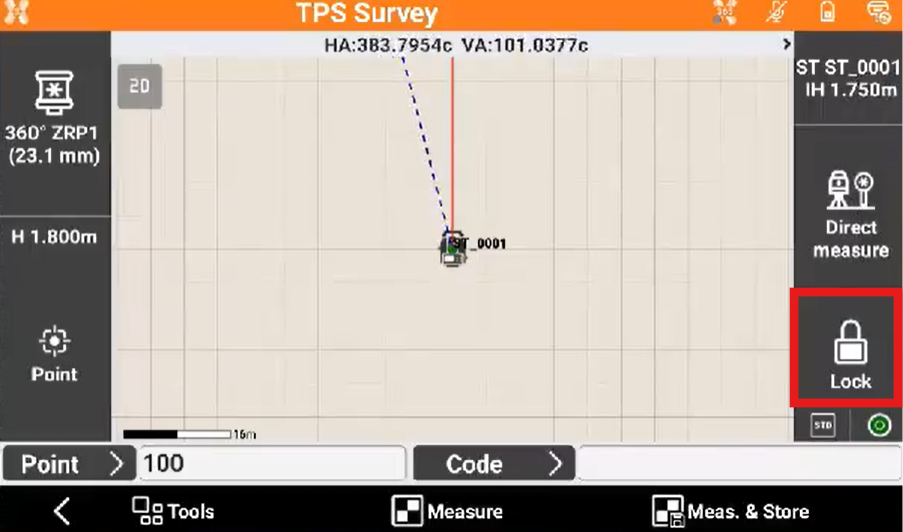
When prism is located, the instrument enters in tracking mode following the prism. The icon is now Lock.
-
Now it is possible to measure.
When working with a robotic total station from pole side, the Remote mode has to be turned on.