



-
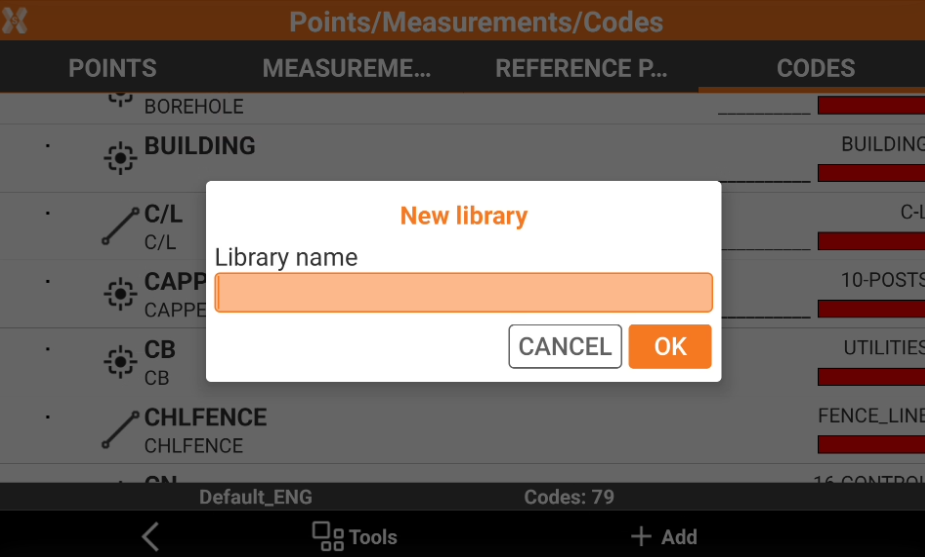
It is possible to create a new library empty where to create new codes.
-
Click Job.
-
Click Points/Measurements/Codes.
-
Open the Codes tab.
-
Click Tools and select New library. Enter the new library name.
-
The new table is empty and ready to insert new codes.