

-
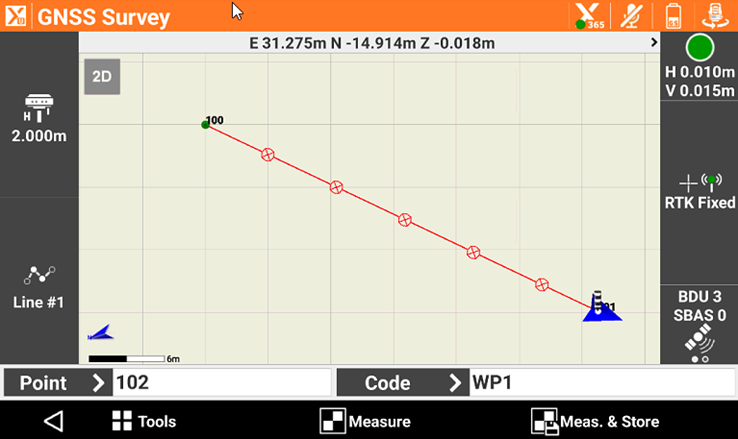
The software allows to change, import and edit linetypes assigned to the layers.
-
From the Layer manager enter in the edit mode to open the Linetypes manager.
-
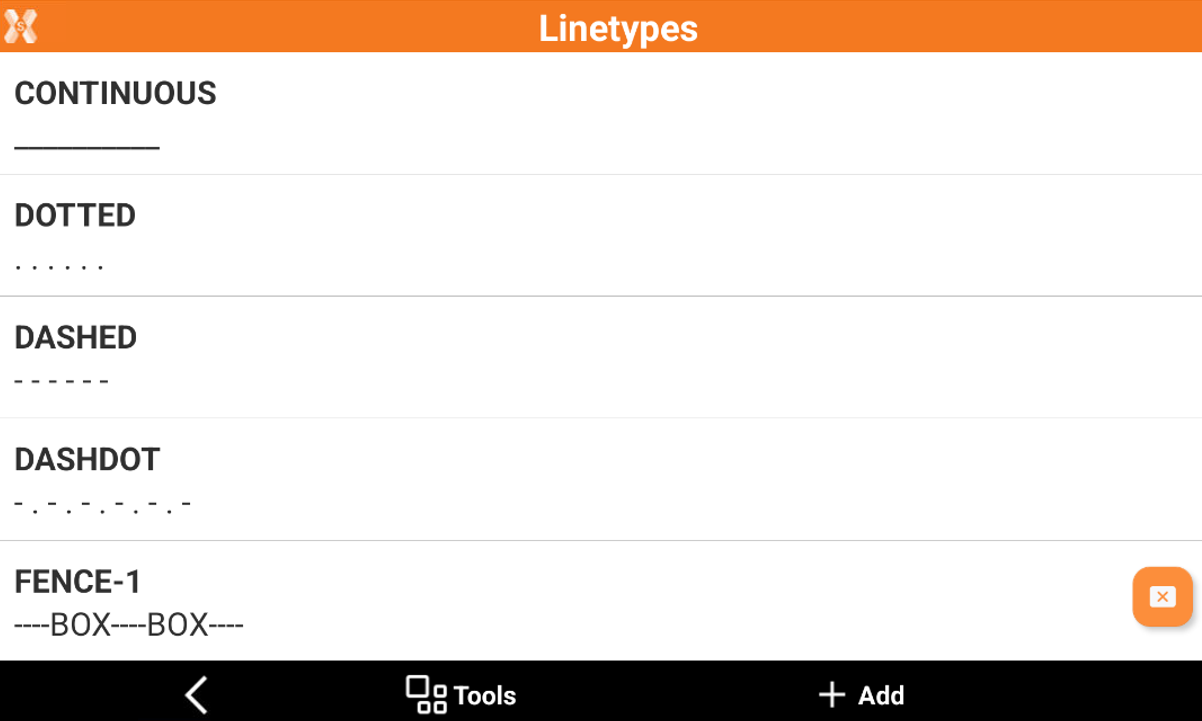
This page shows the list of available linetypes.
Select a linetype
-
To select a specific linetype for the current layer, click on the linetype to use.
-
The linetype shows a preview of the line.
Import and export linetypes
-
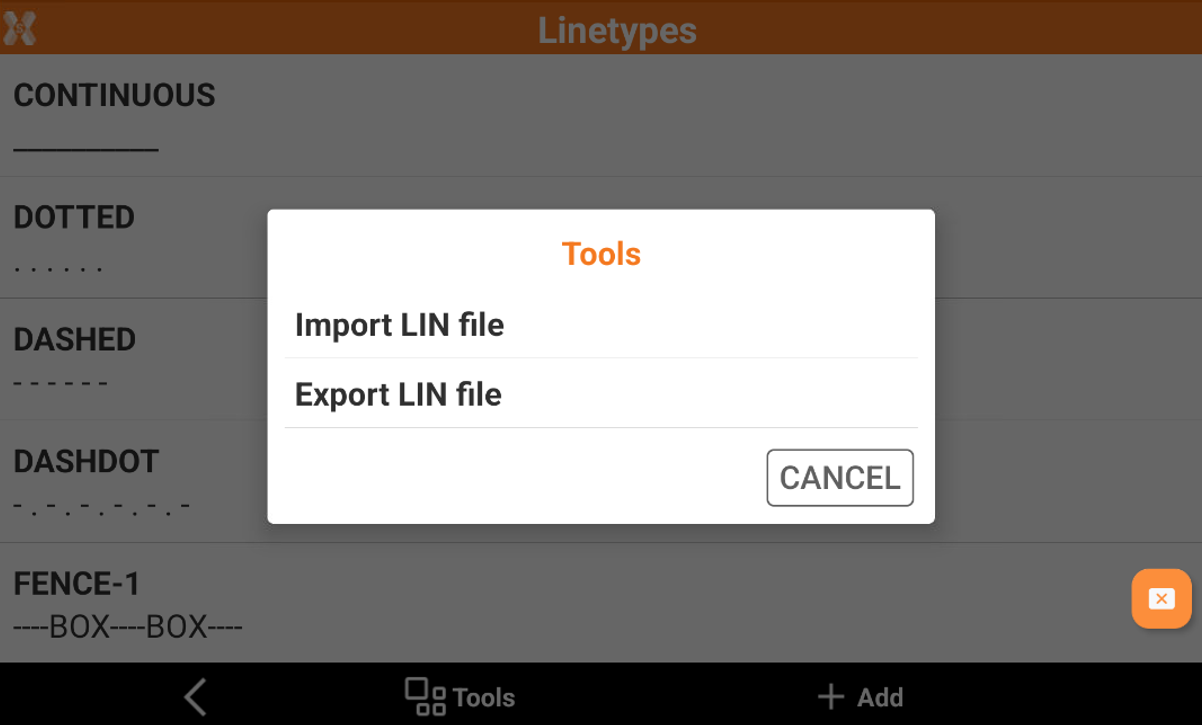
Linetypes can be imported and exported using the standard format LIN.
-
Click Tools to import or export the linetypes in the LIN format.
Create a new linetype
-
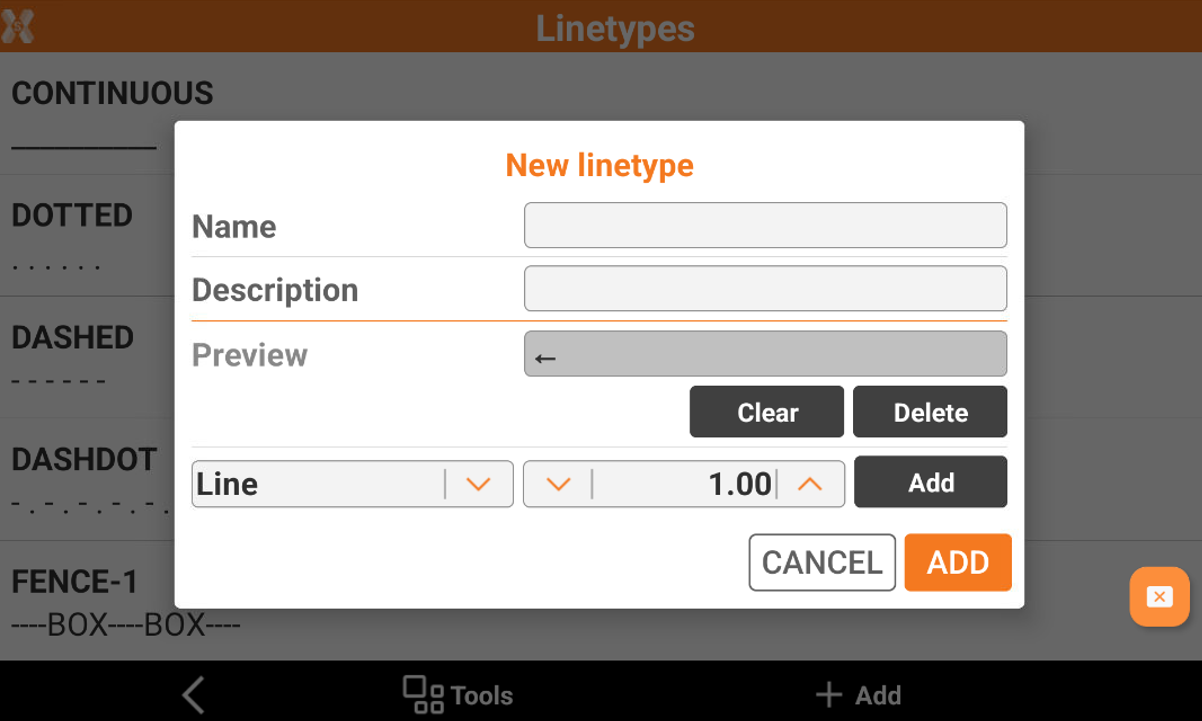
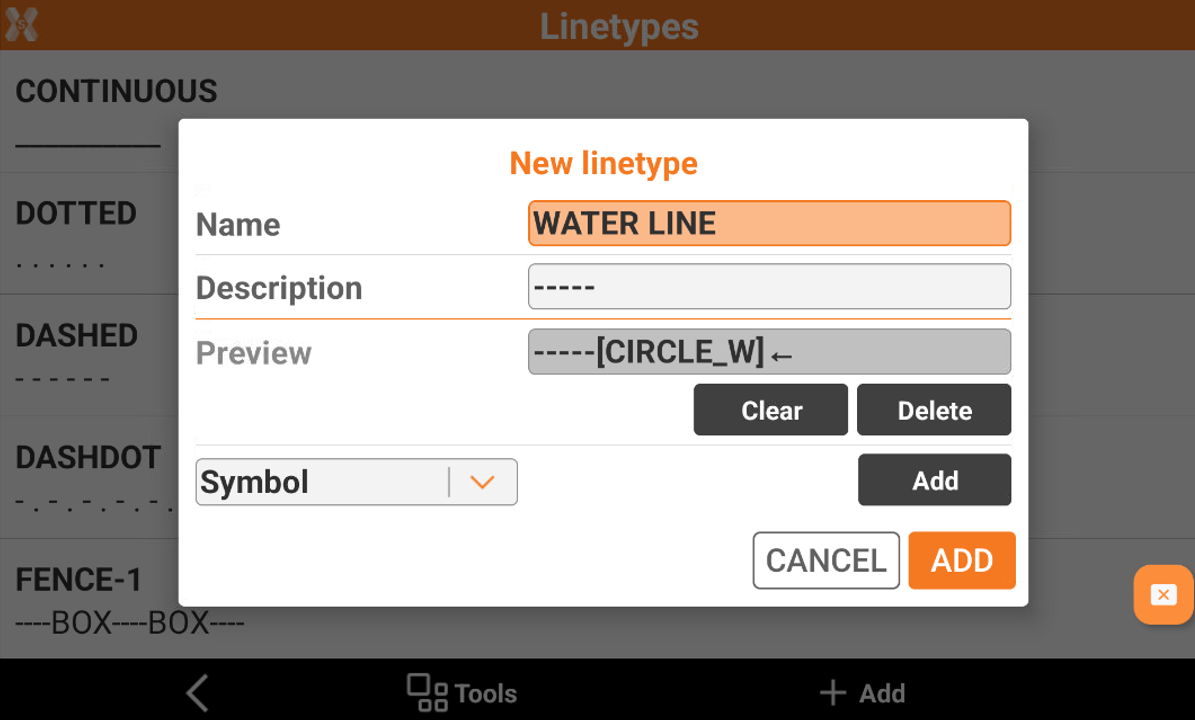
To create a new linetype click Add. This opens a new window.
-
Name: the name of the new linetype.
-
Description: the description of the new linetype.
-
Preview: shows the linetype preview.
-
Add: to add a line part. It is possible to select how many parts to add.
-
Line: to add a line element.
-
Space: to add a space.
-
Point: to add a point.
-
Symbol: to add a symbol.
-
-
Clear: to delete all elements in the line.
-
Delete: to delete the last element added to the line.
-
-
For example if we want to create a line with 5 parts of line and a symbol we can enter this line.
-
Using the layer where this linetype is assigned allows to use this linetype.