


-
To edit an existing code click Job.
-
Click Points/Measurements/Codes.
-
Open the Codes tab.
-
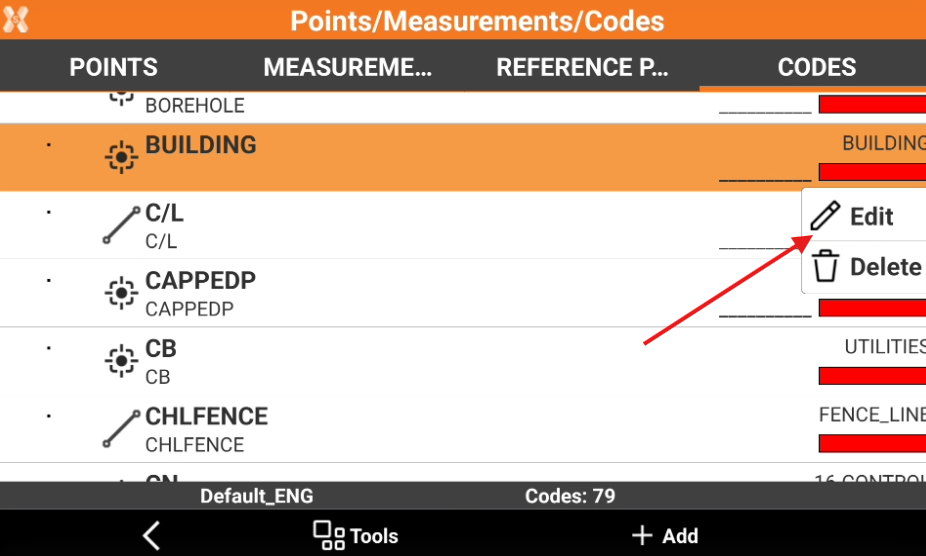
Select a code and click Edit.
-
The content of the window is the same as for the creation of a code.

To edit an existing code click Job.
Click Points/Measurements/Codes.
Open the Codes tab.
Select a code and click Edit.
The content of the window is the same as for the creation of a code.