

-
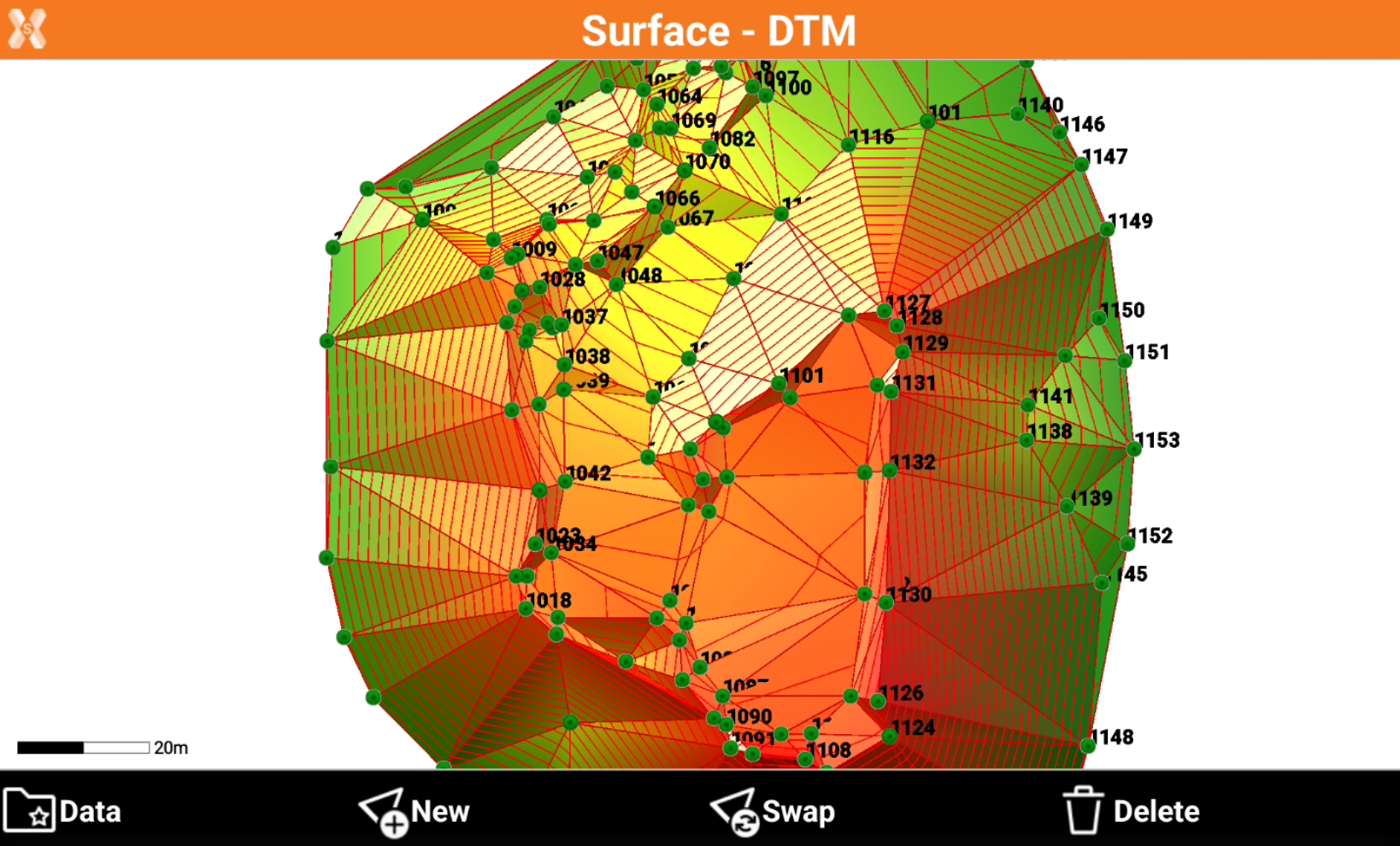
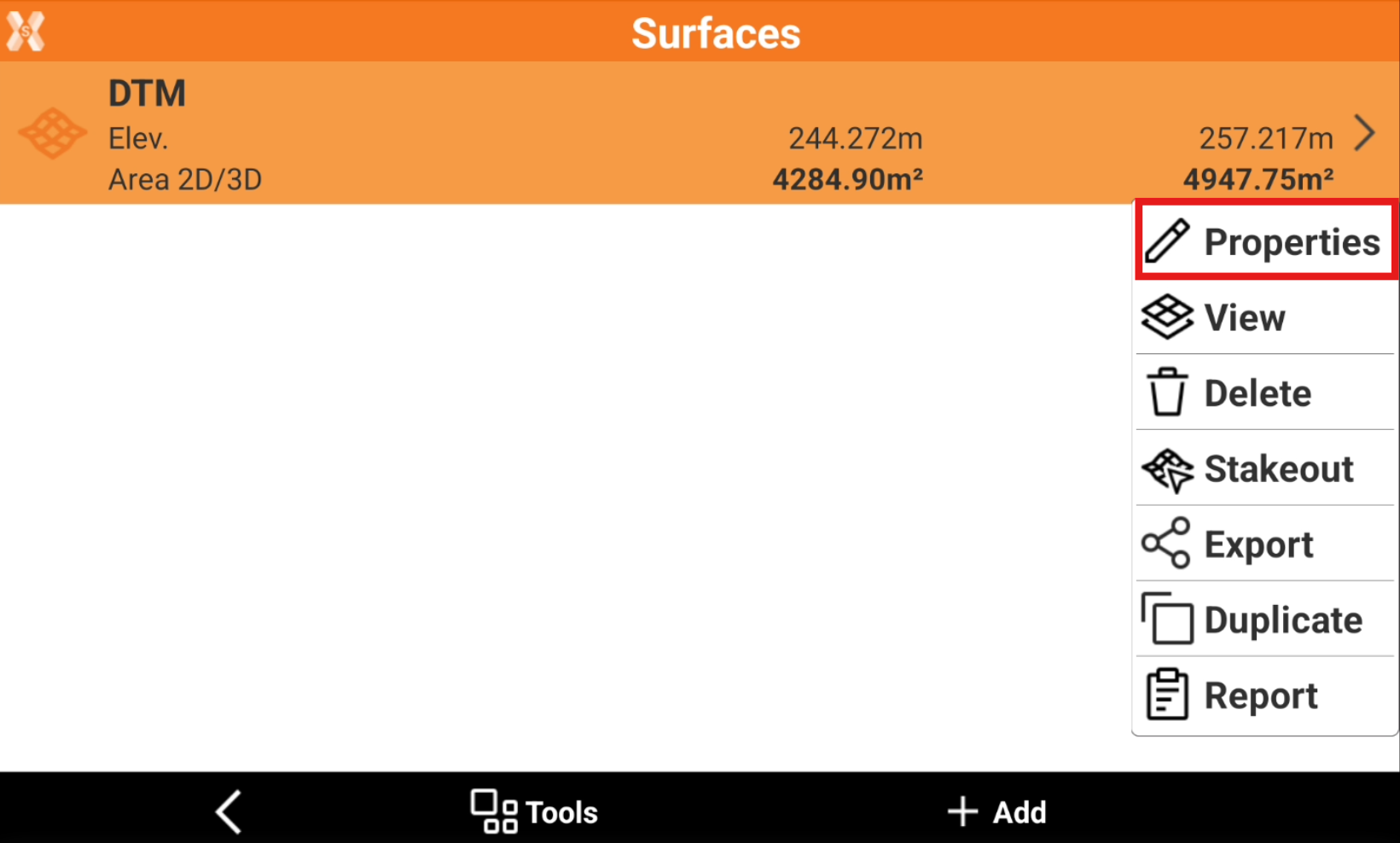
To create contour lines for an existing surface from the Surface and Volumes click Surfaces.
-
Select a surface from the list and click Properties.
-
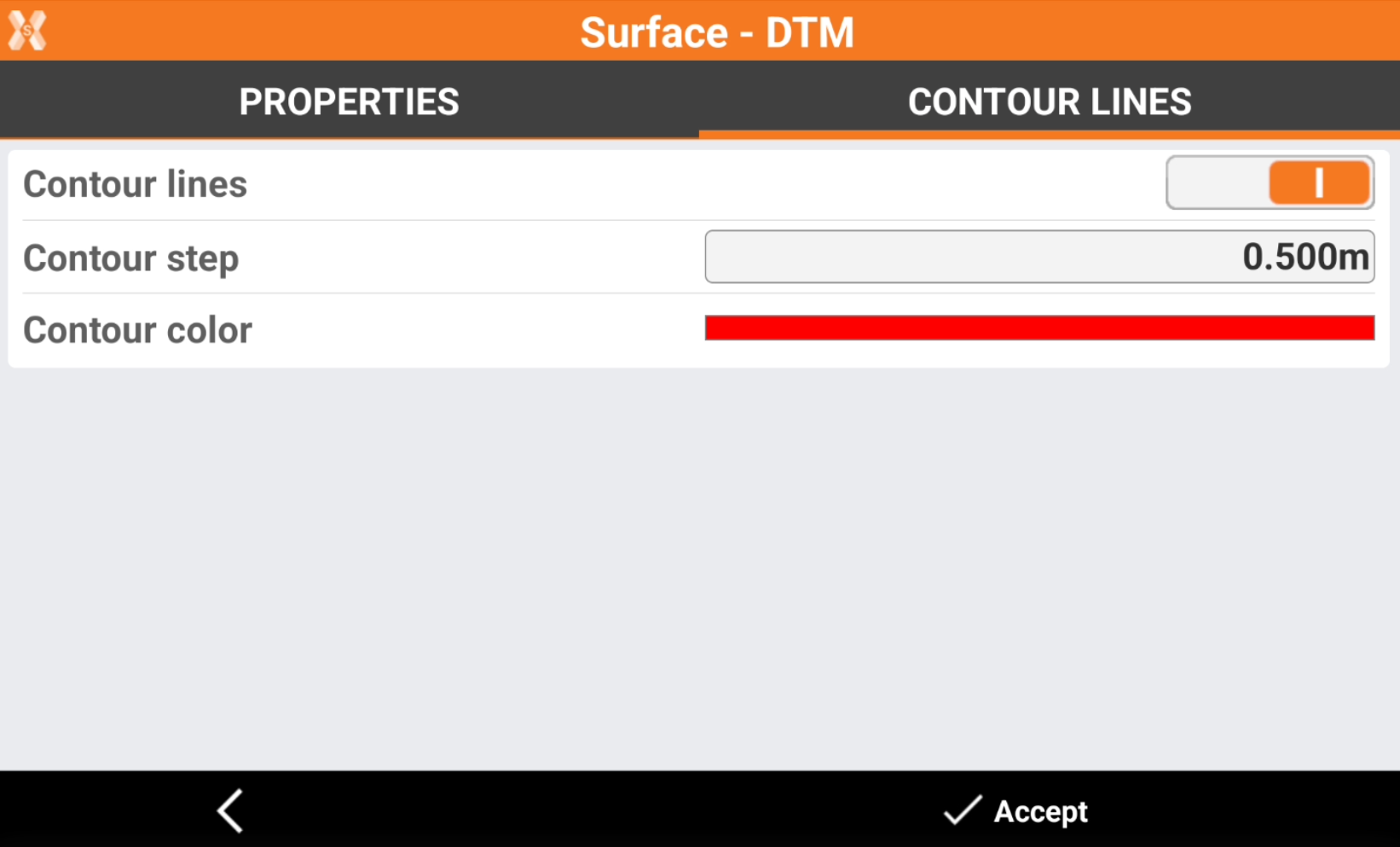
Open Contour lines page.
-
Contour lines: activates the visualization of the contour lines of the surface.
-
Contour step: step to use to draw the contour lines.
-
Contour color: color to use to draw the contour lines.
-
-
Click Accept to draw the contour lines.