

-
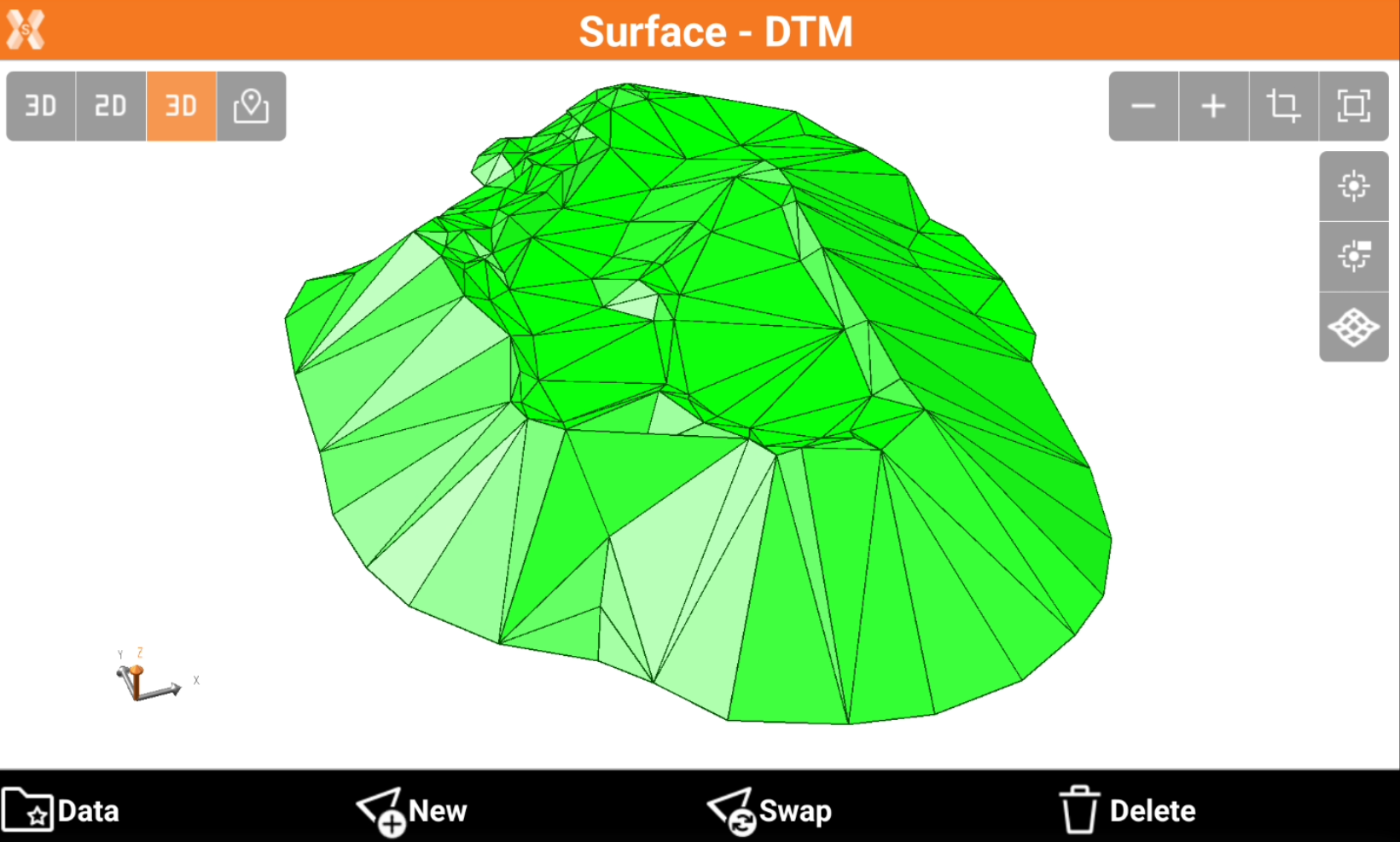
The surface can be visualized from the Surface and Volumes page or in CAD.
-
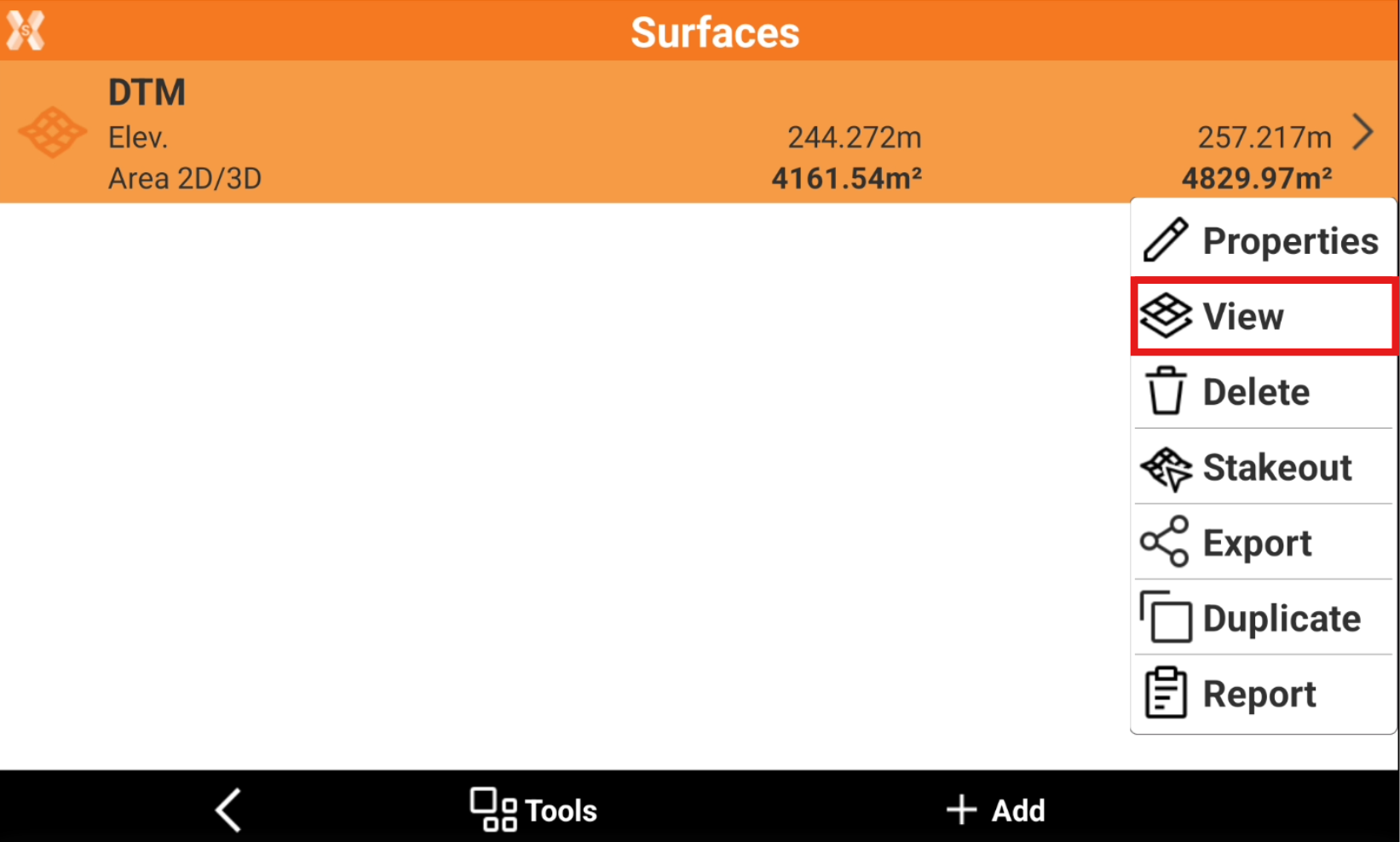
To view the surface from the Surface and Volumes click Surfaces.
-
Select a surface from the list and click View.
-
You can use the CAD commands to change the surface visualization.
-
It is possible to use CAD commands to change the view from 2D to 3D, add a background map, or show/hide topographic points.
-
Use the CAD commands to adjust the view.