



-
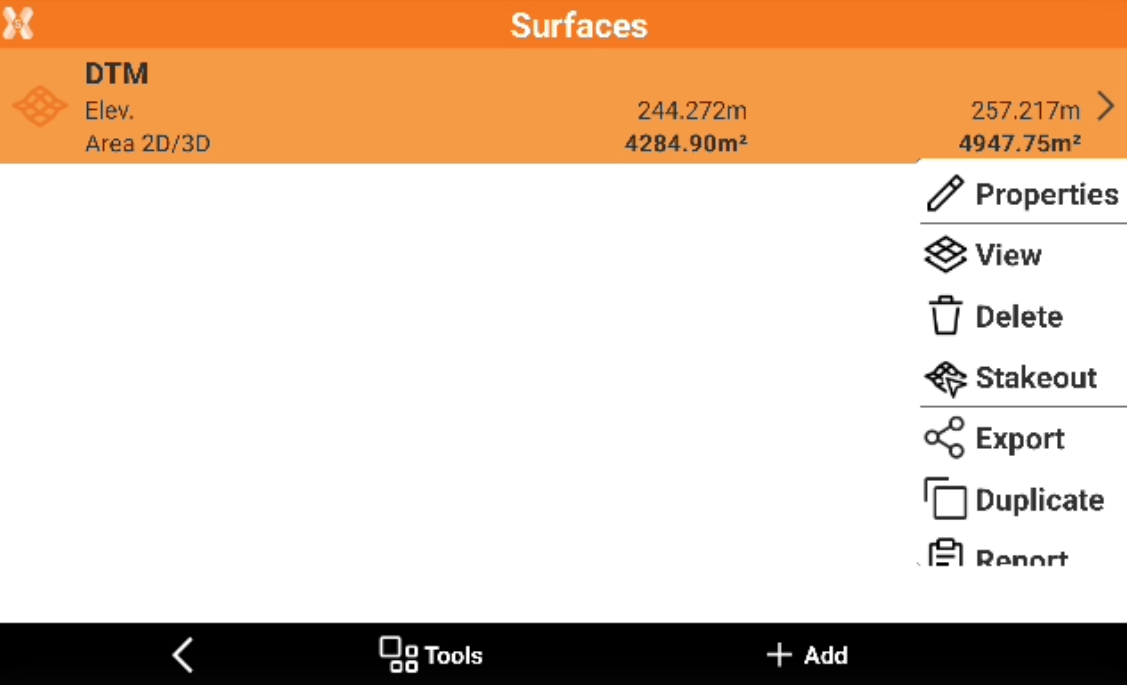
To edit the surface properties from the Surface and Volumes click Surfaces.
-
Select a surface from the list and click Properties.
-
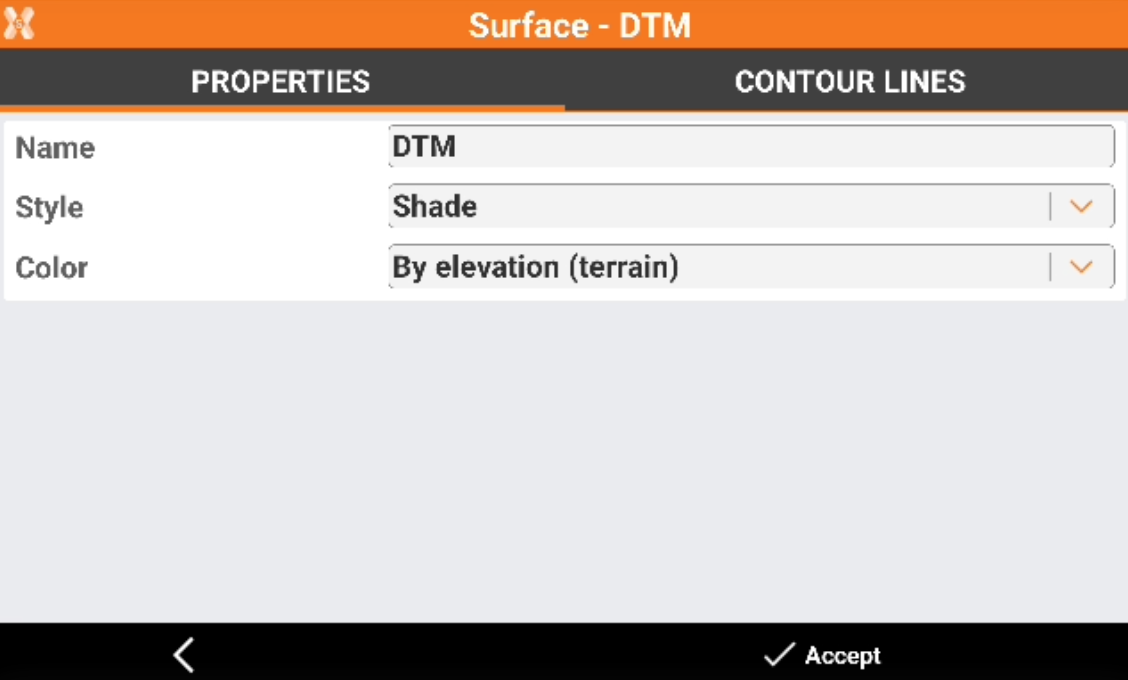
The Properties page allows to change the surface properties.
-
Name: name to assign to the surface.
-
Style: representation of the surface.
-
Wireframe: the segments of the triangles composing the surface are drawn.
-
Shade: the faces of the triangles are colored based on the direction of light exposure.
-
-
Color: color to use for the surface.
-
Original: the color of the layer containing the triangles is used.
-
By elevation (terrain): the faces are coloured based on the elevation of the centre of gravity. The color scale starts from green, passes through yellow and ends with red.
-
Surface: a color can be defined in the field Surface color.
-
By elevation (sea): the faces are coloured based on the elevation on sea level. The color scale starts from green, passes through blue and ends with white.
-
-
Click Accept to save the properties.
-
The page is also accessible from Surface → View → Data → Settings.