



-
Surface can be imported from external files in different formats.
-
To import a surfaces from the Surface and Volumes click Surfaces.
Surfaces can also be imported in Import data functions. Refer to Import data and External references .
-
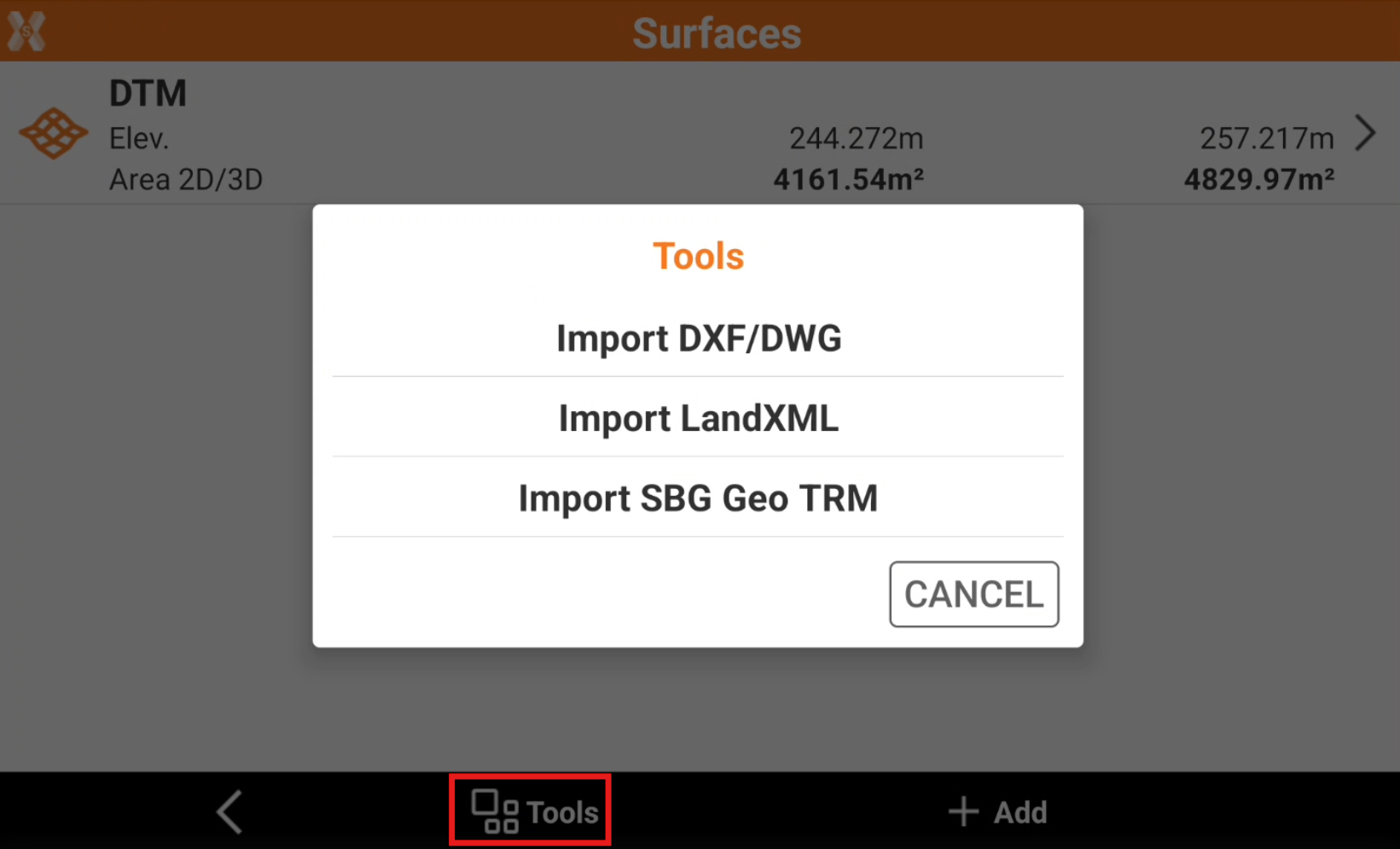
Click Tools to select the file to import.
-
Select the format to use to import.
-
Select the file to import.
-
The imported surface is displayed in the table.