



-
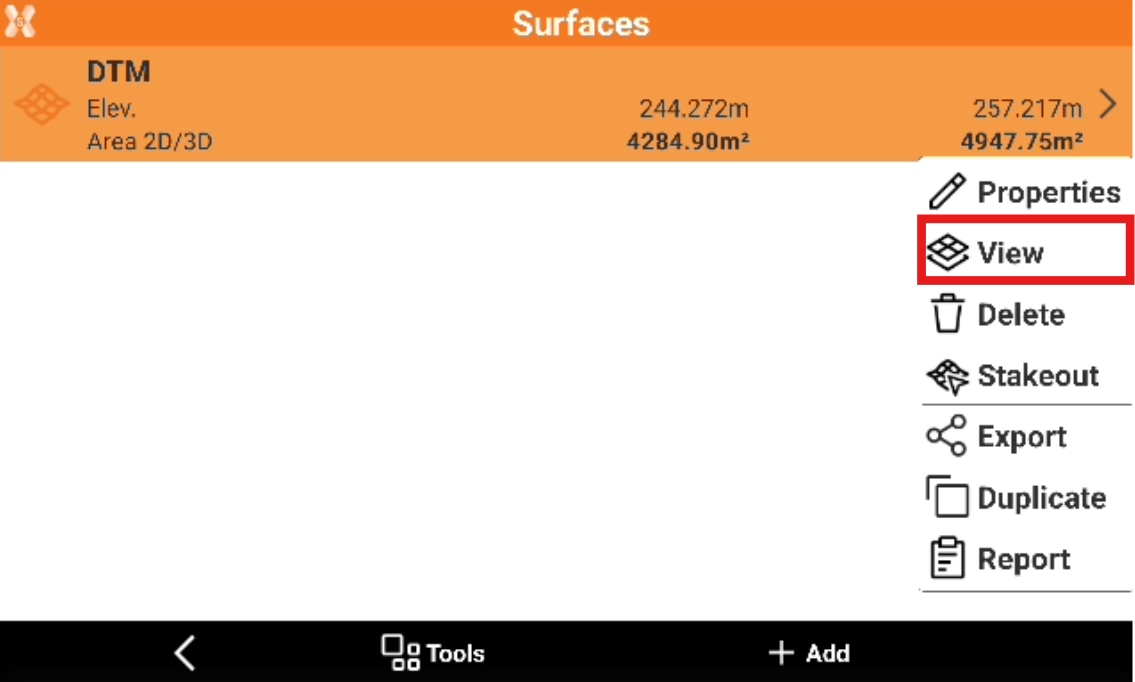
To edit the surface triangles from the Surface and Volumes click Surfaces.
-
Select a surface from the list and click View.
-
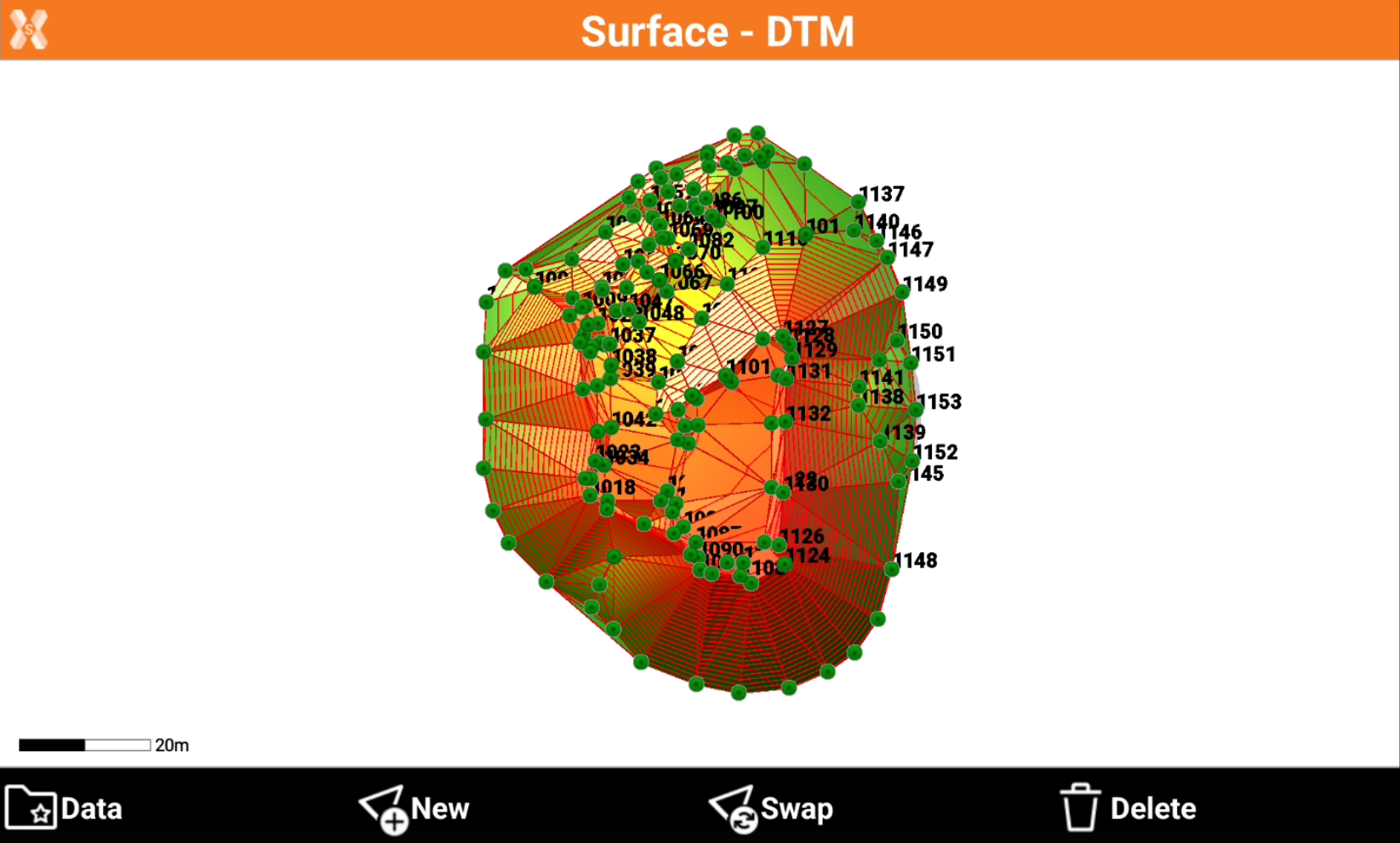
This opens the View page for the selected surface.
Add a triangle
-
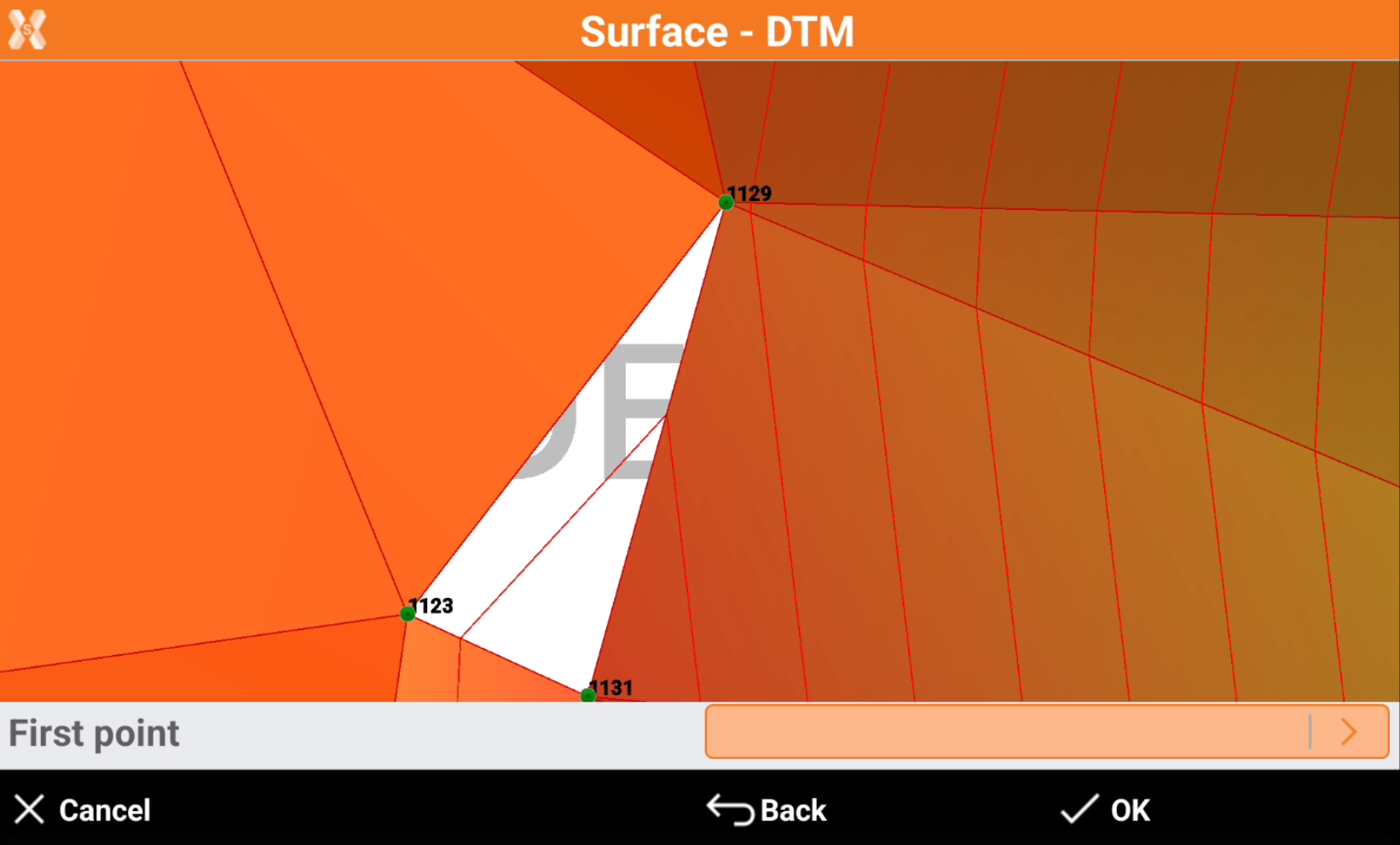
To manually add a triangle click New.
-
Select graphically the 3 vertexes of the new triangle.
-
After the three vertexes have been selected, the new triangle is created.
Delete a triangle
-
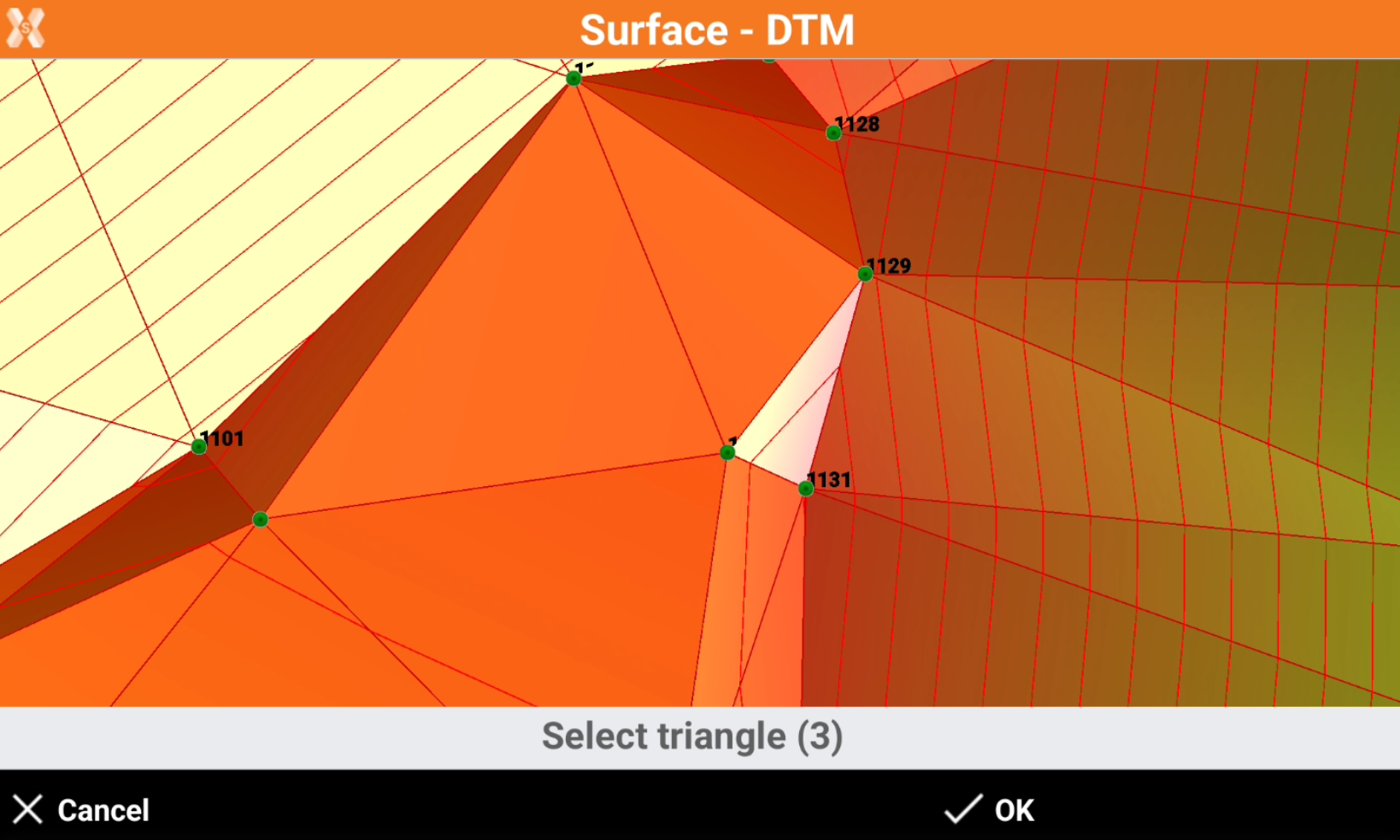
To delete an incorrect triangle click Delete.
-
Select the triangle clicking in the graphic view. It is possible to click to select more triangles.
-
Click OK to delete the triangles.
Swap triangles
-
The command is used to change the direction of the faces of two triangles having a common side.
-
Click Swap.
-
Click in graphic view to select the triangle.
Add offset
-
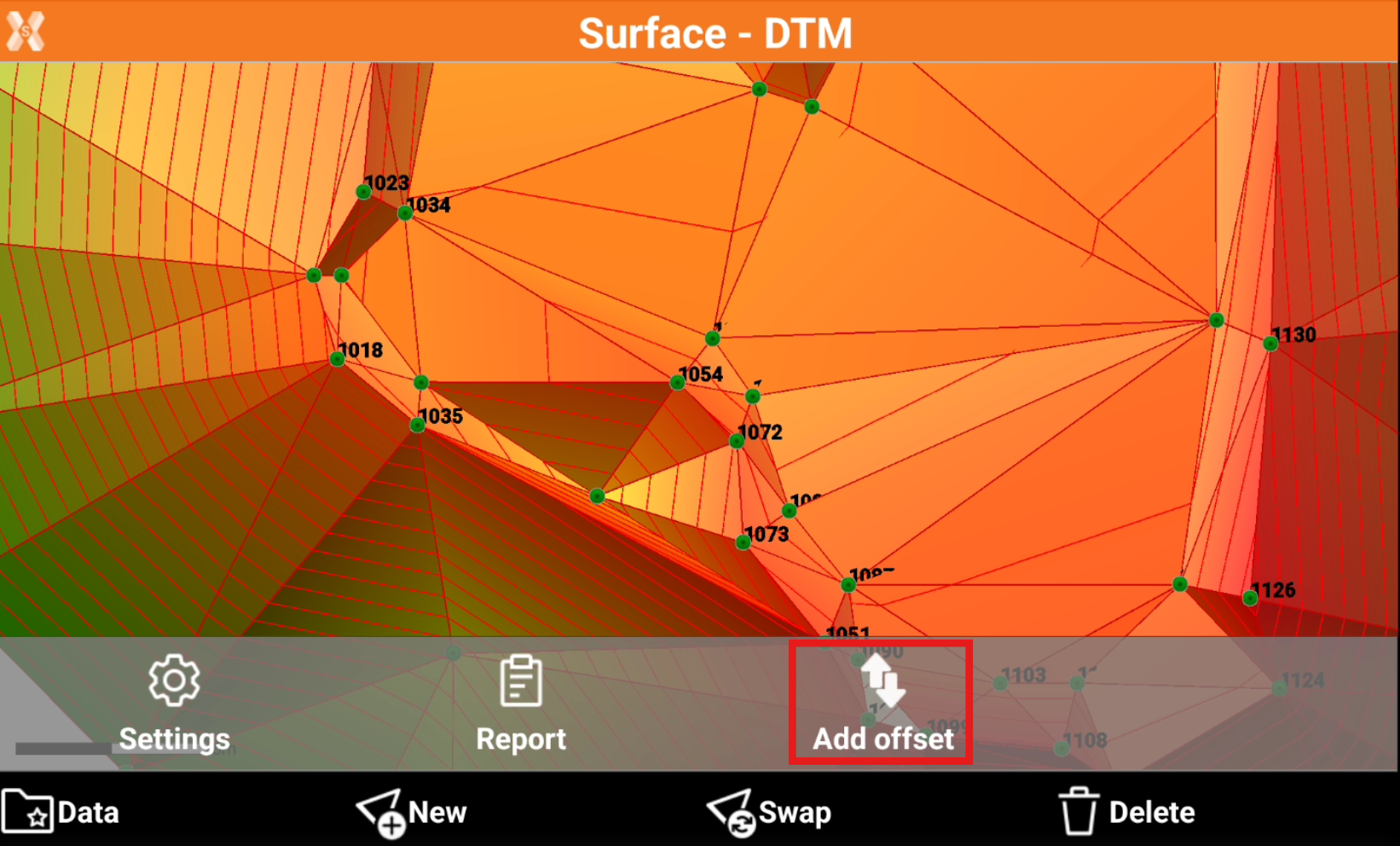
The command is used to apply an elevation offset to a surface, for example to moving entire surface up or down.
-
Click Data.
-
Select Add offset.
-
Enter the offset to apply and click OK.