



-
Duplicate a surface can be useful before editing a surface, for example before applying and offset.
-
To duplicate an existing surface from the Surface and Volumes click Surfaces.
-
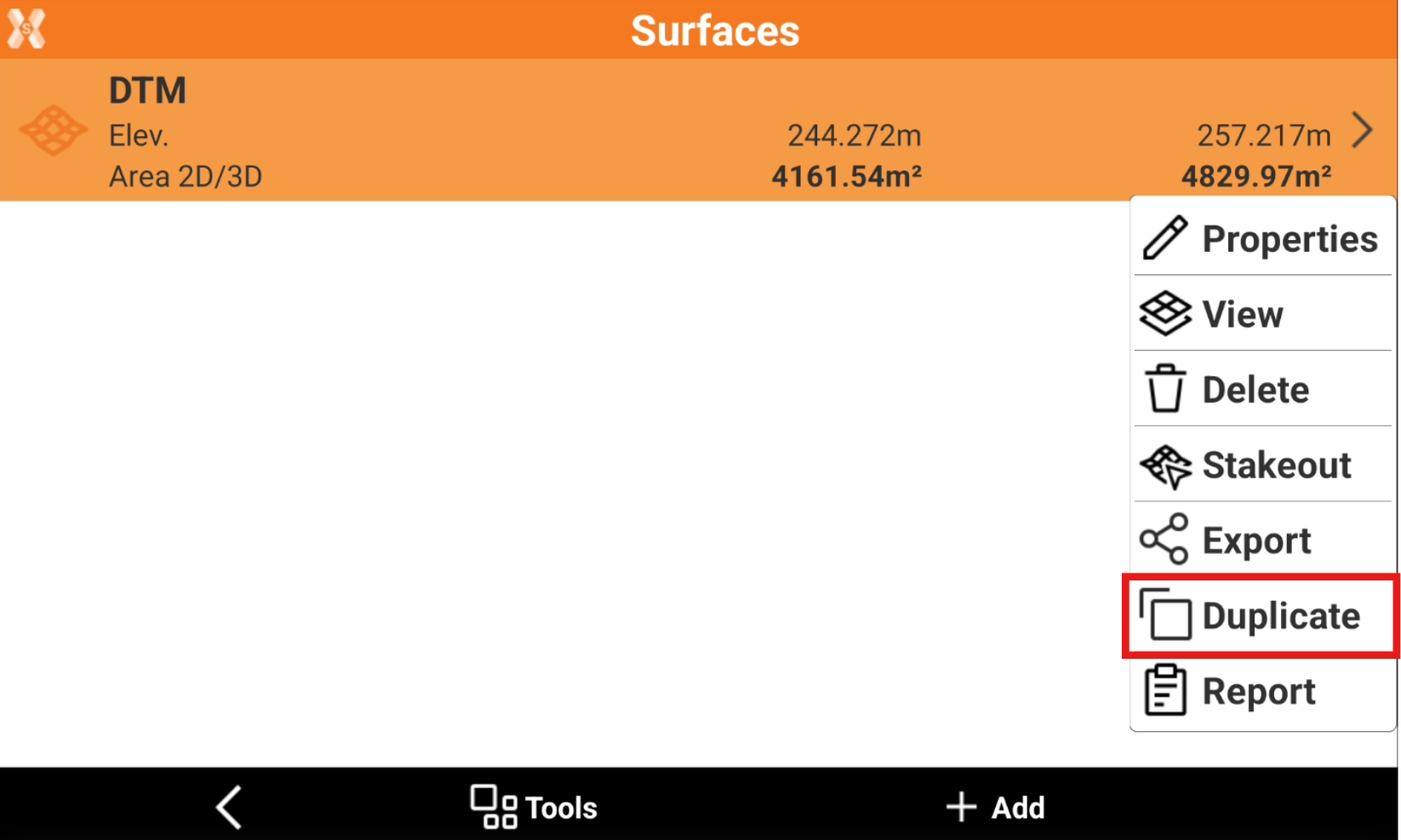
Select a surface from the list and click Duplicate.
-
Enter the new surface name and click OK.