



-
The command exports a file that contains the selected surface.
-
Use this option to share the surfaces with other teams and software tools in the field (like excavators).
-
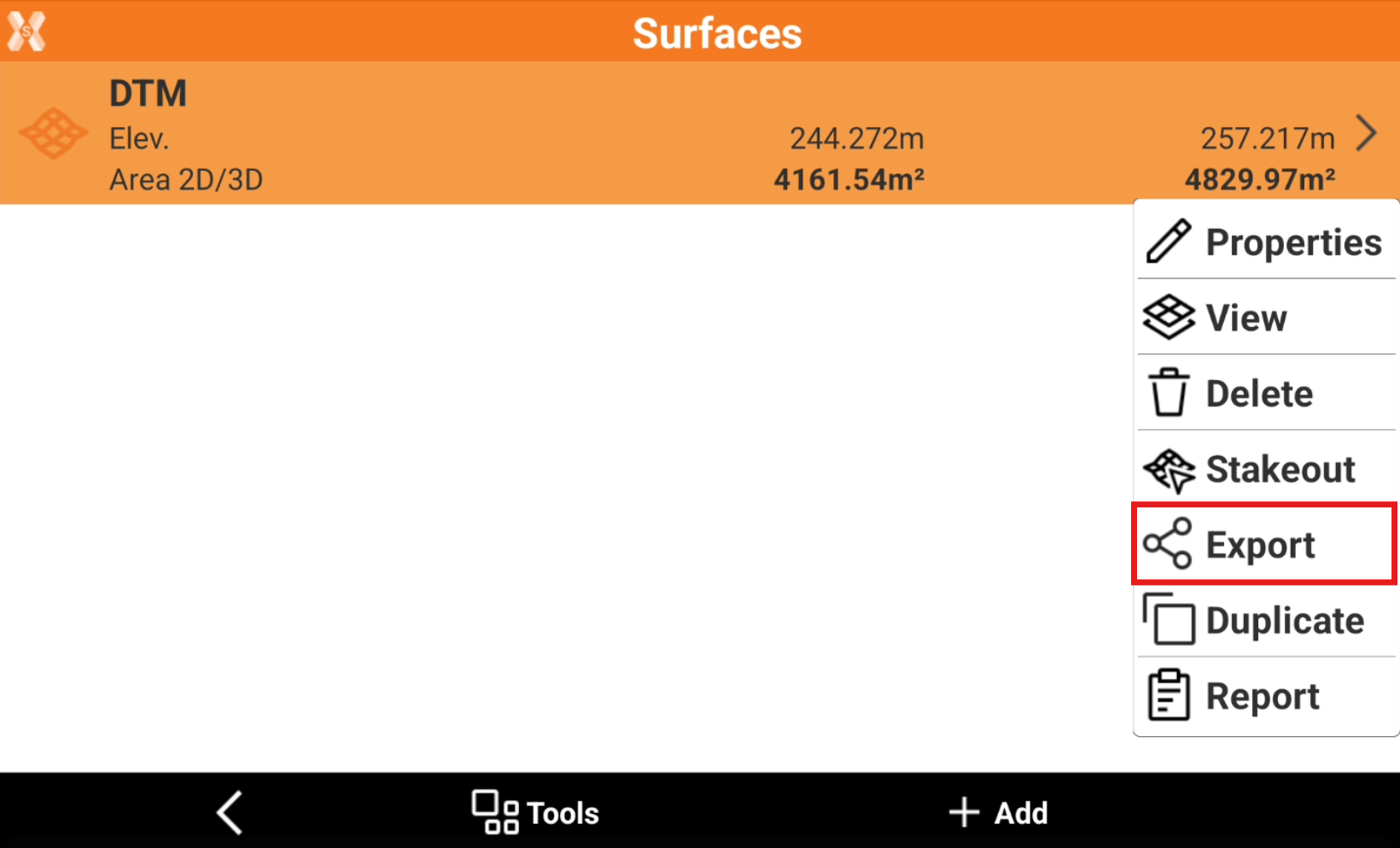
To export the surface triangles from the Surface and Volumes click Surfaces.
Surfaces can also be exported in Export data functions.
-
Select the surface to export and click Export.
-
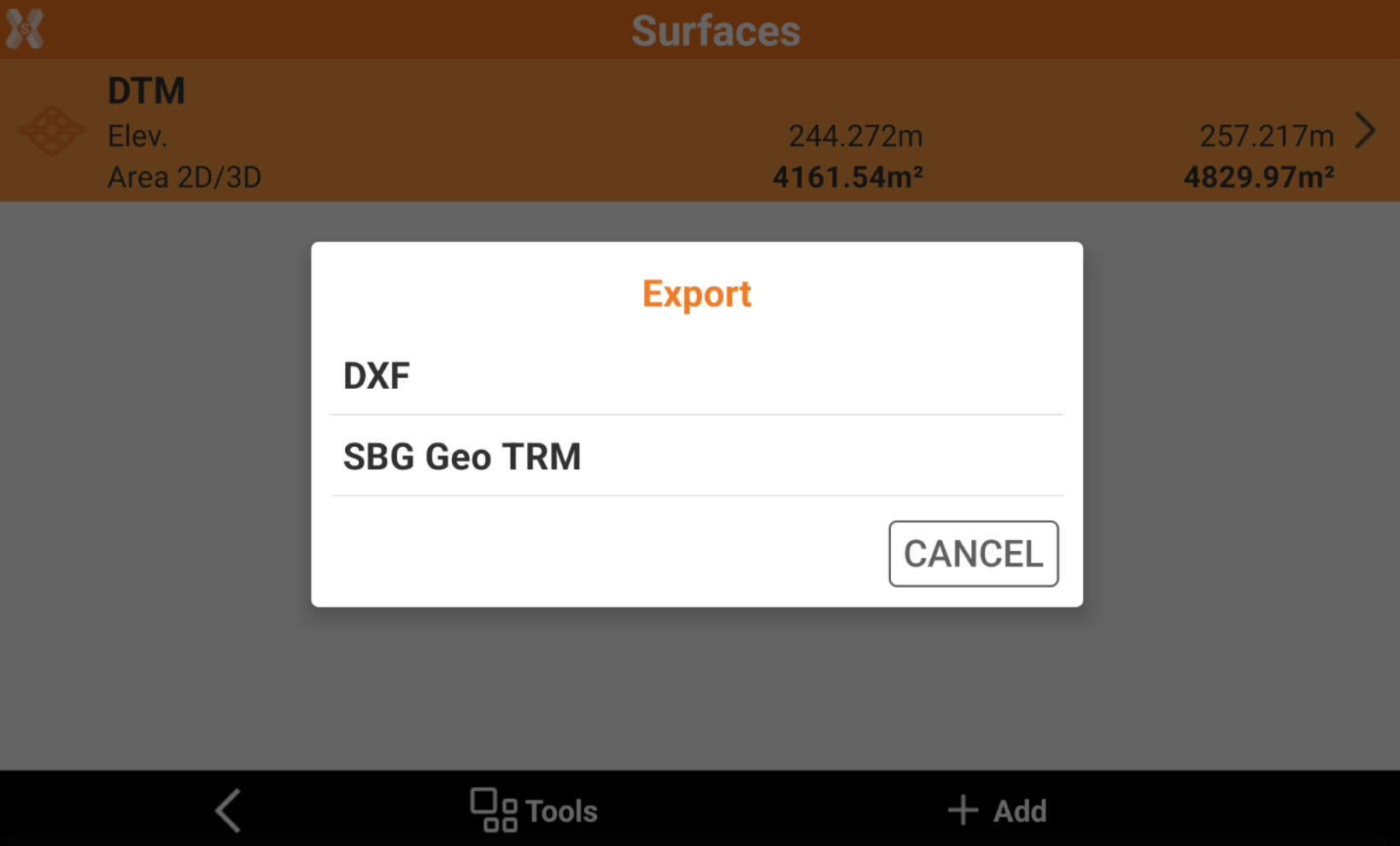
Select the format to export.
-
Select the export location.