


-
The software CAD allows the visualization in 3D.
-
Click 3D

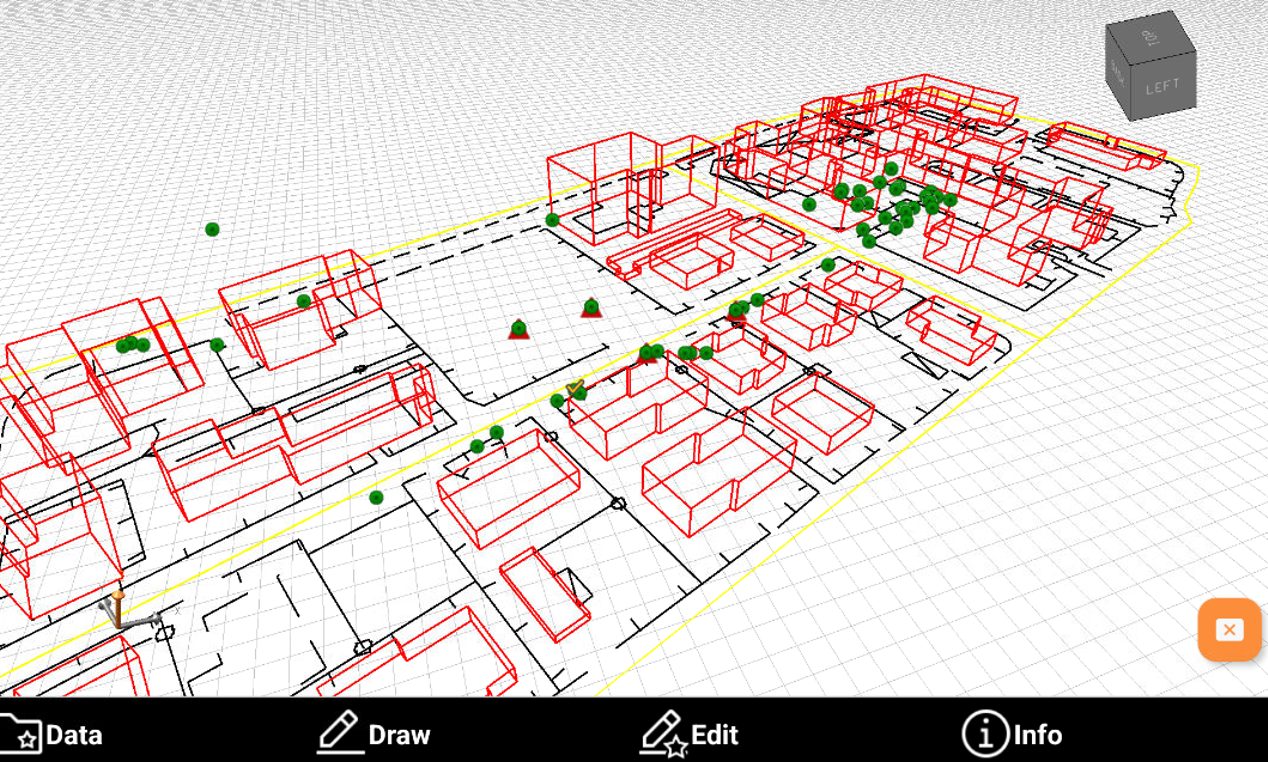
-
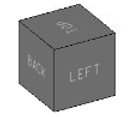
Select one of the predefined views using the faces of the cube.
-
Click on the graphic area and drag to change the point of view.
-
Tap in the graphic area using two fingers and move them apart to zoom in.

-
Tap in the graphic area using two fingers and bring them closer together to zoom out.
