

CAD Online Maps view

X-PAD Ultimate Survey 1.png | X-PAD Ultimate Build 1.png | X-PAD Ultimate GO 2.png

  • Click Map image-20250509-122636.png to open the map view.

  • image-20250509-122740.png
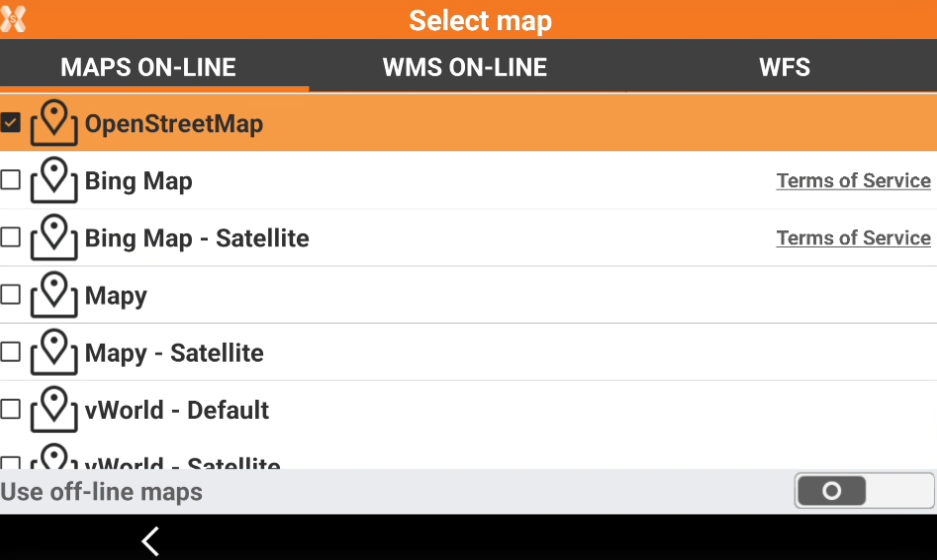
  • Click Select map image-20250509-122825.png to open the setting menu where to choose a different online map from the list.

    image-20250509-122910.png
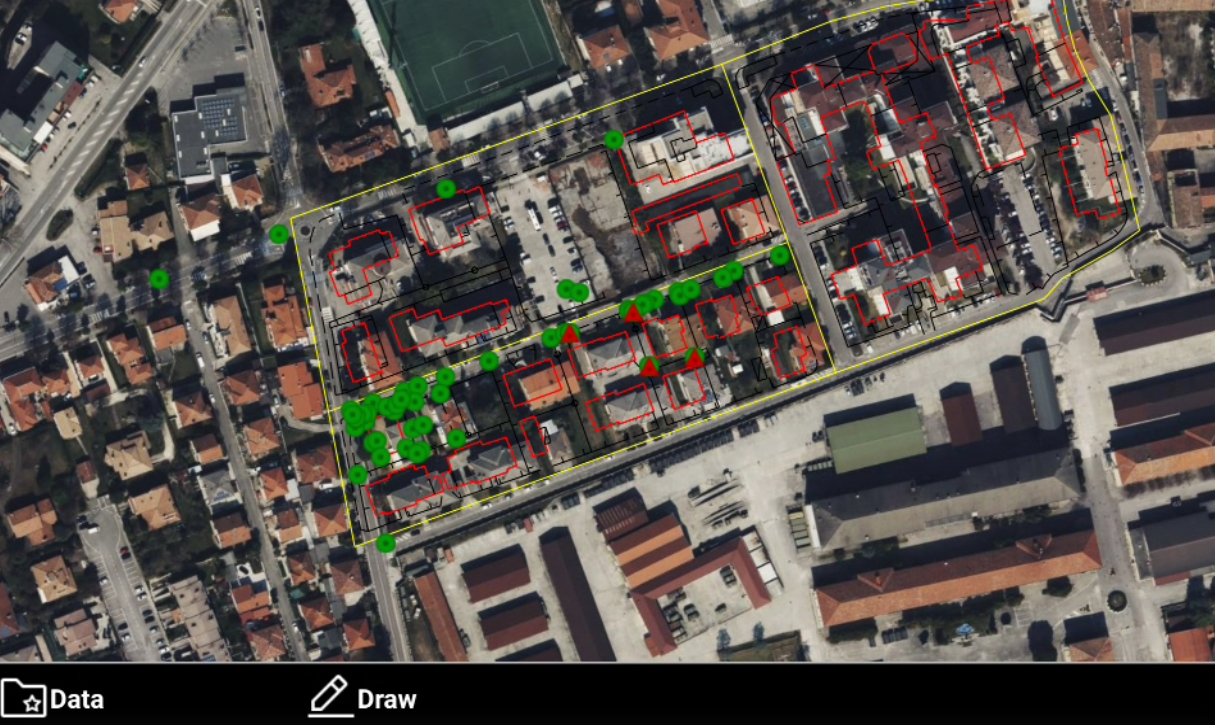
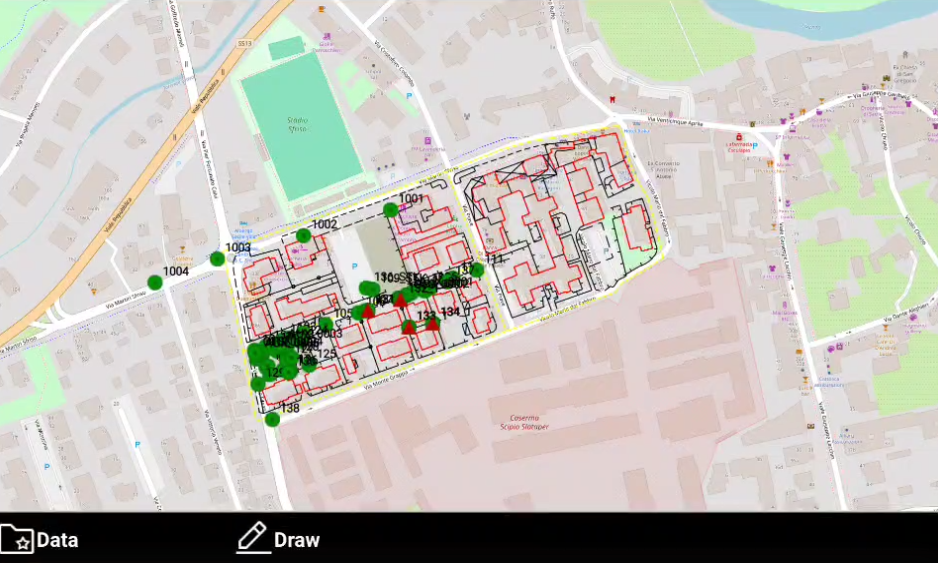
  • The online map is visualized.

    image-20250512-153853.png

Drawing on an online maps

X-PAD Ultimate Survey 1.png | X-PAD Ultimate Build 1.png

  • It is possible to draw points and lines while the CAD view is displayed on an online map.

  • Click Draw.

    image-20250512-154048.png
  • This opens a toolbar.

    image-20250512-154116.png
    • Point: to draw points on the map. Click directly on the map or use the snap to create new topographic points.

    • Line: to draw lines on the map. Click directly on the map or use the snap to create new lines.