



-
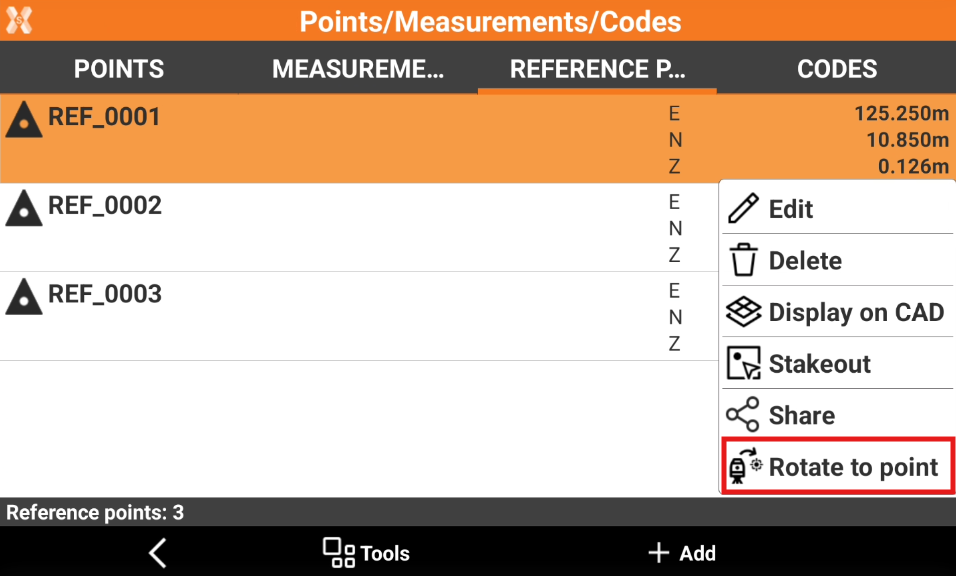
If the current instrument is a robotic total station, the command Rotate to point allows to automatically rotate the total station in the direction of the selected reference point
-
Open the Job tab.
-
Select Points/Measurements/Codes.
-
Open the Reference points tab.
-
Select a point from the list to open the context menu and select Rotate to point.
-
If the instrument is a motorized total station, it rotates to point direction.