

-
It is possible to share a reference point from the Reference points list.
-
For the selected point, the information related to coordinates (geographic and plane), code, description and eventually the photo/sketch associated is sent.
-
X-PAD uses compatible Android applications to share the point.
-
Open the Job tab.
-
Select Points/Measurements/Codes.
-
Open the Reference points tab.
Share a point from point list
-
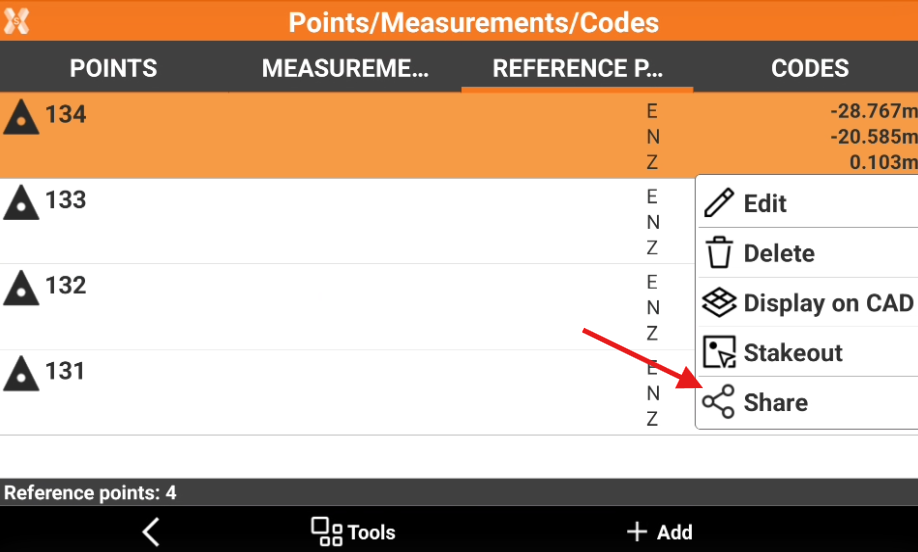
The command Share allows to share point information using compatible Android applications, like an email client.
-
Select a point from the list to open the context menu and select Share.
-
This opens a window with a list of compatible Android applications that is possible to use to share the point. For example click on an email client application to share the point in an email.
Share a point to X-PAD 365
-
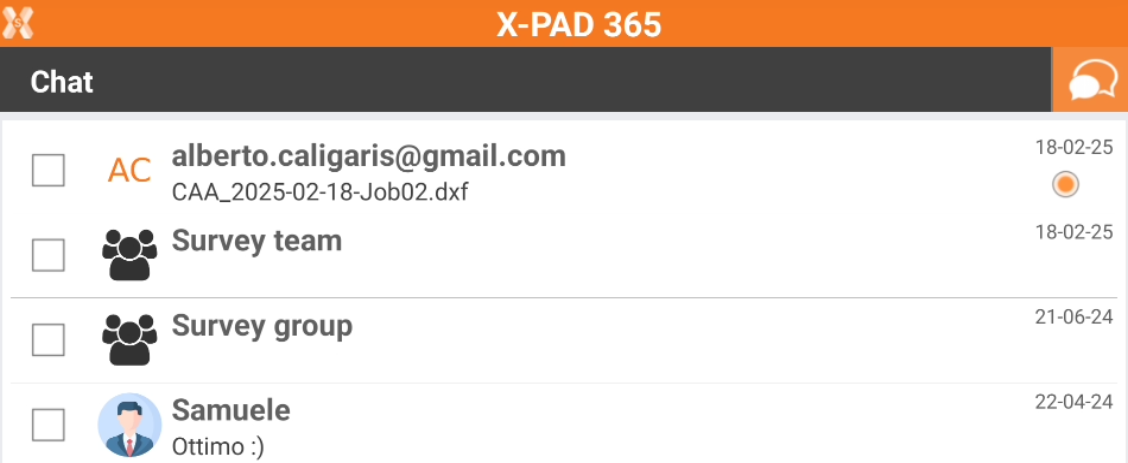
The command allows to share a reference point in the X-PAD365 chat to contacts.
An X-PAD 365 Professional or Enterprise account is required.
-
Open the Points tab.
-
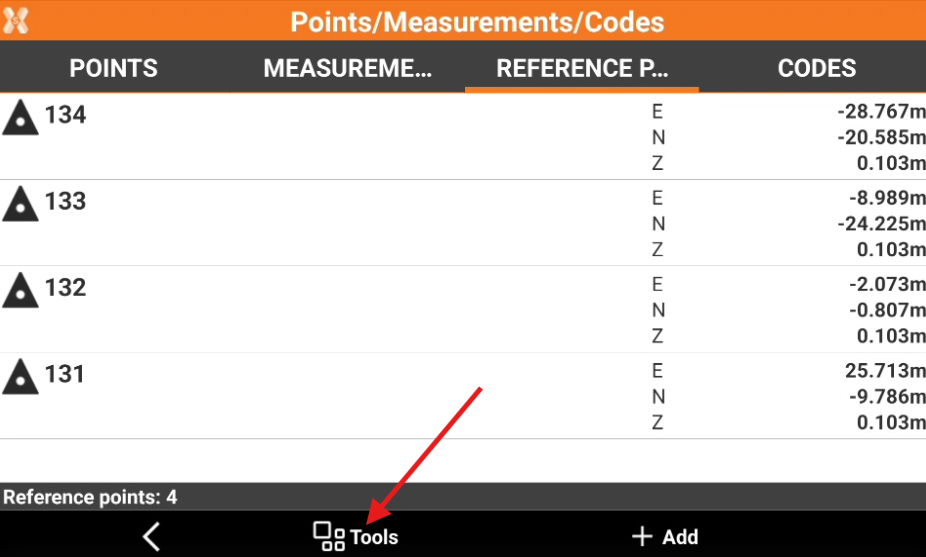
Select Tools to open the list of available tools.
-
Select Save/Load and Share to X-PAD 365.
-
Check the points from the list, or tap on Tools to use Selection rules or select/deselect all the points.
-
Select Edit and select the chat from available active chats to share the points with selected contact or within the chat group.