

-
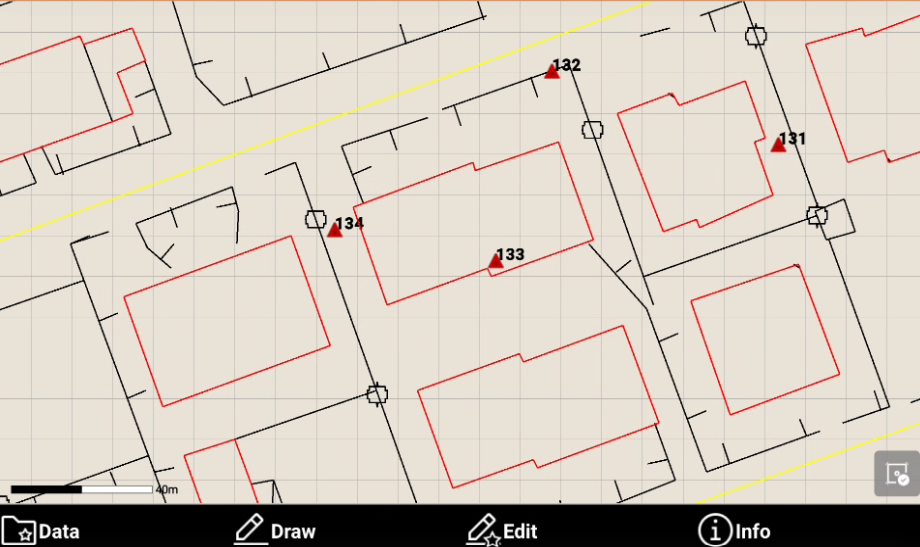
From the reference point list is possible to visualize its position in software CAD using Display on CAD function.
-
Open the Job tab.
-
Select Points/Measurements/Codes.
-
Open the Reference points tab.
-
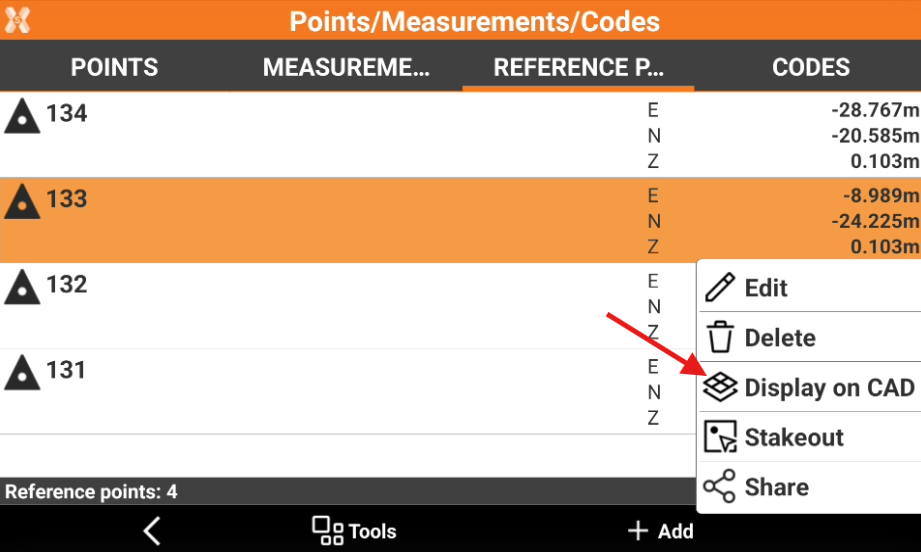
Select a point from the list to open the context menu and select Display on CAD.
-
The point is displayed in the CAD view at the center of the graphic window.