

-
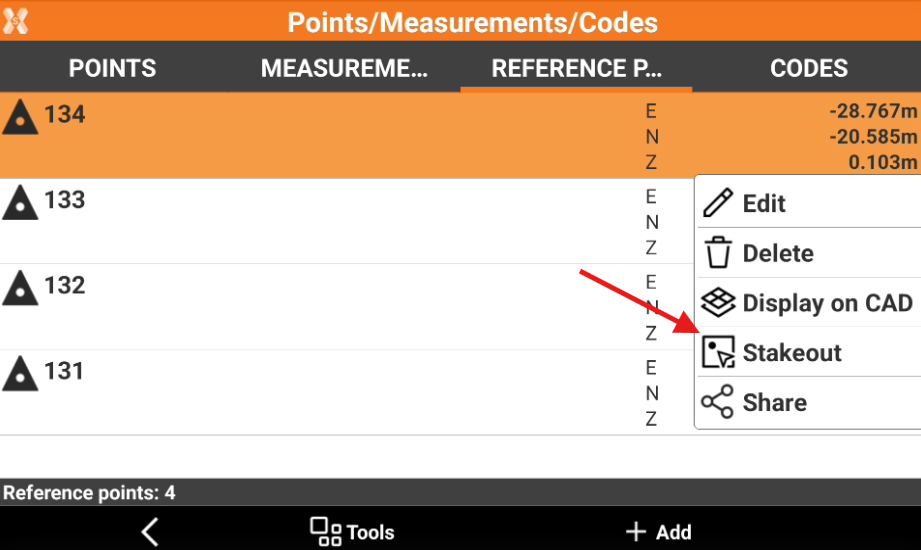
It is possible select a reference point to stakeout directly from the Reference points list.
-
Open the Job tab.
-
Select Points/Measurements/Codes.
-
Open the Reference points tab.
-
Select a point from the list to open the context menu and select Stakeout.
-
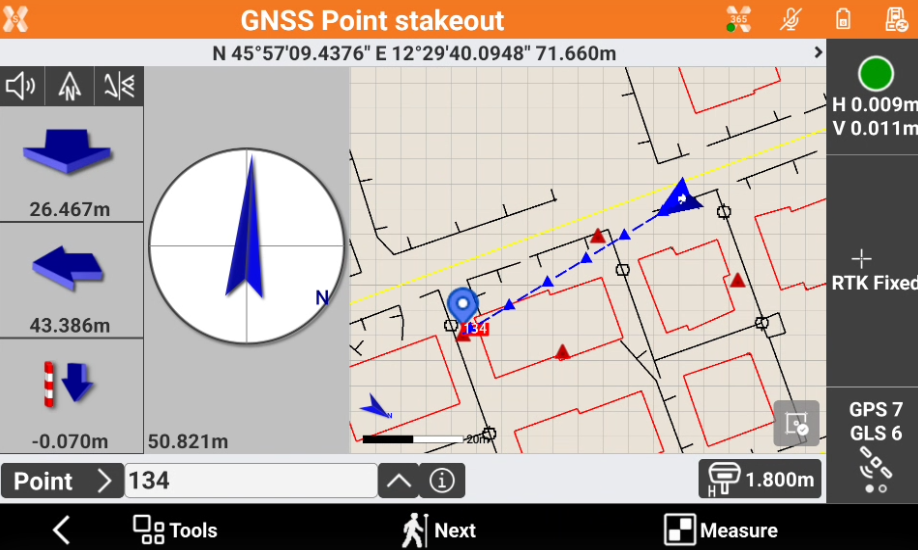
This opens the Stakeout Point function and allows to stakeout the point with the current instrument.