

-
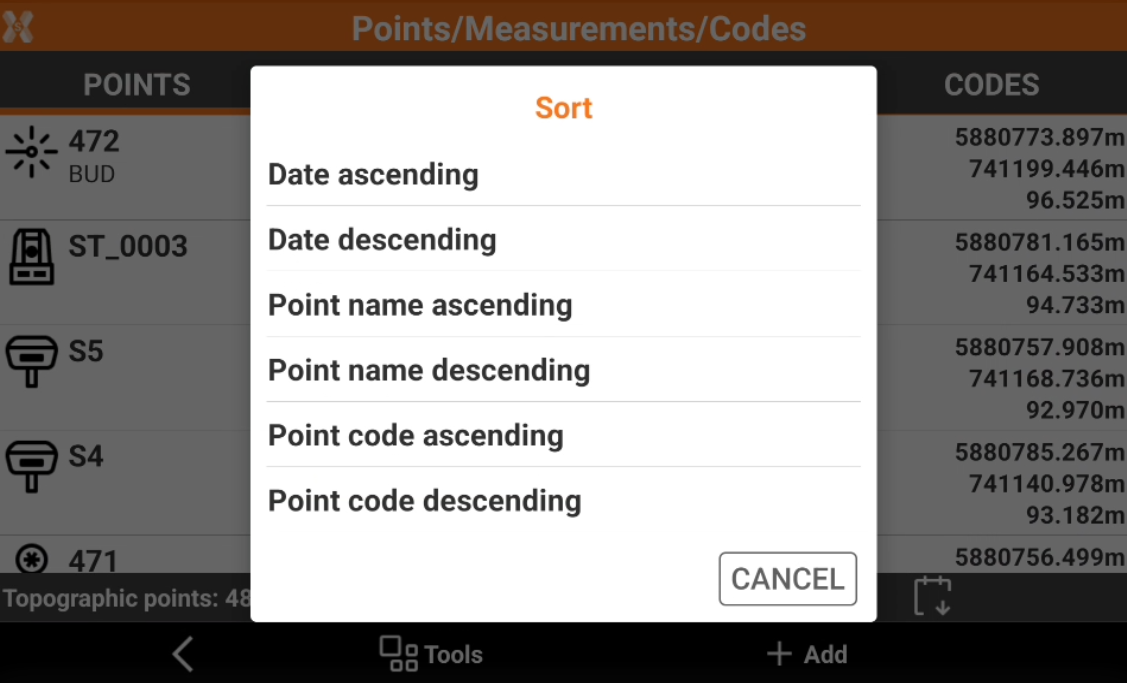
It is possible to sort the topographic points in different order.
-
Sorting options are:
-
Ascending or descending order of the point name.
-
Name of the points.
-
Creation date.
-
Ascending or descending order of the code name.
-
-
Click Job.
-
Click Points/Measurements/Codes.
-
Open the Points tab.
-
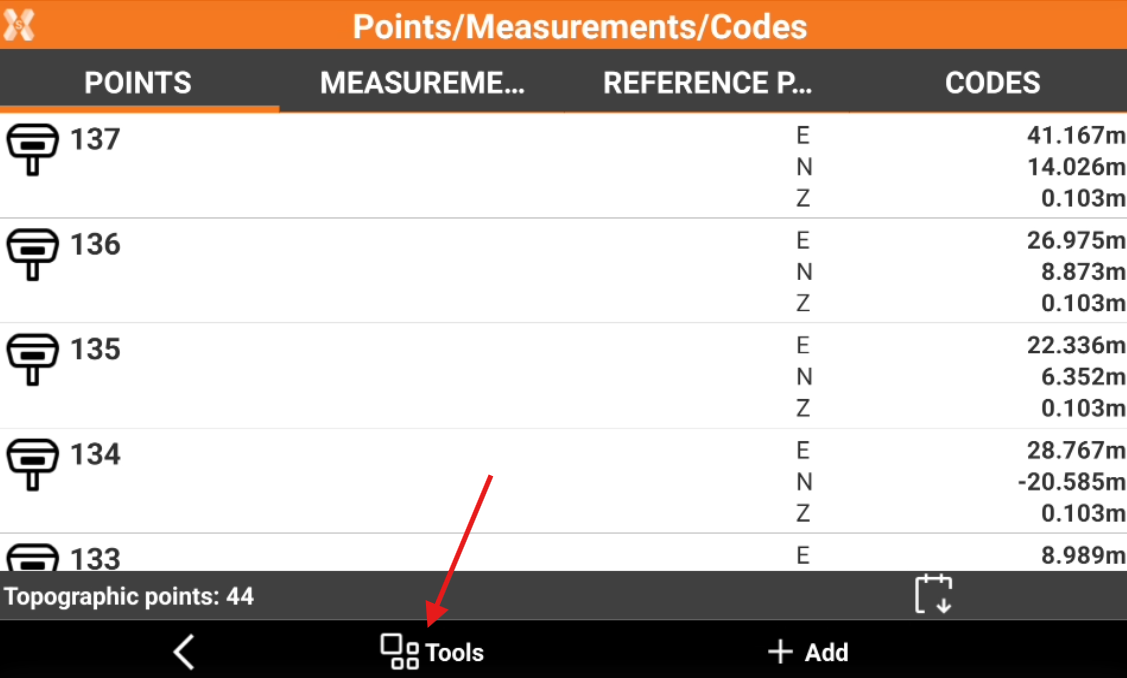
Click Tools to open the list of available tools.
-
Click Sort.
-
Select the sorting method.