



-
The software allows to import and export points from the current job to a different job.
-
Click Job.
-
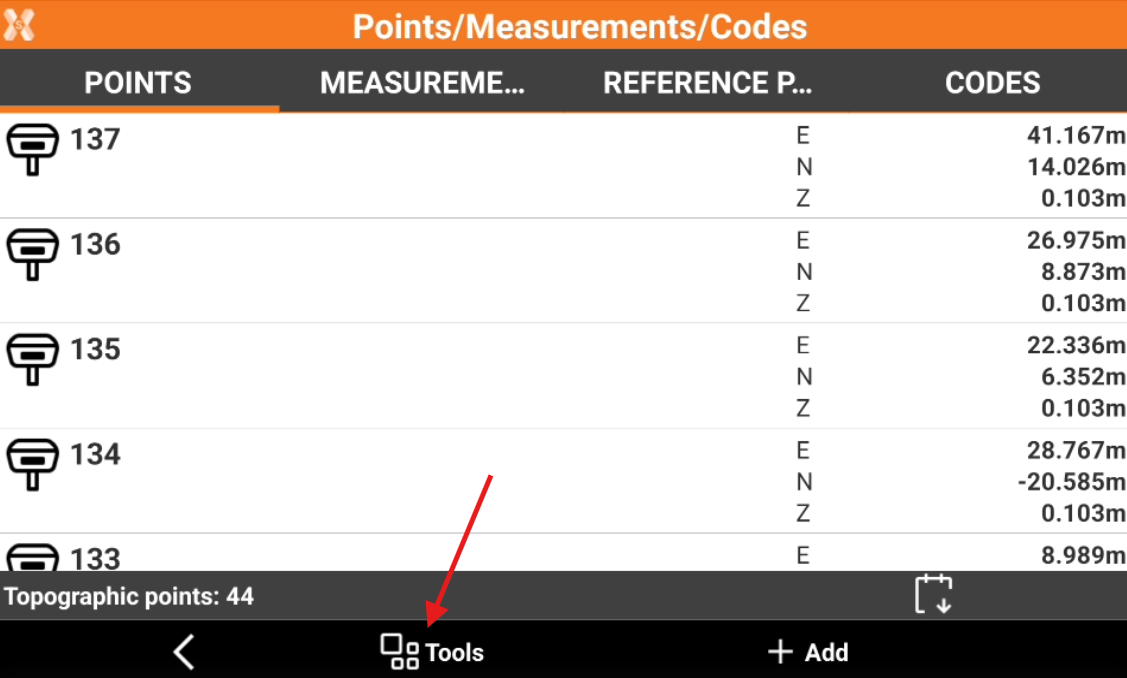
Click Points/Measurements/Codes.
-
Open the Points tab.
-
Click Tools to open the list of available tools.
Import points from another job
-
Click Tools.
-
Click Save/Load.
-
Select Load points from job.
-
Select the job from the list of available job.
-
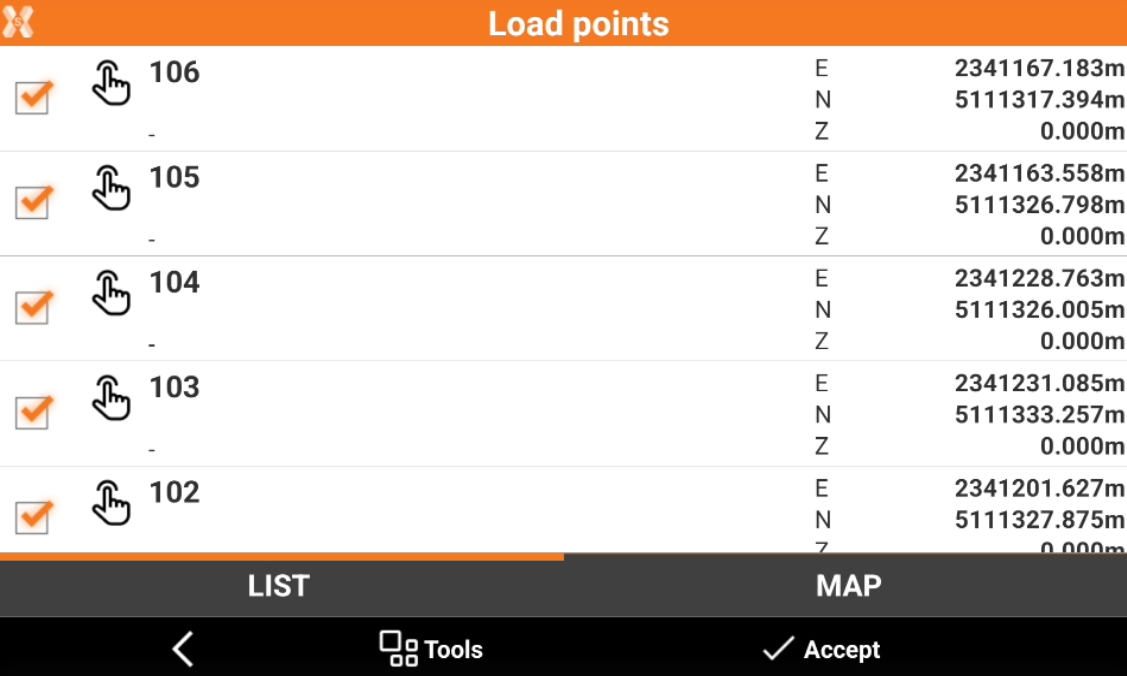
Check the points from the list, or click Tools to use Selection rules or select/deselect all the points.
-
Click Accept to import the selected points in the current job.
Export points to another job
-
Click Tools.
-
Click Save/Load.
-
Select Save points to job.
-
Check the points from the list, or click Tools to use Selection rules or select/deselect all the points.
-
Select the job from the list of available job to export the points to the selected job.