
-
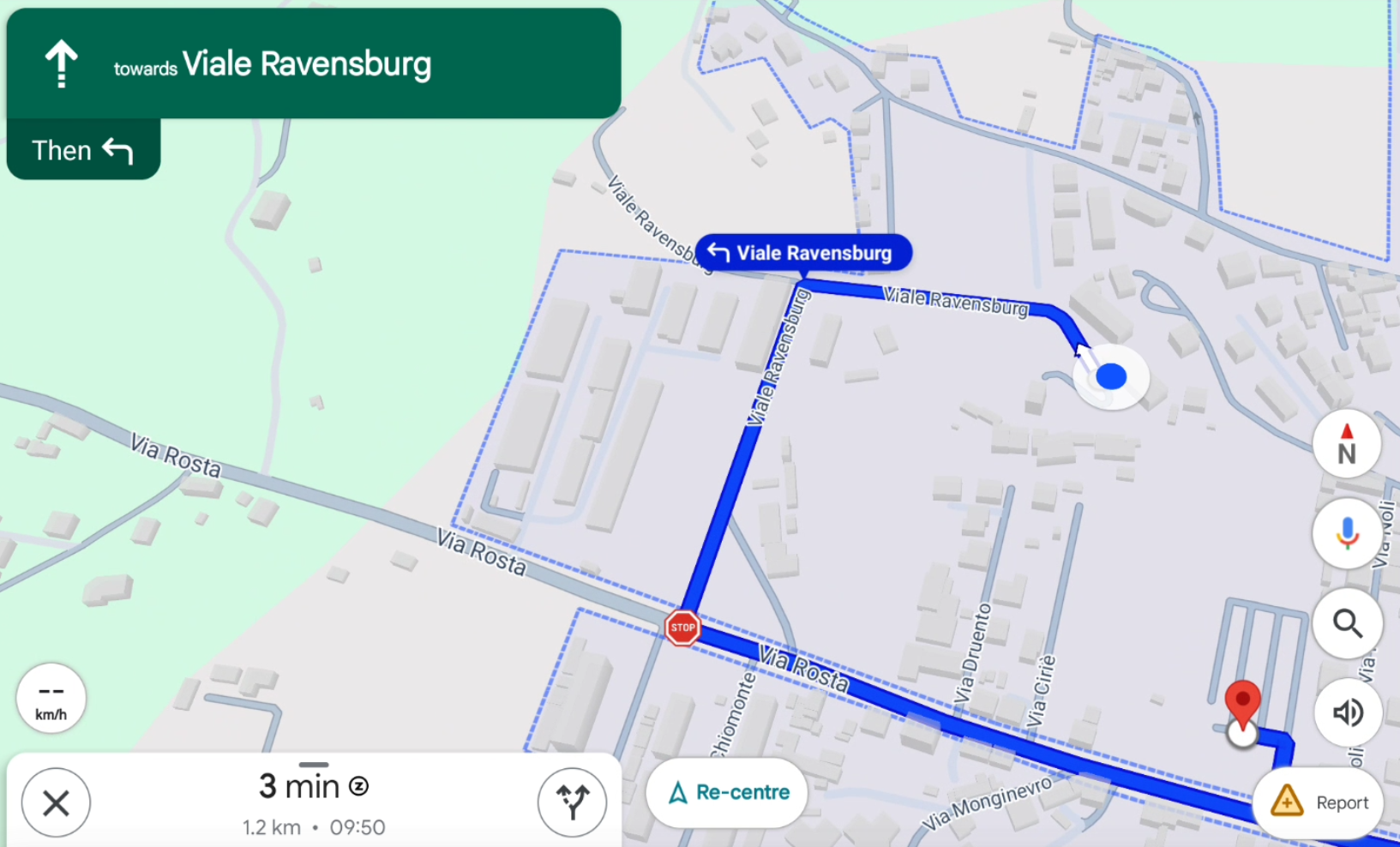
Every point with a valid GNSS position can be sent to Google Maps and navigation can start.
-
Click Job.
-
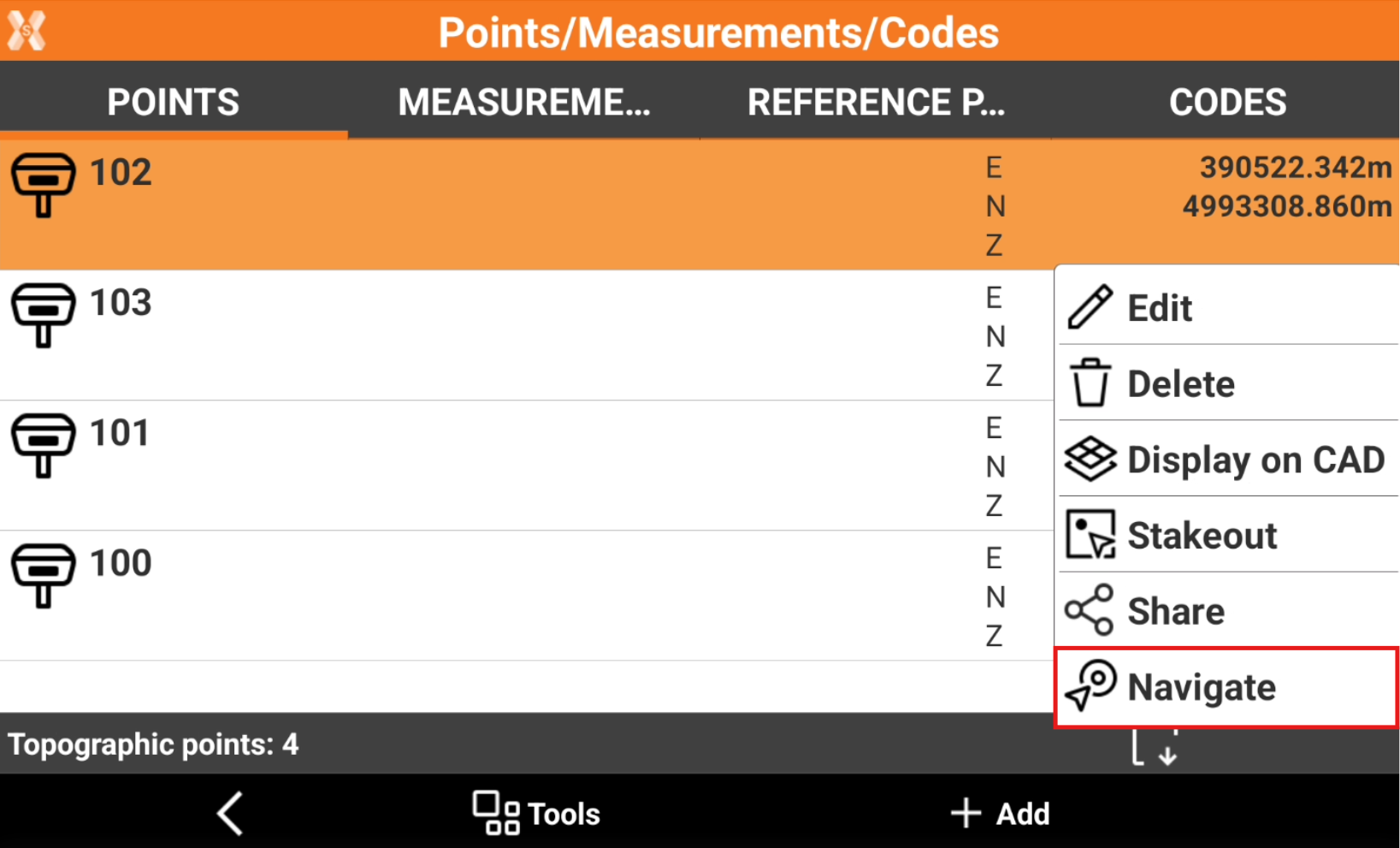
Click Points/Measurements/Codes.
-
Open the Points tab.
-
Select a point from the list and click Navigate.
-
The software opens Google Maps with information on how to navigate to the point.