



-
When a point in the Points list has been stakeout, it has a state to indicate it. This for example helps to not stakeout it a second time since it is no more available in the points to stakeout.
-
The software offers a command to reset this state.
-
Click Job.
-
Click Points/Measurements/Codes.
-
Open the Points tab.
-
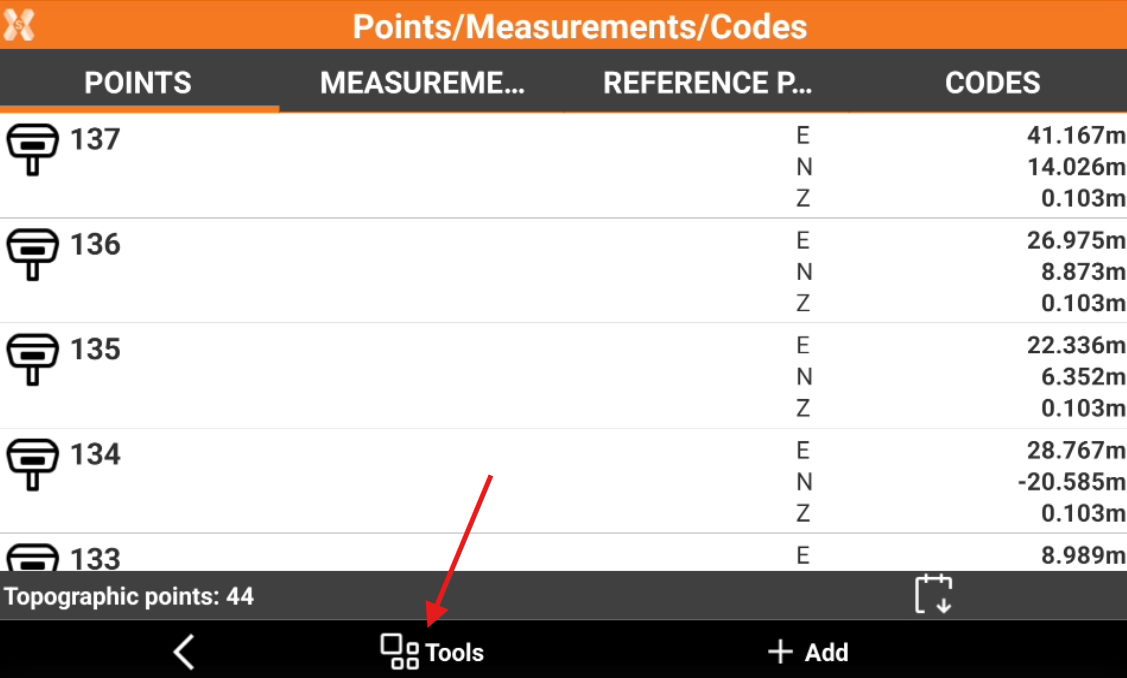
Click Tools to open the list of available tools.
-
Click Edit.
-
Select Reset Stakeout state.