

-
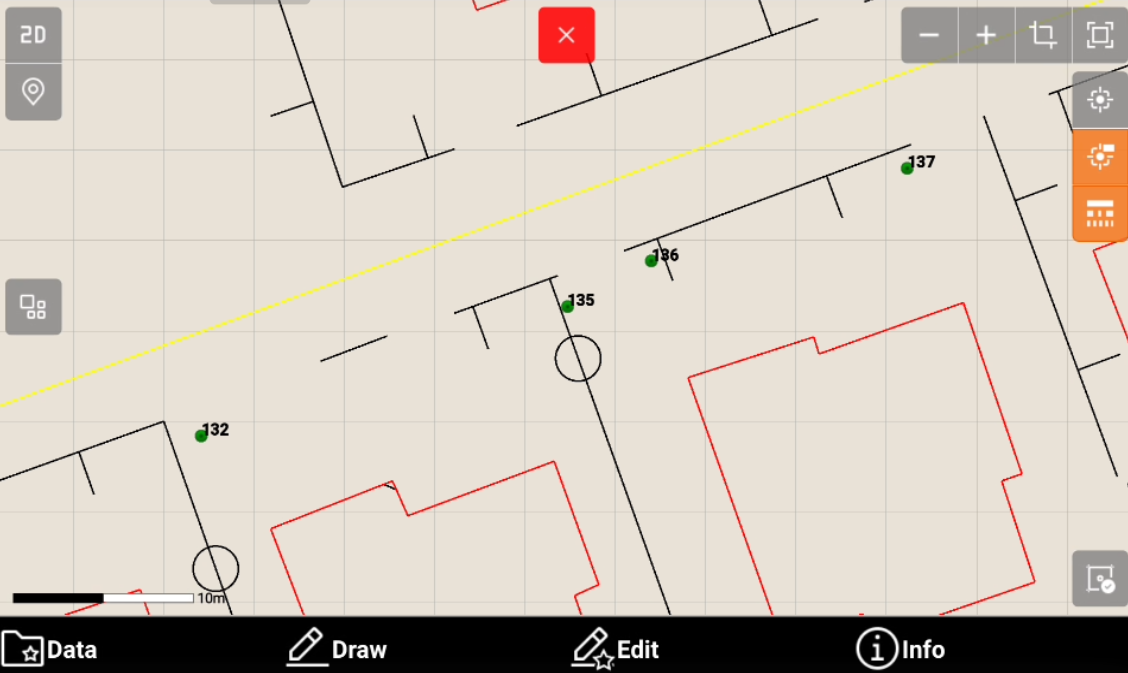
From the topographic point list is possible to visualize its graphical position in the CAD with a single click.
-
Click Job.
-
Click Points/Measurements/Codes.
-
Open the Points tab.
-
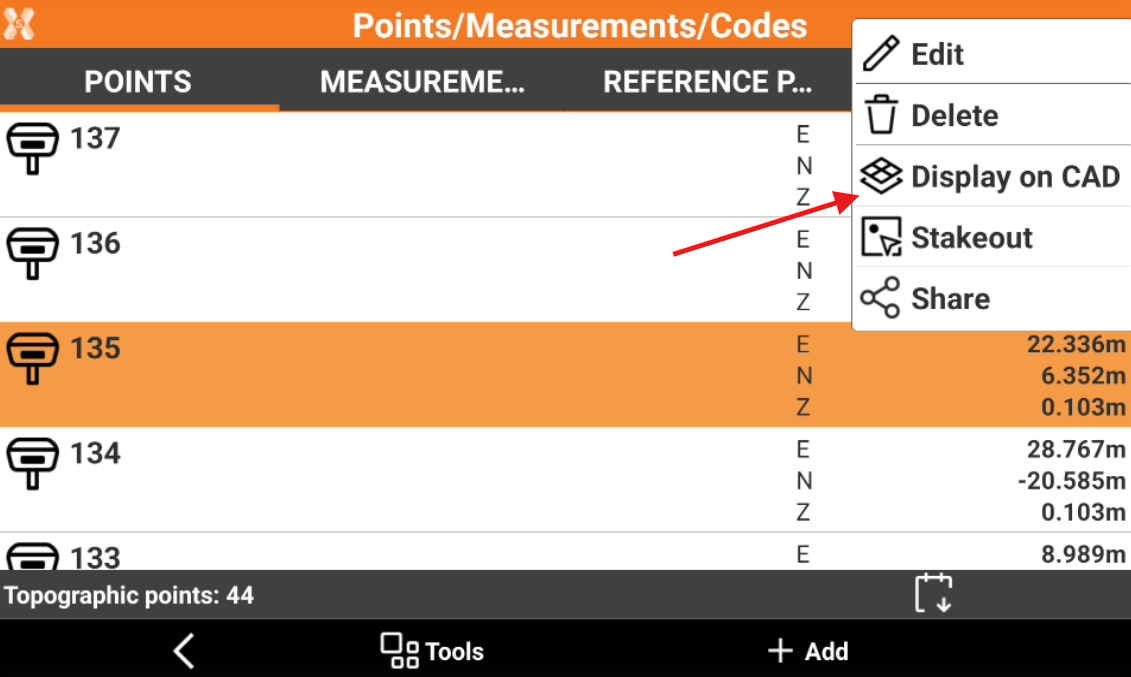
Select a point from the list and click Display on CAD.
-
The CAD is opened and the point is visualized in the center of the graphic window.