
-
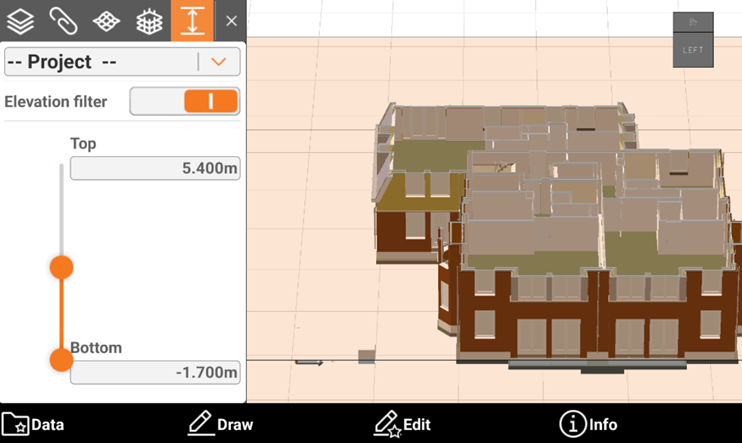
Cut planes function allows to define a range of elevations that has to be visible; everything else outside the defined range is not visible.
-
With this tool it is possible to restrict the visualization of the models, drawings and surfaces to a specific range of elevations. The elevation range can be defined for the complete drawing or for the single models, drawings.
-
Open the CAD Project Manager.
-
Click

-
This opens the Cut planes panel.
-
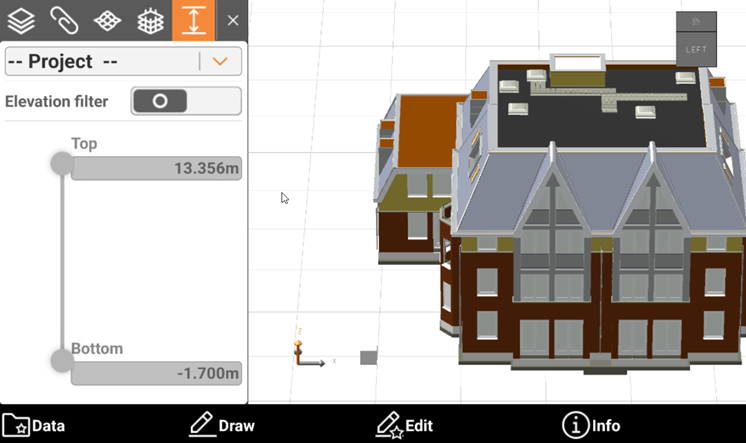
In the top drop-down list it is possible to select if to restrict the visualization to the entire model or to a specific model or drawing.
-
Activate the elevation filter and select the min and max elevation.