


-
The Project Manager external reference panel allows to manage the external references linked to the project.
-
The panel allows to make them enabled/disabled.
-
Open the CAD Project Manager.
-
Click External reference

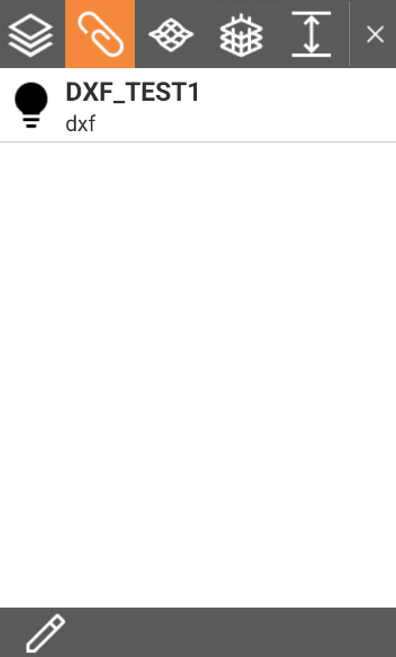
Making an external reference visible or invisible
-
Visible external references are marked by

-
Invisible external references are marked by

-
Click the symbol to change the visibility of an external reference.
Manage and link external references
-
To open the External reference page and link new external files click

-
See External references for more information on external documents.