


-
Distance and offset calculates the position of a new topographic point referring to a reference object.
-
Click Edit.
-
Select Dist&Offset.
-
Select from CAD the reference object referring to which to calculate the position of the point.
-
Enter the distance along the reference object.
-
Enter the offset from the reference object.
-
The software shows the calculation preview.
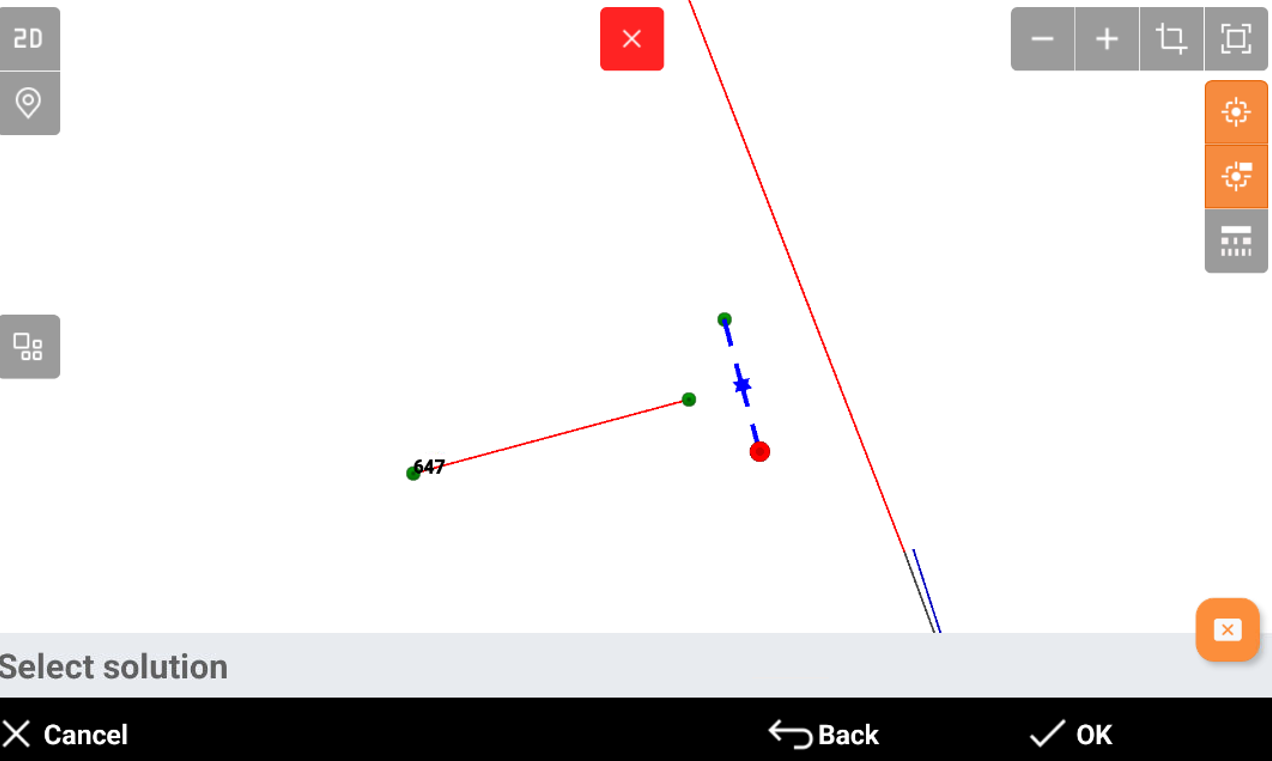
-
Click OK to save the point.