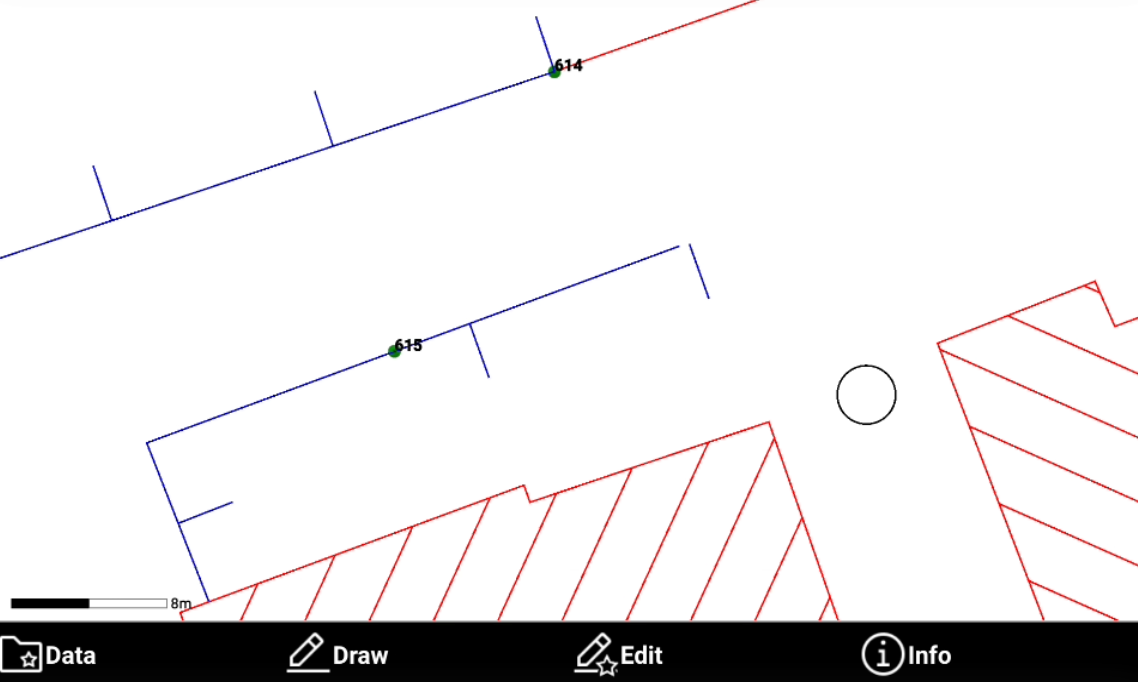

-
Lengthen extends an object like a line, a polyline or an arc to a defined length. Or extend a line defined by two points which also indicates the direction where to create the point.
-
Click Edit.
-
Select Lengthen.
-
Enter the distance by which to lengthen an object.
-
Select in CAD the object to extend or select the first point.
-
For first point, select the second point.
-
The software shows a preview of the result. Click OK to save the changes.
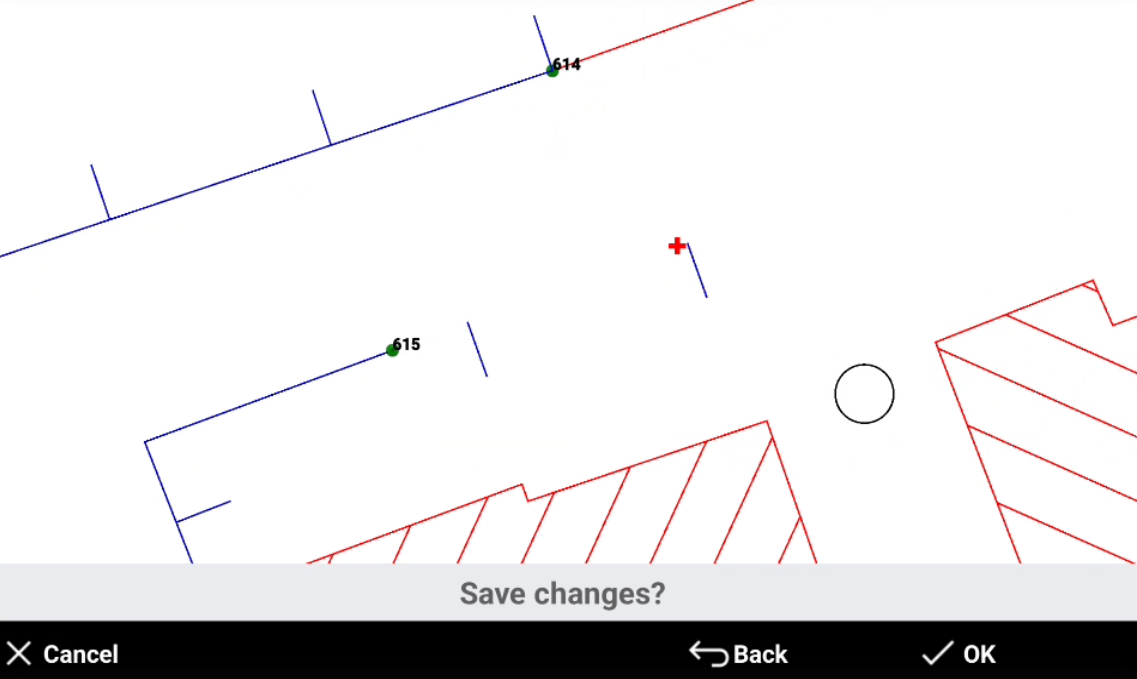
-
The object has been created.