
-
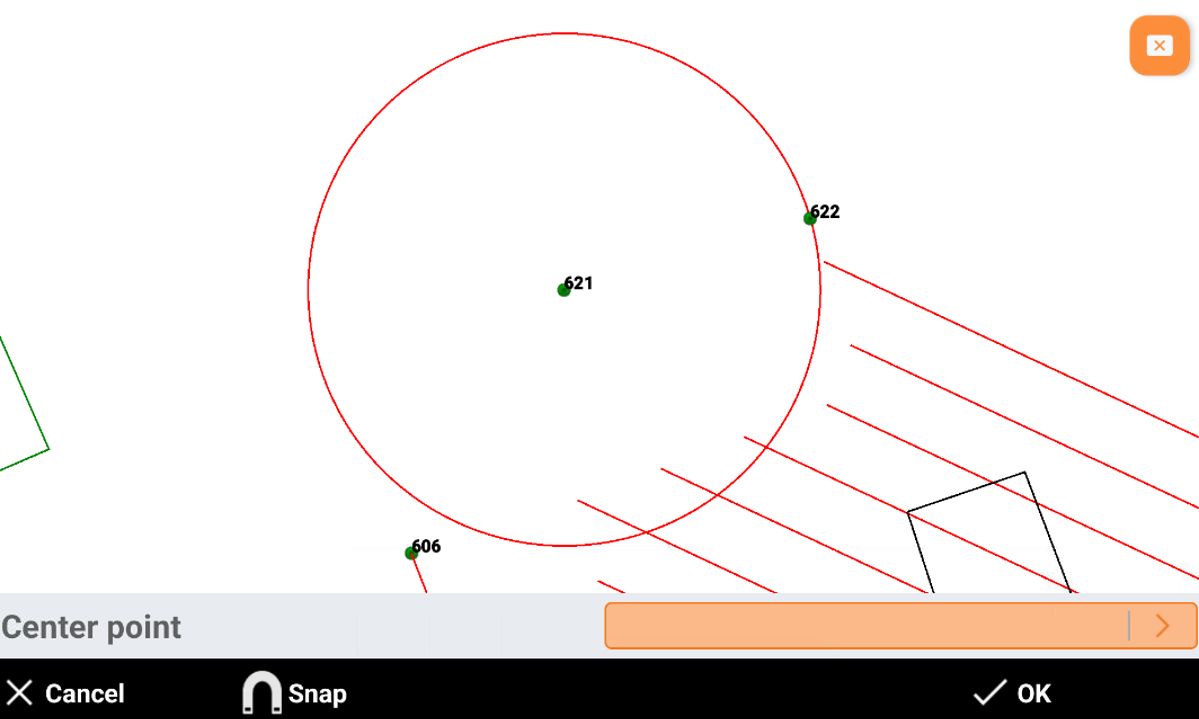
Circle command creates a circle selecting the circle center from CAD and entering the radius.
-
Click Draw.
-
Click Circle.
-
Select in CAD the center of the circle.
-
Enter the radius and click OK. You can enter the numeric value of the radius or select a point in CAD to define the radius from the distance between the center of the circle and the selected point.