
-
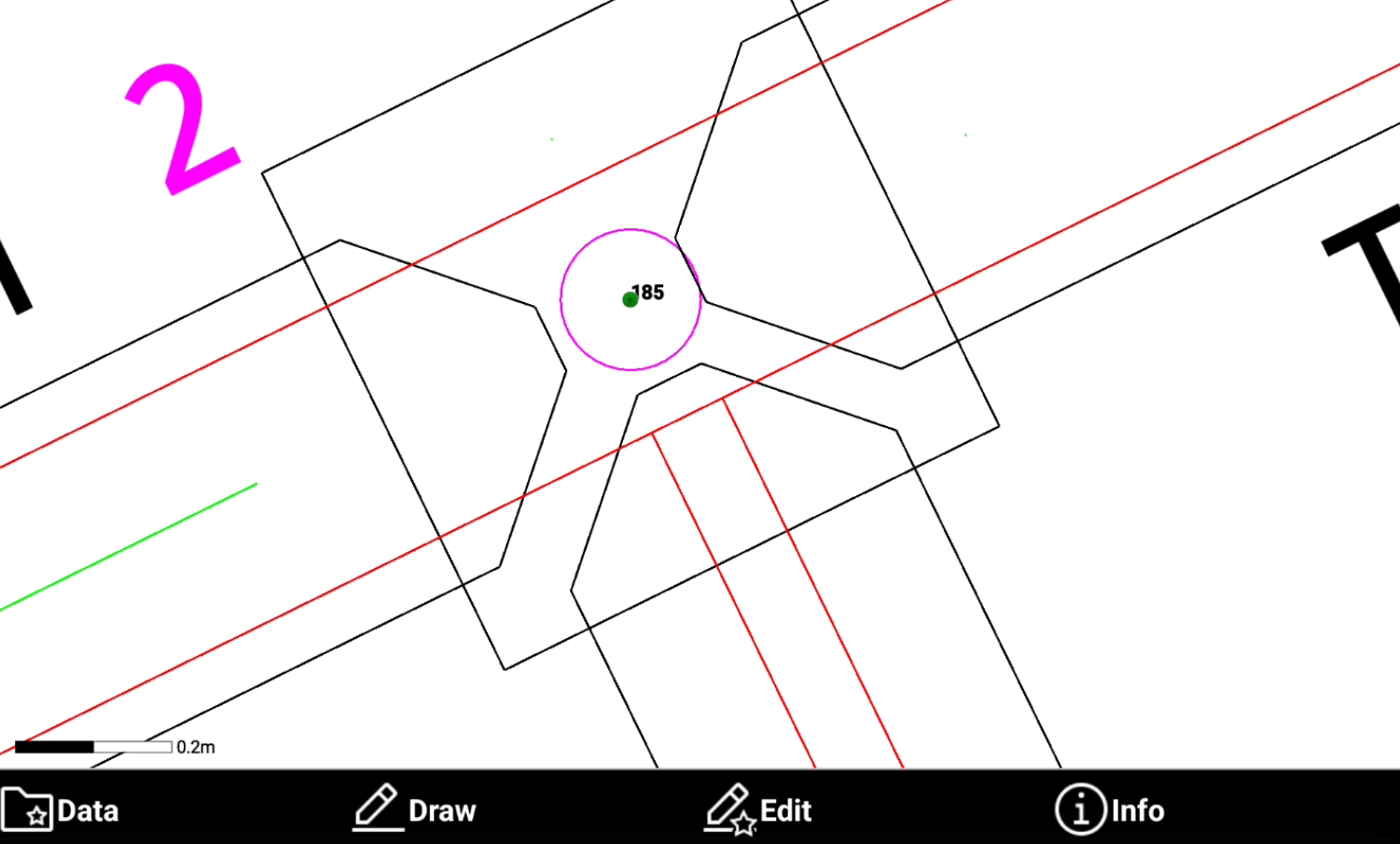
Allows to create topographic point on selected objects according to different methods:
-
Divide in parts: creates points along the object by dividing it in parts.
-
By distance: creates points along the object at the specified distance.
-
On vertices: creates points on the vertices of the selected objects.
-
On intersections: creates points on the intersections of the selected object.
-
On circle centers: creates points on the center of selected circles.
-
-
Click Draw.

-
Click Points on object.
-
Select the method.
Divide in parts
-
Divide in parts creates points along the object by dividing it in parts.
-
Select Points on object.
-
Select Divide in parts method.
-
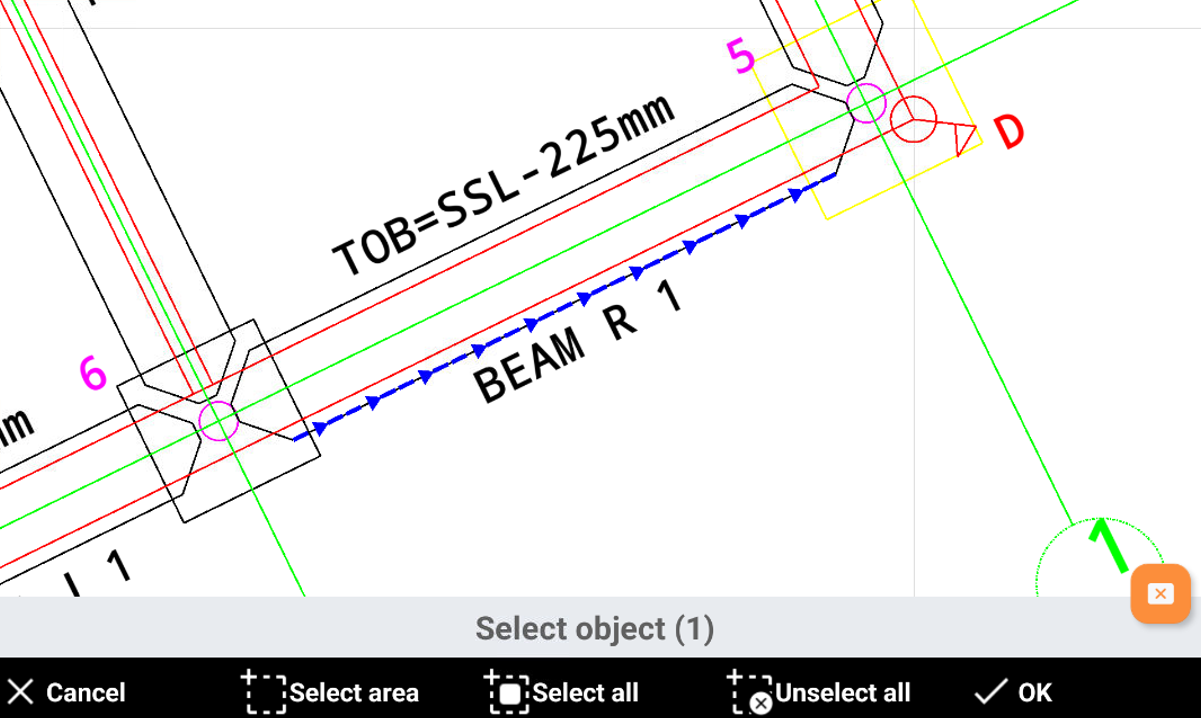
Select an object in CAD and click OK.
-
Enter the number of parts.
-
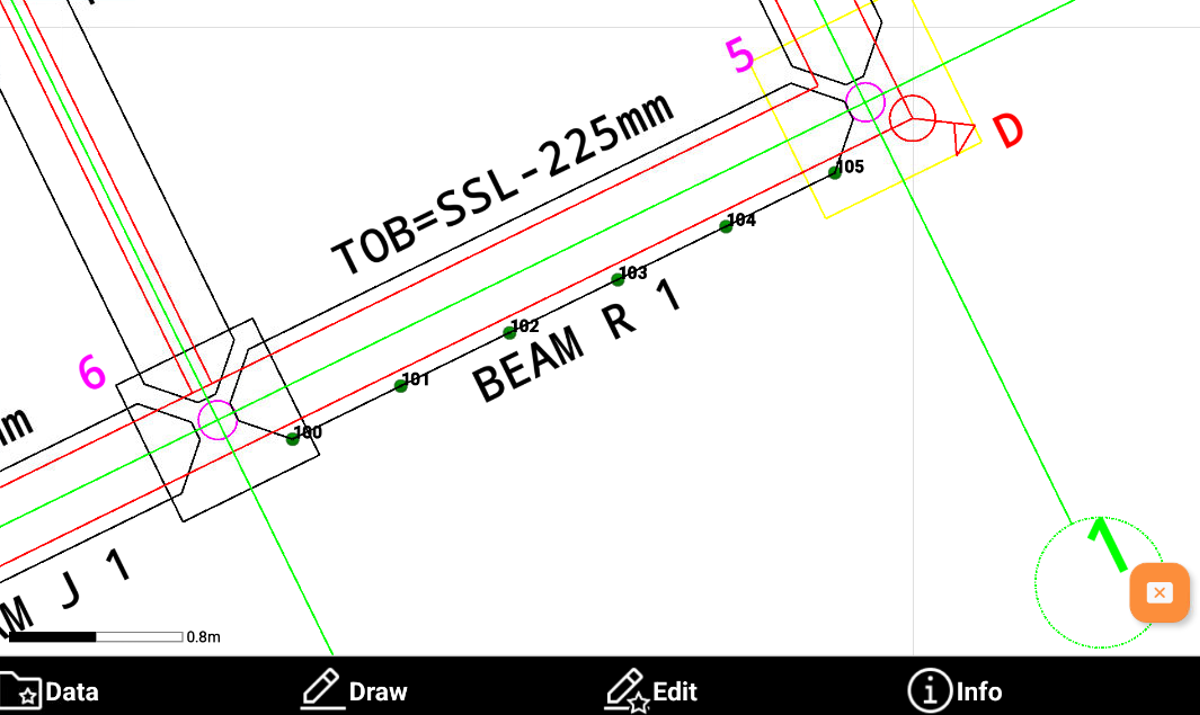
Enter the first point name and confirm the calculated points. The software creates the topographic points.
By distance
-
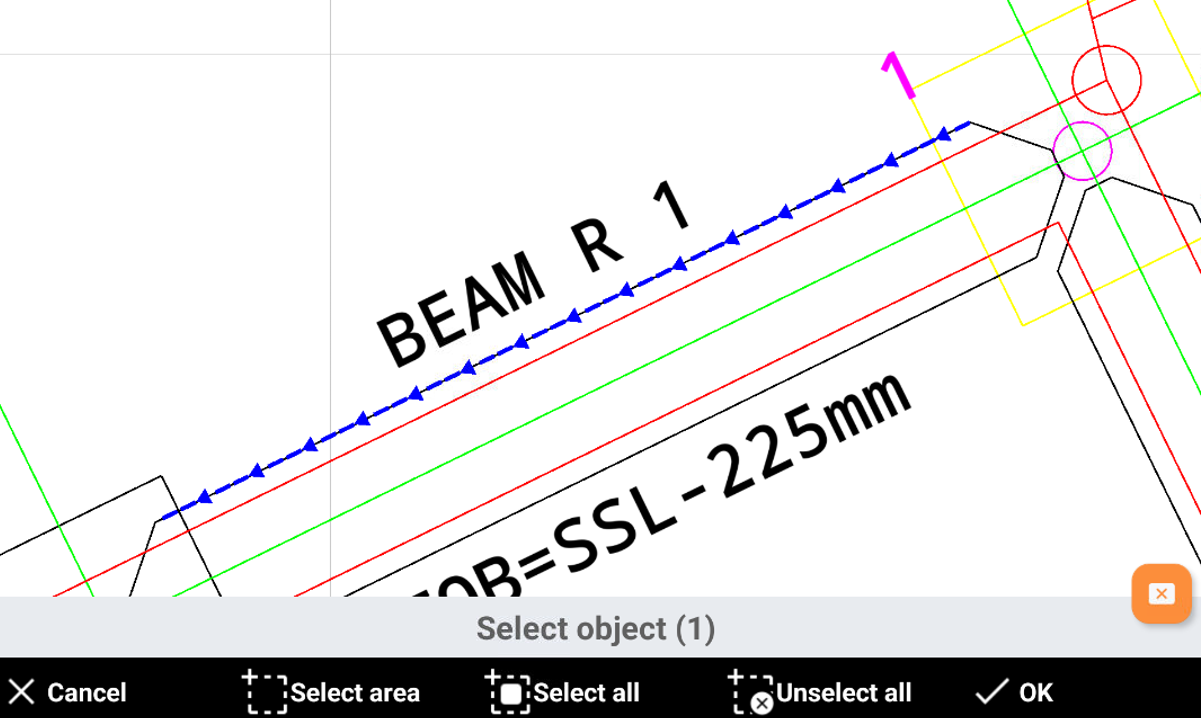
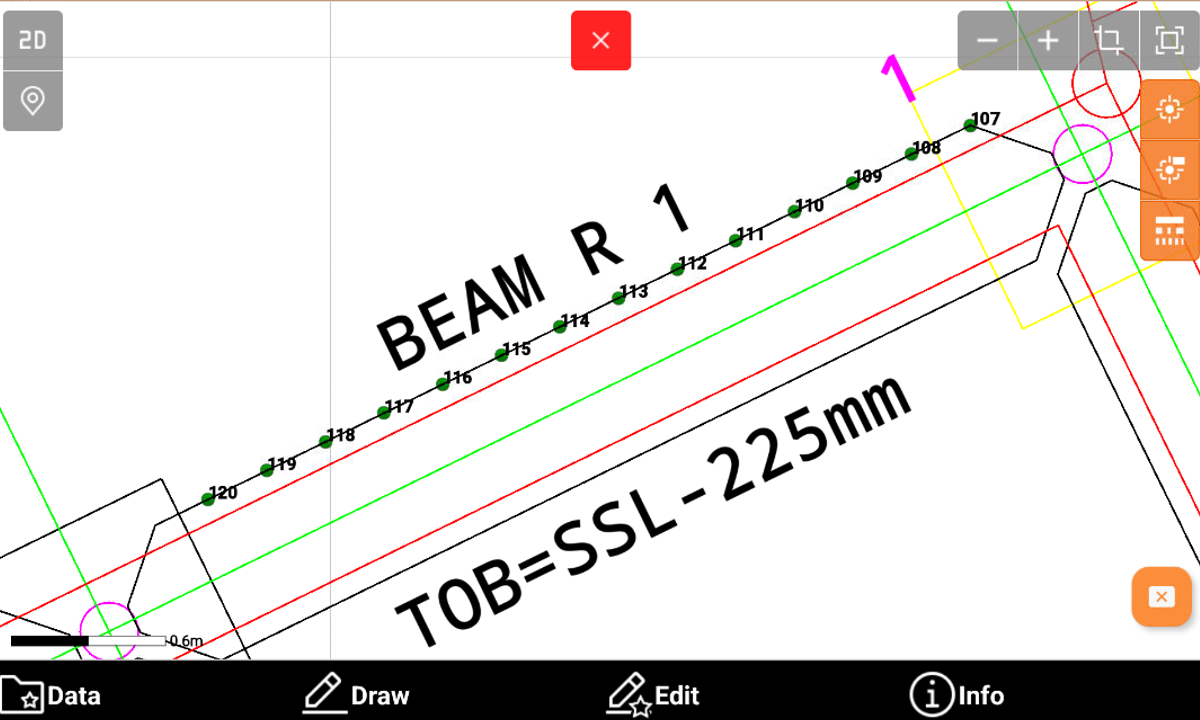
By distance creates points along the object at the specified distance.
-
Select Points on object.
-
Select By distance method.
-
Select an object in CAD and click OK.
-
Enter the length of the segments.
-
Enter the first point name and confirm the calculated points. The software creates the topographic points.
On vertices
-
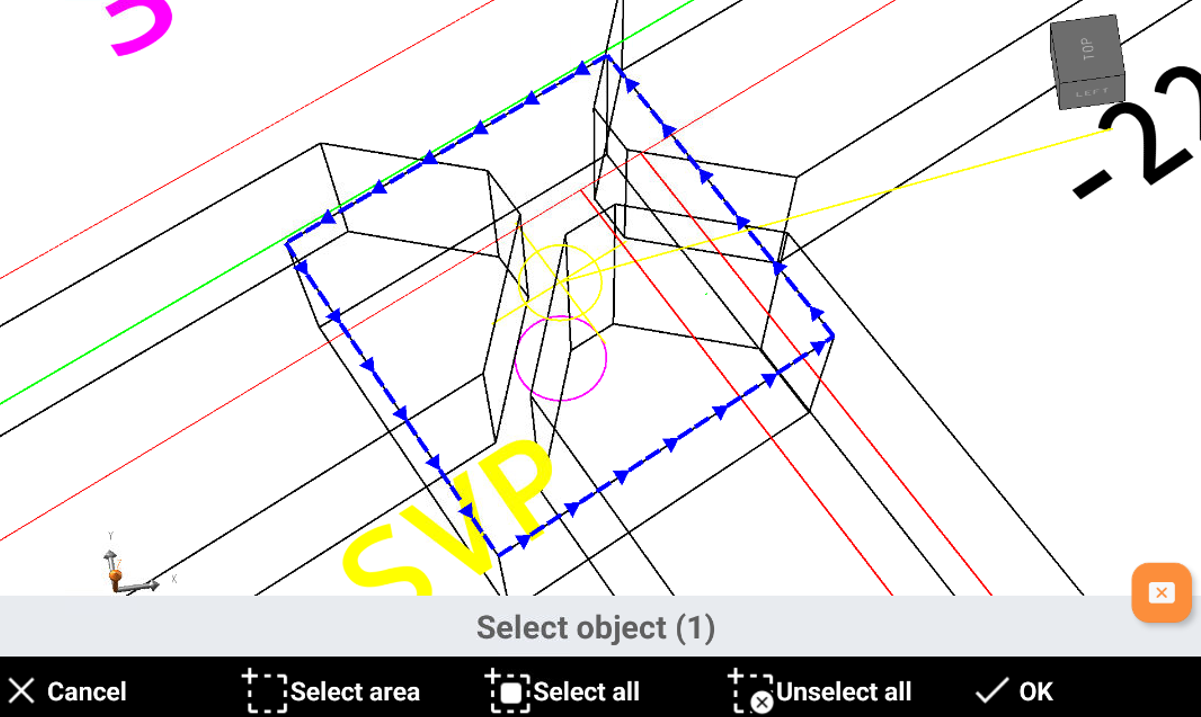
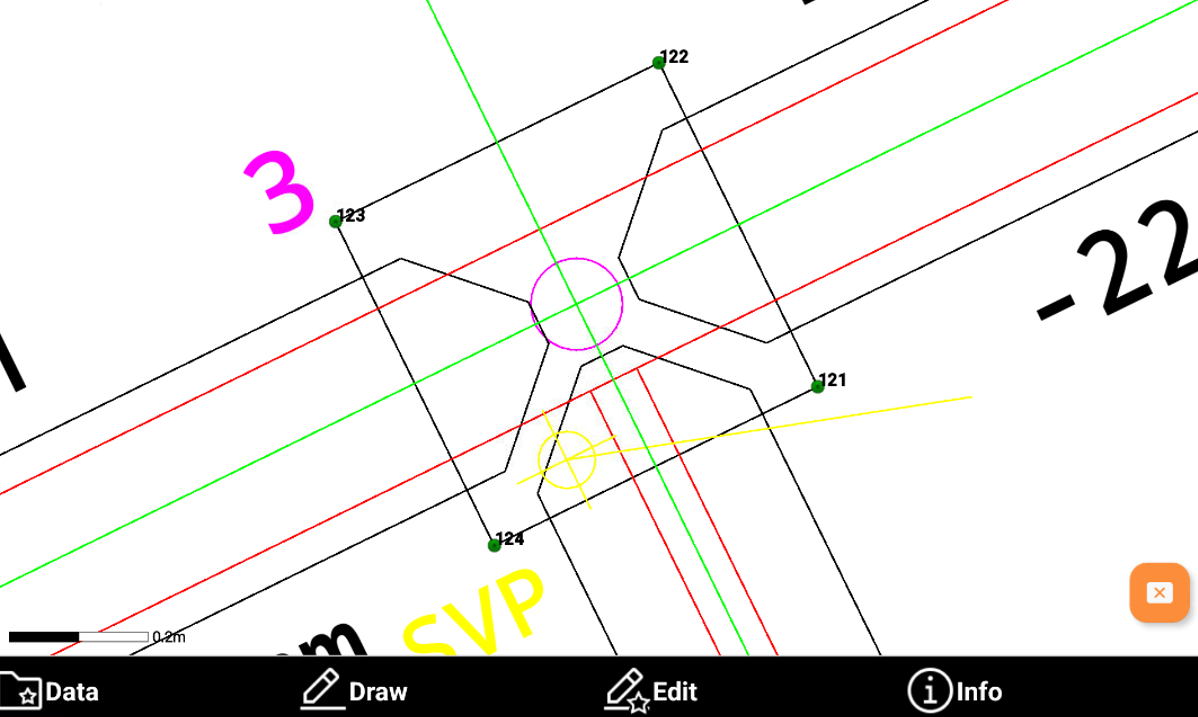
On vertices creates points on the vertices of the selected objects.
-
Select Points on object.
-
Select On vertices method.
-
Select an object in CAD and click OK.
-
Enter the first point name and confirm the calculated points. The software creates the topographic points on the vertices of the selected objects.
On intersections
-
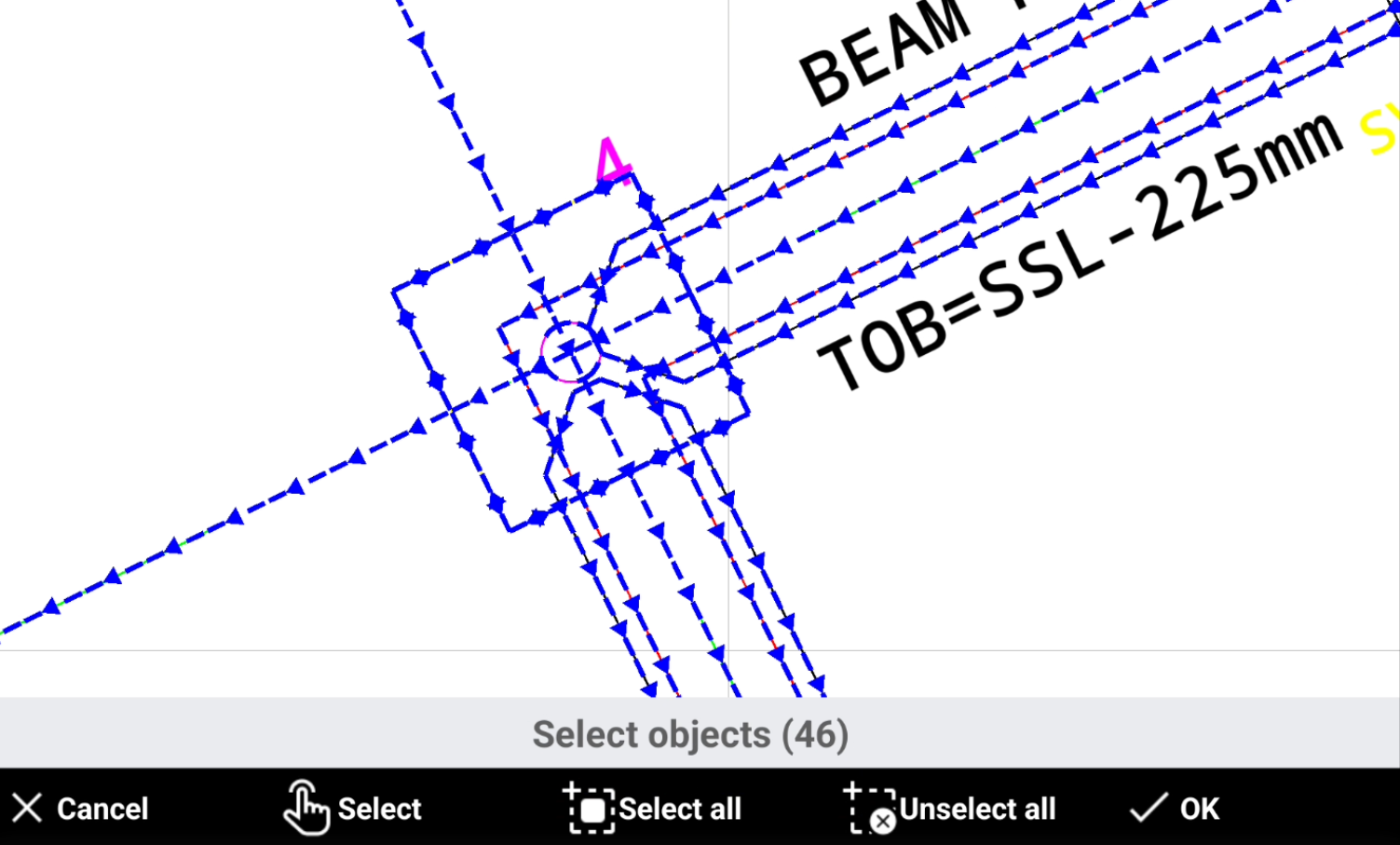
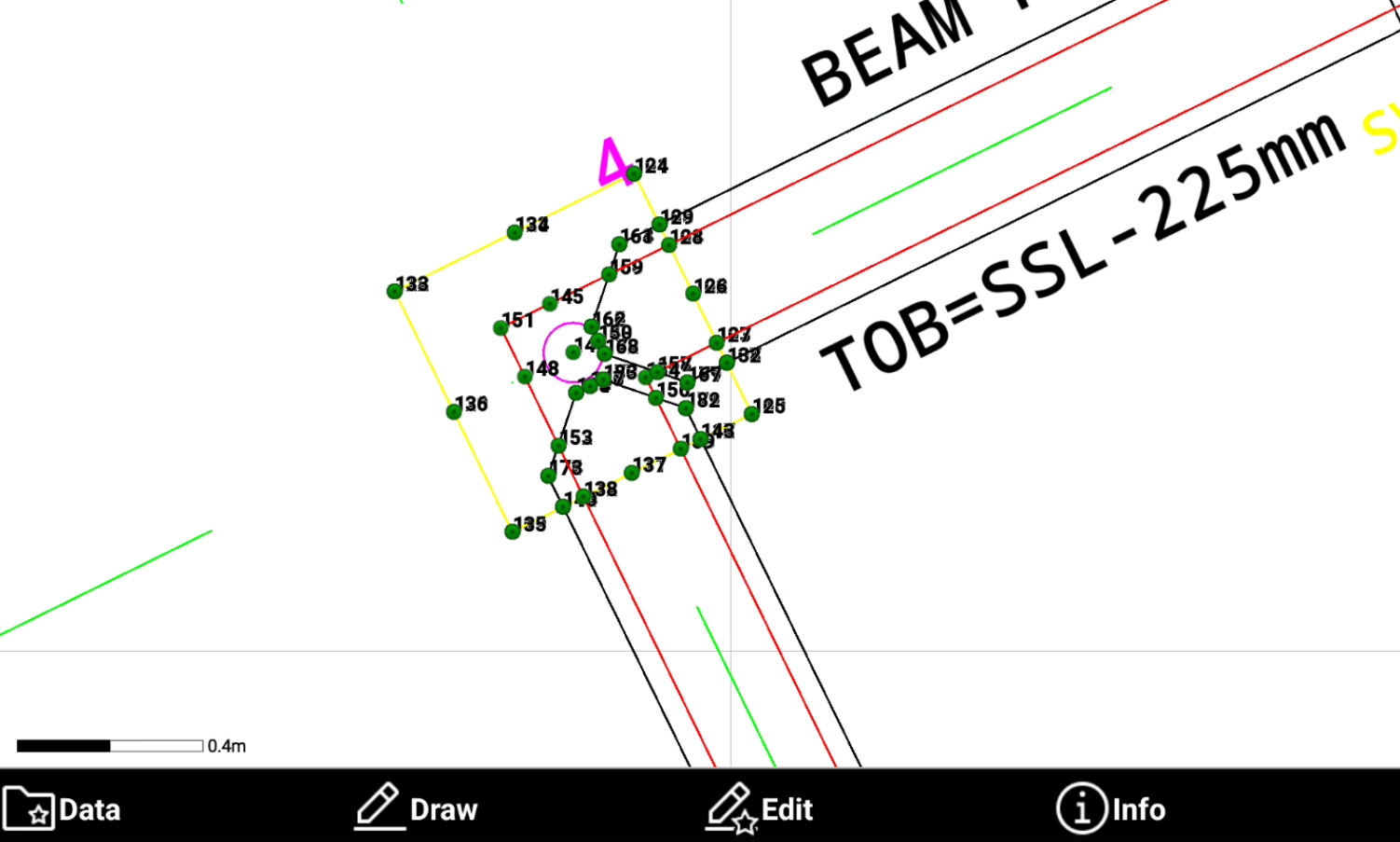
On intersections creates points on the intersections of the selected object.
-
Select Points on object.
-
Select On intersections method.
-
Select the objects in CAD and click OK.
-
Enter the first point name and confirm the calculated points. The software creates the topographic points on the intersections.
On circle centers
-
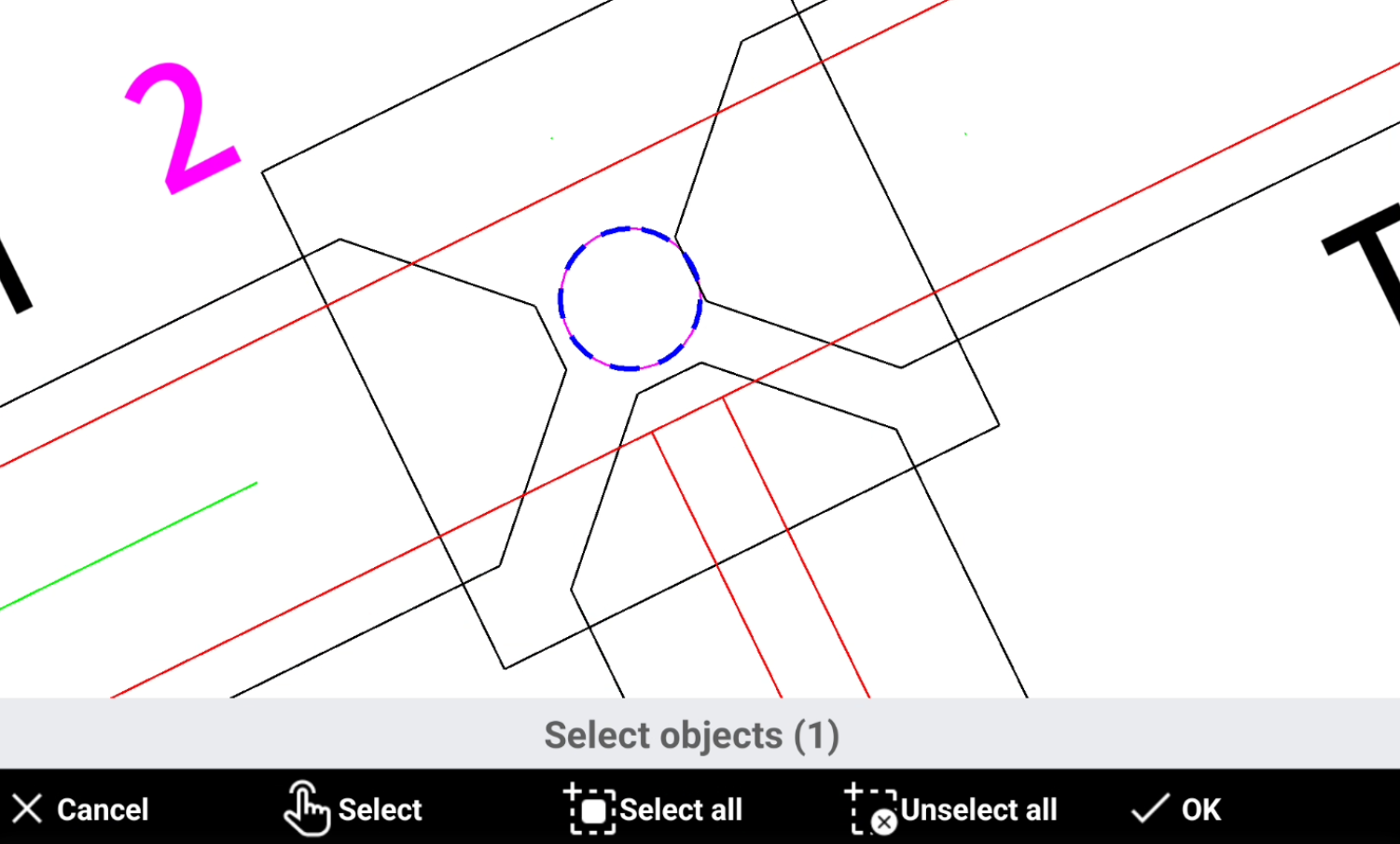
On circle centers creates points on the center of selected circles.
-
Select Points on object.
-
Select On circle centers method.
-
Select the objects in CAD and click OK.
-
Enter the first point name and confirm the calculated points. The software creates the topographic points on the center of selected circles.