

-
Circle 2P command creates a circle passing by two points. The line between the two points represents the diameter of the circle.
-
Click Draw.
-
Click Circle 2P.
-
Select in CAD the two points to create the circle.
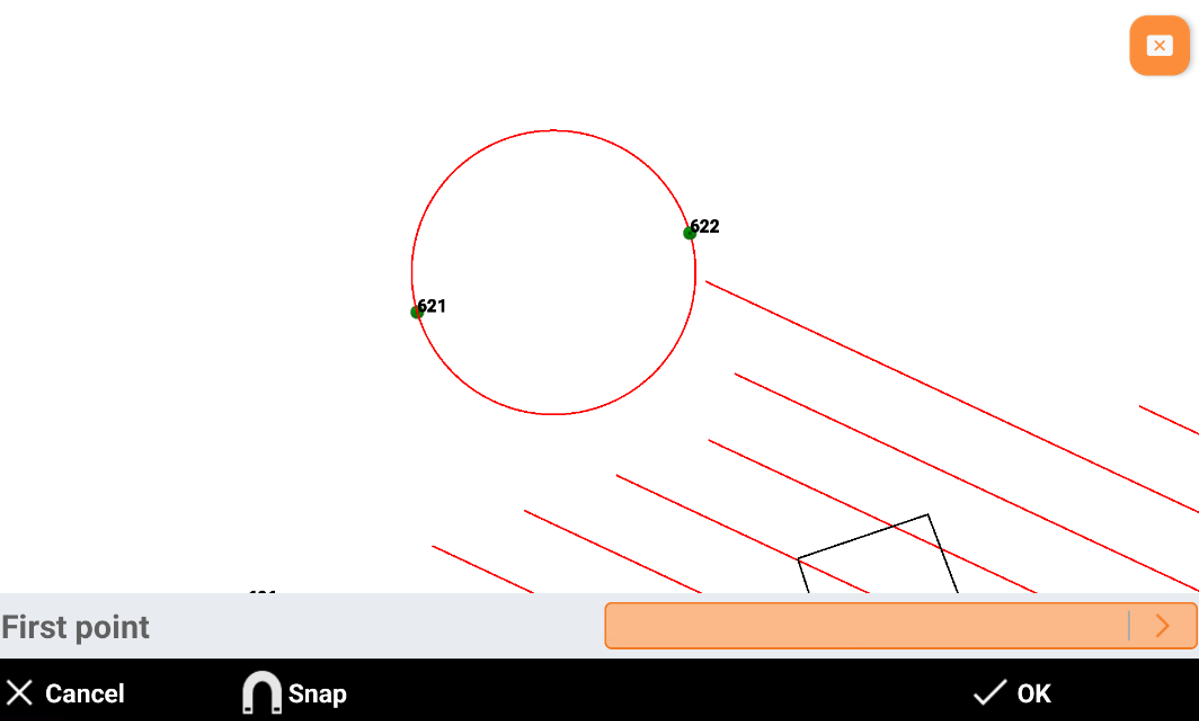

Circle 2P command creates a circle passing by two points. The line between the two points represents the diameter of the circle.
Click Draw.
Click Circle 2P.
Select in CAD the two points to create the circle.