


-
Text command allows to insert a text in CAD.
-
Click Draw.
-
Click Text.
-
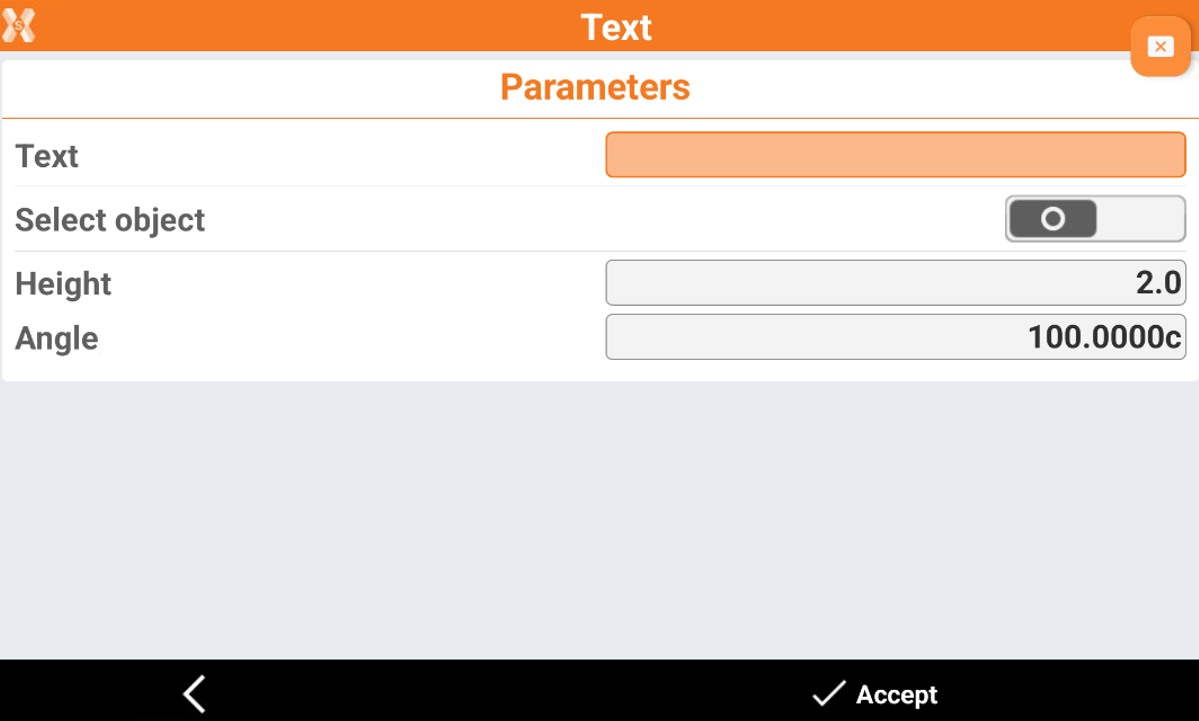
The command opens a new window.
-
Text: the text to enter.
-
Select object: allows to select an object in CAD where to enter the text; the entered text will be aligned to the object. Deselect this field to enter the text in a specific CAD position.
-
Height: the height of the text.
-
Angle: if select object is deactivated, allows to enter the text direction.
-
-
Click Accept to enter the text in CAD.