


-
Line command creates a line between two topographic points.
-
Click Draw.
-
Click Line.
-
Select the first and last point to create the line.
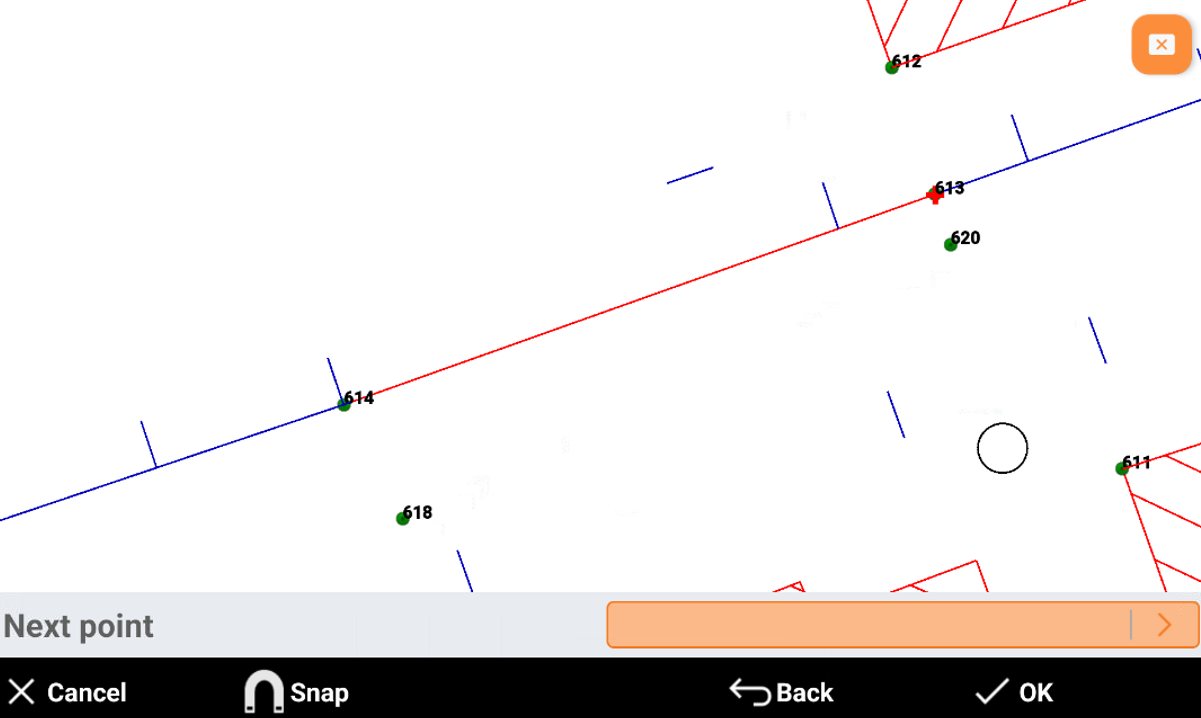
-
Cancel: cancels the created line.
-
Snap: allows to activate the object snap.
-
Back: cancels the last point selected.
-
OK: creates the line.
-